Good afternoon darkshadow93,
Welcome to the Apple Support Communities!
I understand you are not able to turn on your MacBook Air. When did this issue begin? The resources below will help you with troubleshooting steps for this issue:
If your Mac doesn't turn on or start up
About the screens on your Mac as it starts up
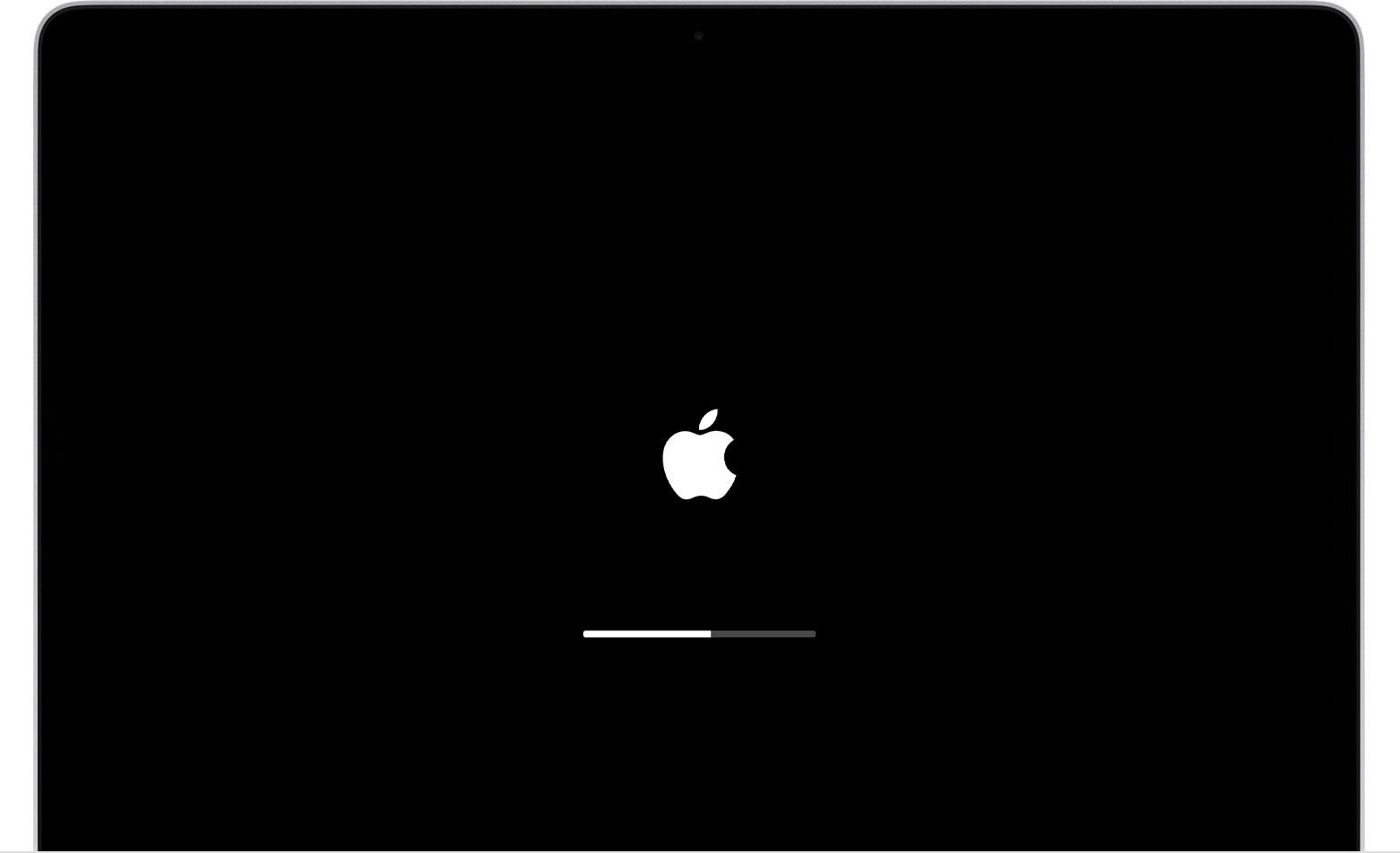
"Your Mac shows an Apple logo when it finds a local startup disk, which is a startup disk built into your Mac or directly connected to your Mac. If it can't find one, it attempts to use a network startup disk, if available. As startup continues, you should see a progress bar or indicator  , with or without the Apple logo. This screen might alternate with a blank screen several times.
If you're updating or reinstalling macOS, this stage can take much longer to complete. The progress bar might move more slowly and pause for longer periods as installation progresses. Learn what to do if your Mac seems to be stuck on this screen during or immediately after installation."
If your Mac starts up to an Apple logo or progress bar
"If your Mac seems stuck on this screen
If you feel that you've waited long enough to know that the installation process will not continue, follow these steps.
- Press and hold the power button for up to 10 seconds, until your Mac turns off.
- Unplug all accessories from your Mac, including printers, drives, USB hubs, and other devices. (You could have an issue with one or more of those devices or their cables.) Then turn your Mac back on.
- If your Mac still doesn't finish starting up, follow the steps to reinstall macOS from macOS Recovery."
How to reinstall macOS from macOS Recovery
Take care.


