Trust request error 0XE8000003
Equipment description: iMac: Oct 2015, 27” 5K display, Fusion HD, OS 10.15.3 and an iPhone Xs Max: iOS 13.3..
Everything has been running fine on both devices, no new software recently added to either.
Today, when I connected my iPhone to my iMac in order to do an encrypted backup to my iMac, after selecting Trust this computer and entering the iPhone's 6-digit passcode then clicking the big Trust button on the iMac, I got Trust request error 0xE8000003.
I rebooted the iMac and iPhone, tried again, got the same error.
I did a hard restart of the iPhone, tried again, got the same error.
I logged out and then logged into an untouched Test account on my iMac, tried again, got the same error.
I booted the iMac from a 3-day old clone, tried again, got the same error.
I then attached the iPhone to myMacBook Pro: (Retina, Mid 2012), 15”, macOS 10.14.6, tried again, and it connected perfectly and I did an encrypted backup to that computer.
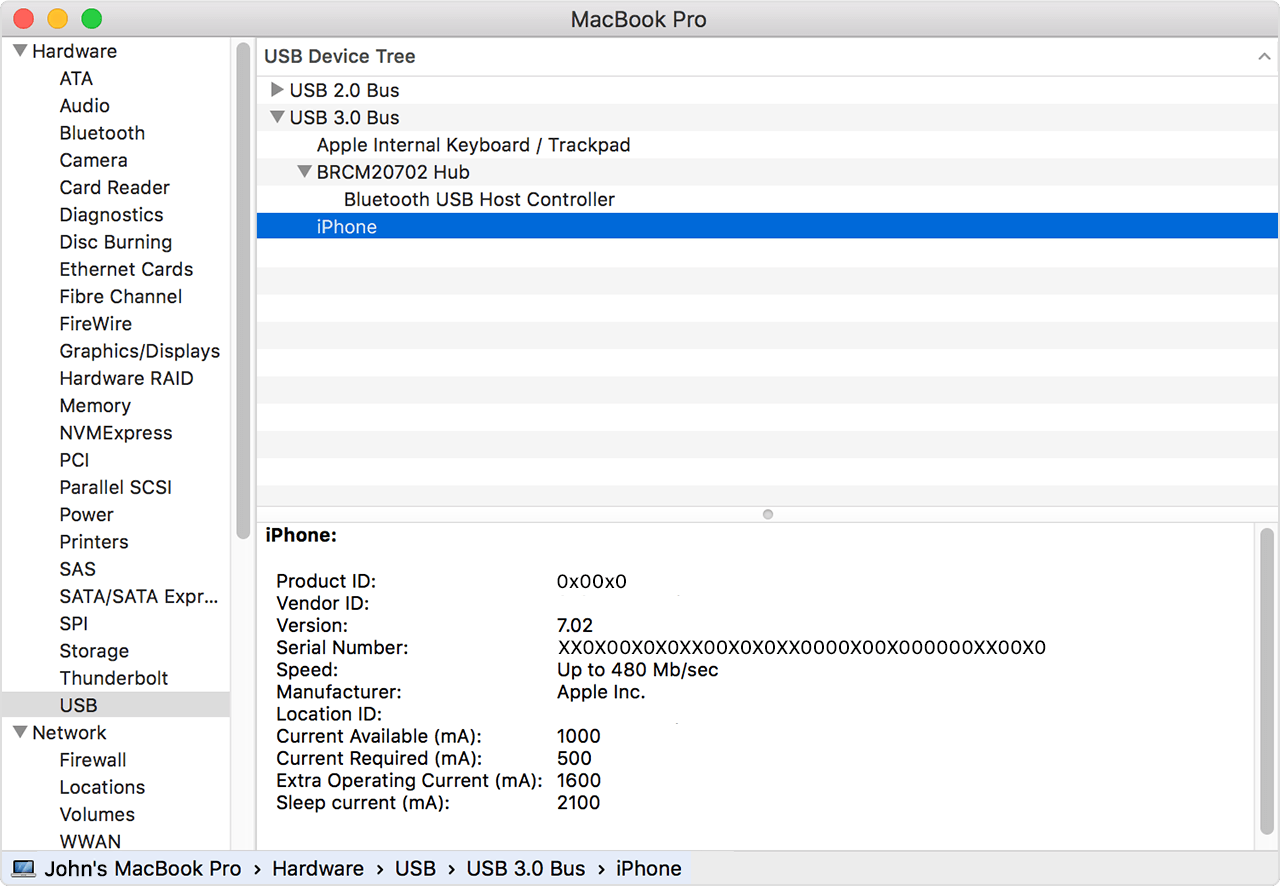
I did a safe boot of my iMac and was surprised to see that the iPhone did not show up in the Finder window.
I tried different USB ports, got the same error.
At this URL, https://support.apple.com/en-us/HT202778 I found this advice:
If the above steps don't help, go to Settings > General > Reset and tap Reset Network Settings. This also resets Wi-Fi networks and passwords, cellular settings, and VPN and APN settings that you’ve used before.
I also found a thread on Apple Support...
https://discussions.apple.com/thread/250716704
...full of nuclear options like restoring the iPhone to factory settings.
Help! Please?
MacBook Pro 15", macOS 10.14