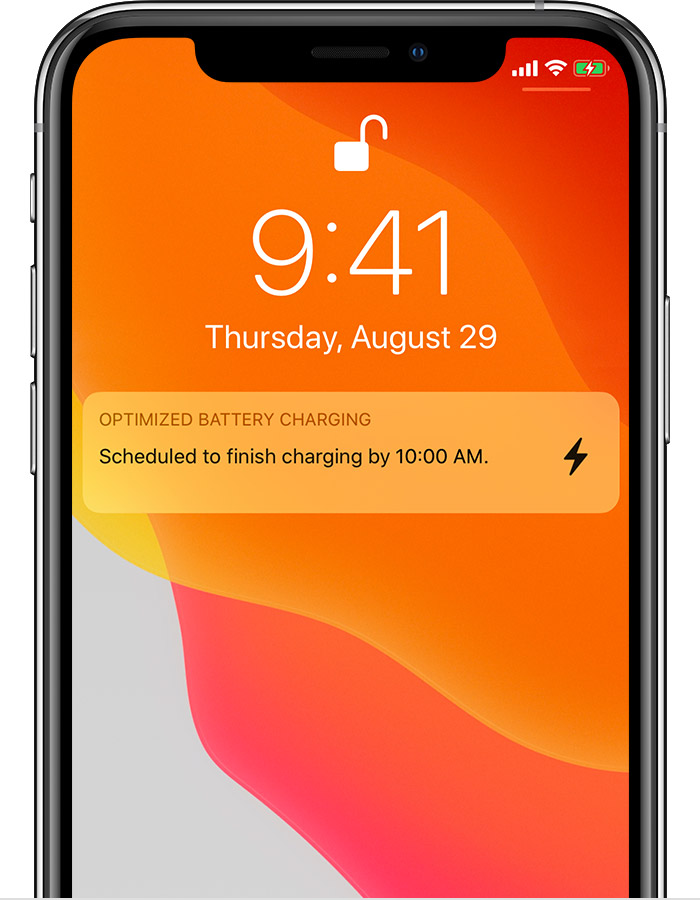
“Optimum Battery Charging” has never worked
I go to bed and plug in my iPhone 11 between 9:30 and 10:30 each night, and I wake up and unplug at exactly the same time each morning. “Optimum Battery Charging” is supposed to hold the battery at 80% until the last half hour, but it never has. The phone is always fully charged around midnight, according to the graph in Settings > Battery.
In chat an Apple service representative said that the longer cord I used could be the problem. I doubted that, because the longer cord is heavy enough to have roughly the same resistance and impedance as the stock cord. (I’m an electronics engineer, so don’t @ me.) But I humored her and used all original equipment for six weeks, even though it’s a pain to have a short cord when I want to read in bed. After six weeks, still not working. The same SR ran remote diagnostics, and hardware is fine.
What is so hard about this, Apple? Why not tie Optimum Battery Charging to the Bedtime clock feature, so the last 20% of charge comes 1/2 hour before the alarm?
At this point I am the definition of insanity, doing the same thing over and over but expecting different results.
If I can’t get this solved, I will go back to the way I used to charge my phone, off and on throughout the day. For a phone this expensive, all the features should work.
iPhone 11, iOS 13