I think I am describing a different situation than you are. This happens for all pdfs on a few OS installs now over the last few years.
Here are the steps to reproduce what I am talking about:
1) Click on any link to view a pdf in the Safari browser window.
2) In the menu that appears when you hover your mouse over the bottom of the browser window, click the button to open the pdf in Preview.app.
3) Click the document title at the top of Preview.app to change the location of the pdf from the download cache folder to any folder on your computer.
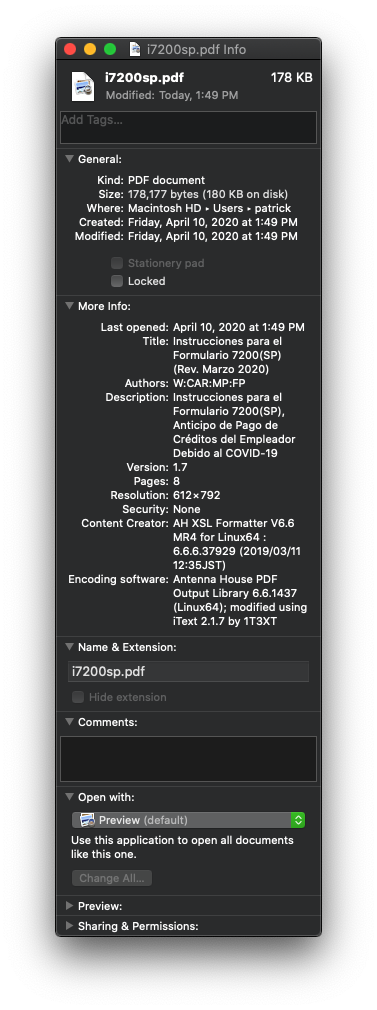
4) Notice that the pdf is now automatically "Locked."
Here is the info pane for a pdf I just downloaded from the IRS, after following my steps to reproduce the behavior: