You should not need the accessibility functions to accomplish what you are asking about.
Menu > about this Mac > (System Report) > Graphics&Displays
will show you two important settings under your display.

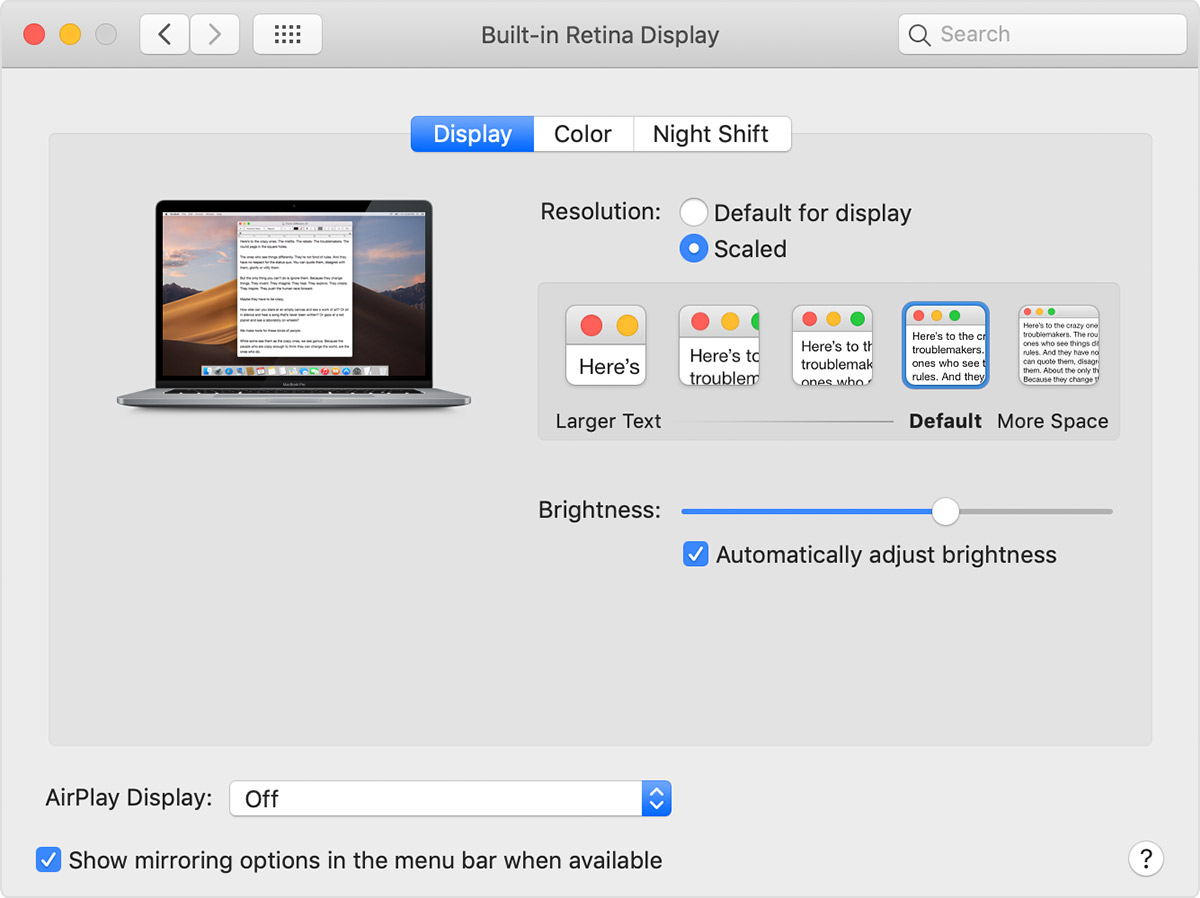
under the word Display, you see the ACTUAL resolution your display is currently set to. This should be the same as "default for display" and produce the clearest, most detailed graphics possible.
The next line is: User Interface (UI) Looks like. This tells you about Scaled settings which apply ONLY to User-Interface items such as text.
If you are not seeing choices under System preferences > Displays , try holding the Option key while you click on the list of resolutions. N.B.> these are the "scaled" resolutions for the User Interface ONLY. Your display should always be set to the highest and best for display, despite what you choose under scaled.