Catalina start up wallpaper

Hello,

as from Catalina 10.15.4 my Mac starts with the official Catalina wallpaper, then reverts to black background (my selection).

How to disable the Catalina picture or to replace it with a pure black background or with a black wallpaper.

MacBook Pro Retina

Posted on Apr 21, 2020 9:05 AM

Reply
5 replies

Apr 23, 2020 12:54 AM in response to dialabrain

I did a search and found a lot of nonsense; from breaking in into the read only disk partition to different command lines but also a lot of complains of system instability or bootup crashes after the above mentioned changes....


Apple says about login window
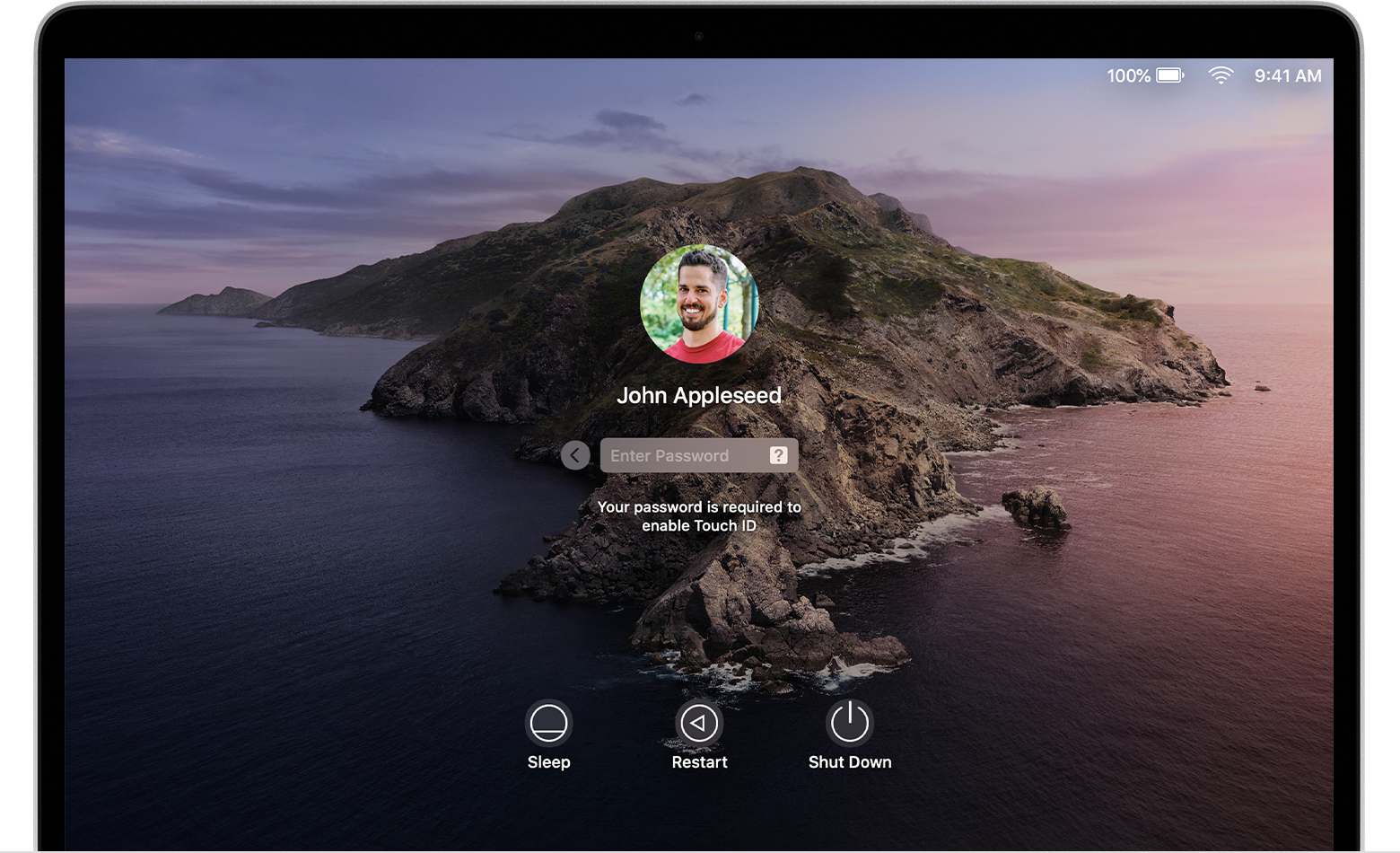


At the login window, enter your user account password to log in to your Mac. If FileVault is turned on, this also unlocks your disk. You might see a default desktop picture in the background, which might change to your chosen desktop picture when you select your account.


I say that default on my computer is what I want and not what Apple wants!


This thread has been closed by the system or the community team. You may vote for any posts you find helpful, or search the Community for additional answers.

Catalina start up wallpaper

Welcome to Apple Support Community
A forum where Apple customers help each other with their products. Get started with your Apple Account.