Greetings, Malcolm!
Thanks for reaching out to the Apple Support Communities! It sounds like you are having an issue using macOS recover on your MacBook Air. Please check out this article About macOS Recovery. Specifically:
If your Mac can't start up from its built-in macOS Recovery system, it might try to start up from macOS Recovery over the Internet. When that happens, you see a spinning globe instead of an Apple logo during startup:

To manually start up from Internet Recovery, press and hold either of these key combinations at startup:
If startup from Internet Recovery is unsuccessful, you see a globe with an alert symbol (exclamation point):
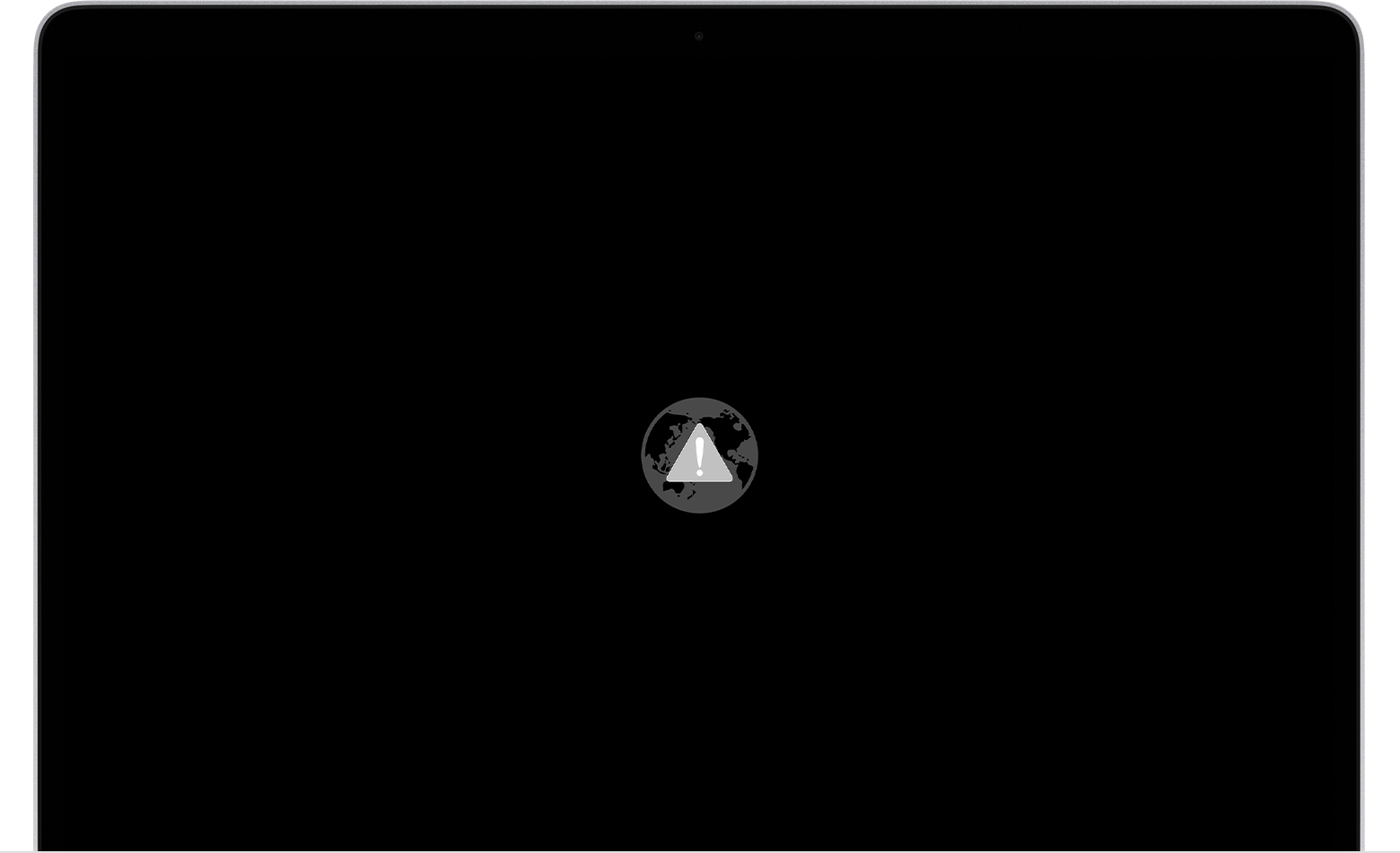
In that case, try these solutions:
- Make sure that your Mac can connect to the Internet. If you're not prompted to choose a Wi-Fi network during startup, move your pointer to the top of the screen, then choose a network from the Wi-Fi menu
 , if available.
 - Press Command-R at startup to try using the built-in Recovery system instead of Internet Recovery.
- Connect to the Internet using Ethernet instead of Wi-Fi, or vice versa.
- Connect to the Internet from a different Wi-Fi or Ethernet network. Your network configuration might not allow the Internet access that macOS Recovery needs.
- Try again later, because the issue might be temporary.
- Start up from another disk or volume, if available, or use a bootable installer to reinstall macOS.
If you still need help, please contact Apple Support."
Have a great day!


