Need June 2020-May 2021 calendar template

Need a calendar that I can add notes for specific days. Can't find anything online (very time consuming): pages has zero calendar templates. Need printable template that I can notate.

Ideas?

Thank you!

iMac 21.5″, macOS 10.13

Posted on Jun 16, 2020 1:28 PM

Reply
Question marked as Top-ranking reply

Posted on Jun 19, 2020 4:31 PM

Hi vesta,


Take a look at the calendar template in Numbers. The image below is of the one month calendar initially presented by the version of that template included with Numbers 3.


I've included only the first two rows of the calendar grid in this screen shot and the one that follows.
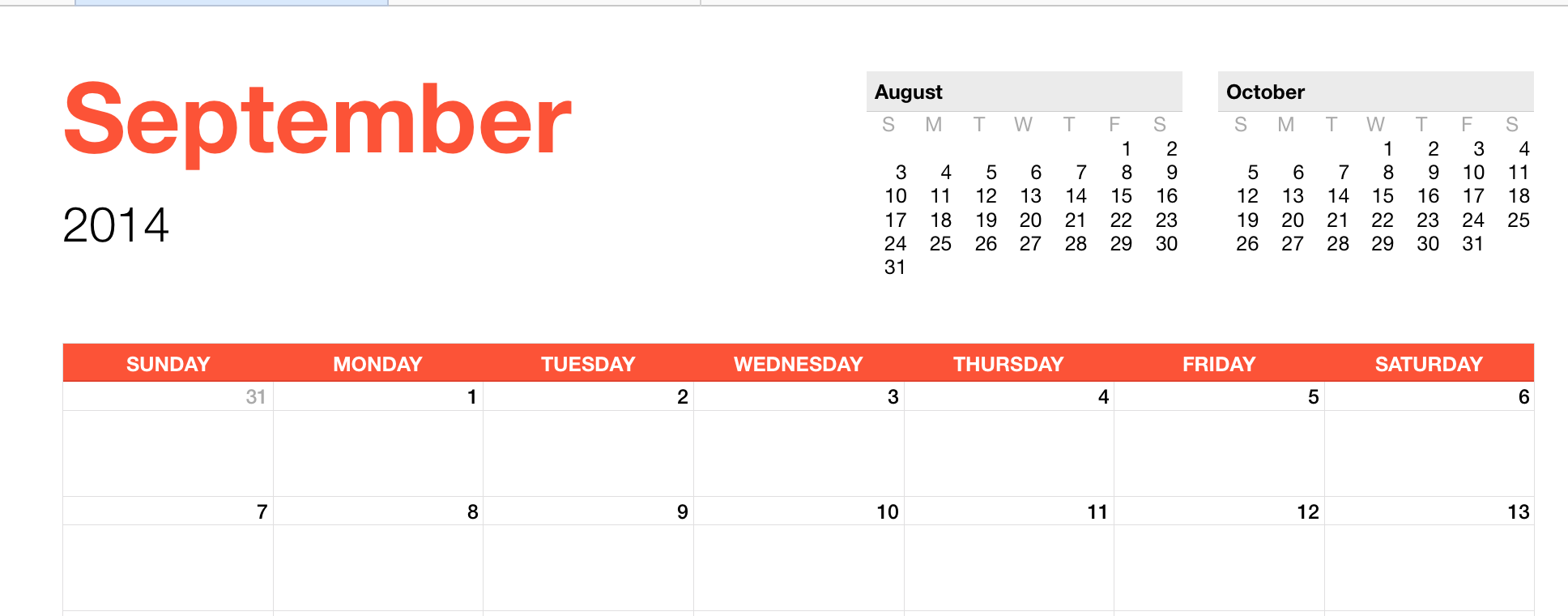

Changing the calendar to show a different month (and year) is a simple matter.

The cell containing the Month name is a popup menu, from which you choose the month.

The cell containing the year number is a stepper cell, whose value is changed by clicking the stepper controls seen to the right of the selected cell.

Those are the only values that need to be changed by the user. Everything else is calculated by Numbers.
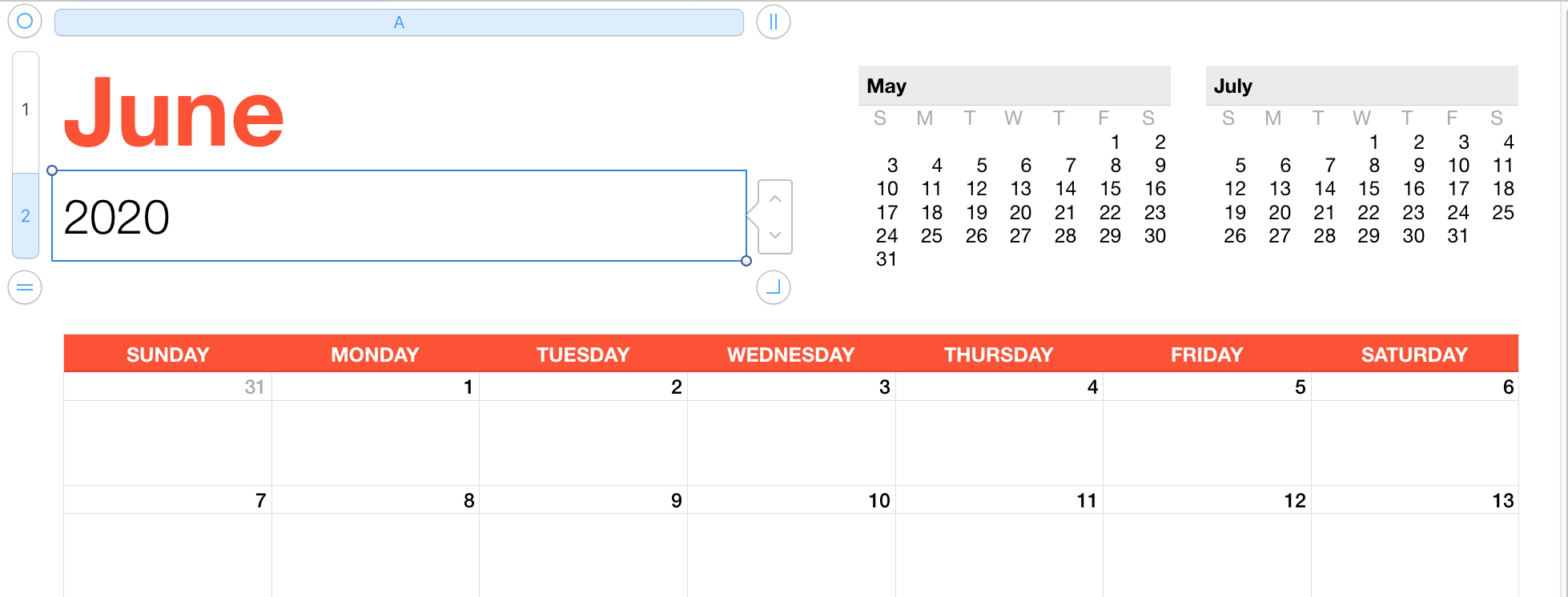

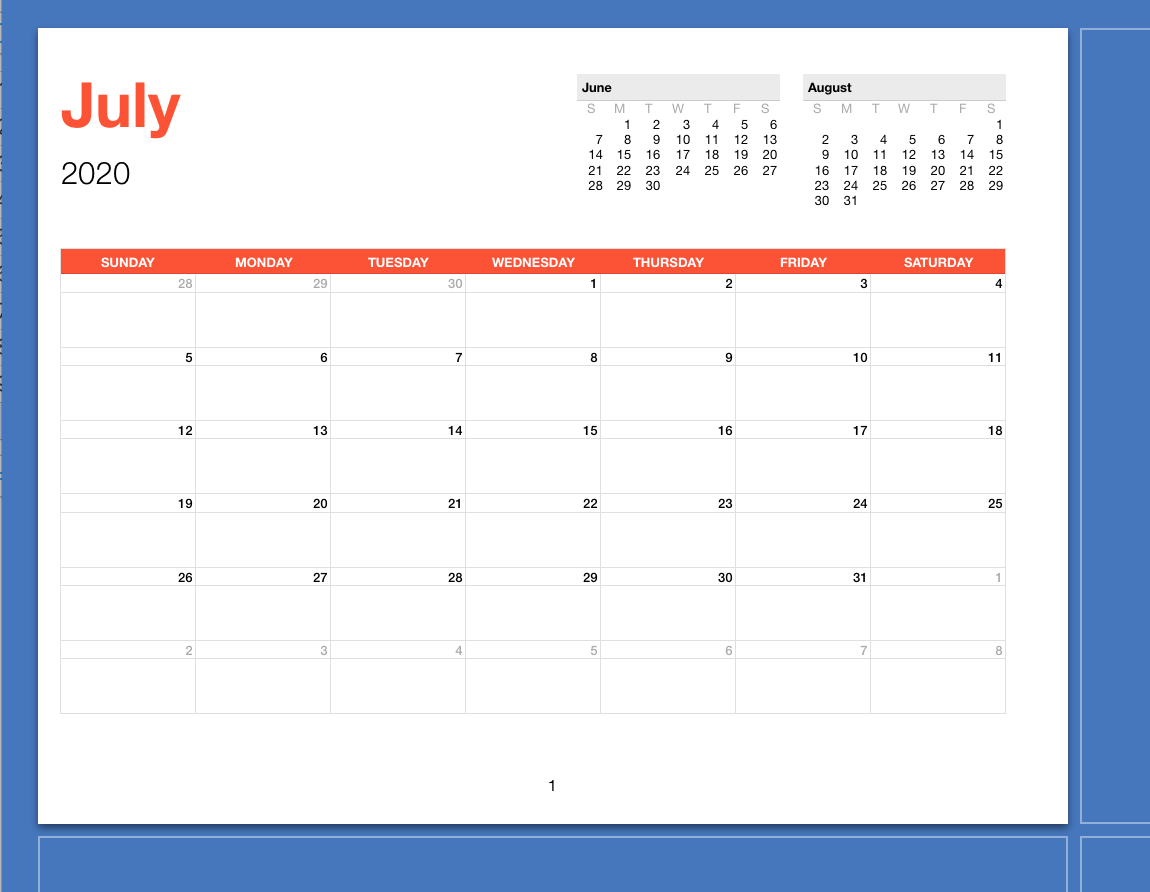
As seen in this Print setup view, the month's calendar is scaled to fit on a US Letter size page. In regions using A4 size paper, I suspect the provided template has been resized to fit that page size.


Regards,

Barry


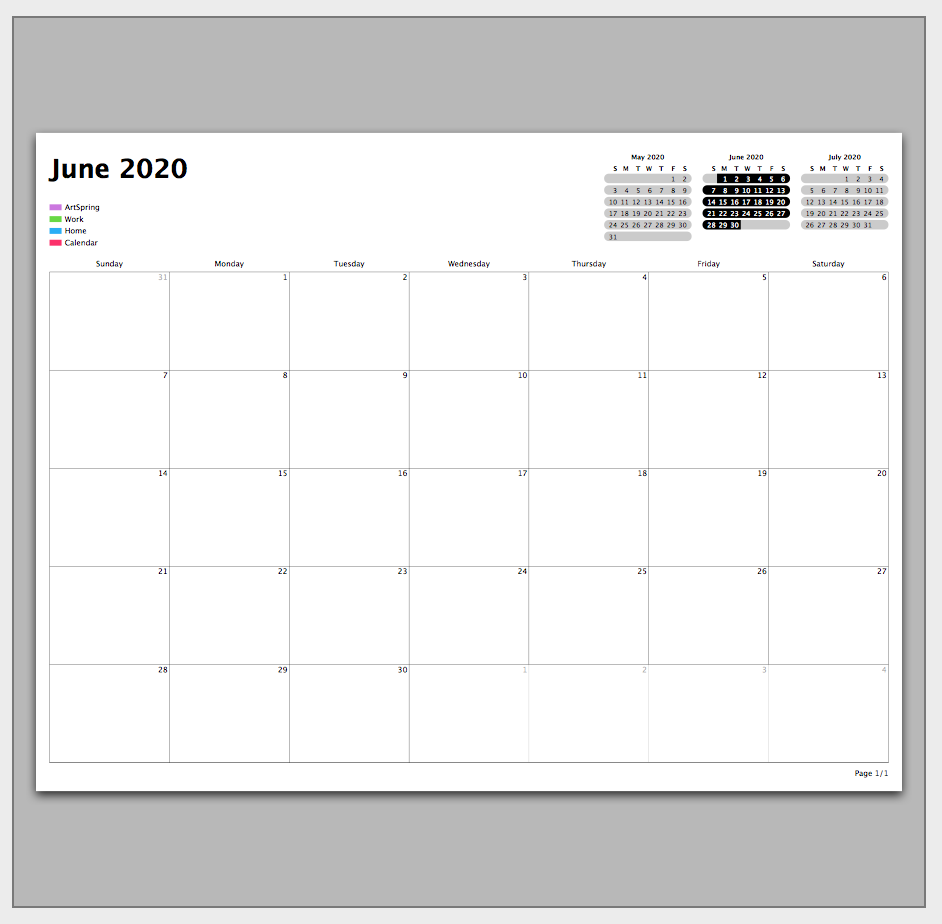
PS: Just took a look at the Calendar app, as recommended by Chris above.

Pressed command-P to open the print dialogue and take a look at the thumbnail of the printed page.


Very similar to the Numbers version:

B.

2 replies
Question marked as Top-ranking reply

Jun 19, 2020 4:31 PM in response to vesta822

Hi vesta,


Take a look at the calendar template in Numbers. The image below is of the one month calendar initially presented by the version of that template included with Numbers 3.


I've included only the first two rows of the calendar grid in this screen shot and the one that follows.


Changing the calendar to show a different month (and year) is a simple matter.

The cell containing the Month name is a popup menu, from which you choose the month.

The cell containing the year number is a stepper cell, whose value is changed by clicking the stepper controls seen to the right of the selected cell.

Those are the only values that need to be changed by the user. Everything else is calculated by Numbers.


As seen in this Print setup view, the month's calendar is scaled to fit on a US Letter size page. In regions using A4 size paper, I suspect the provided template has been resized to fit that page size.


Regards,

Barry


PS: Just took a look at the Calendar app, as recommended by Chris above.

Pressed command-P to open the print dialogue and take a look at the thumbnail of the printed page.


Very similar to the Numbers version:


B.

Jun 19, 2020 3:26 PM in response to vesta822

Hello vesta822,


Welcome to Apple Support Communities. From what I understand, you are looking for a calendar that you can writing notes on, that is printable, correct? I'm here to help you take a look in to that!


The Calendar app, when adding an event you are able to add a note onto the event. You are able to print the Calendar app and see the main heading of the event booked that day:


Calendar User Guide


What I recommend is check the App Store for an app that might fill this requirements:


App Store Support


Best of luck!


This thread has been closed by the system or the community team. You may vote for any posts you find helpful, or search the Community for additional answers.

Need June 2020-May 2021 calendar template

Welcome to Apple Support Community
A forum where Apple customers help each other with their products. Get started with your Apple Account.