Animating a ripple

Hello! I know the answer is probably staring me in the face, but I've hit a wall! So, I have a circle that I have animated, which gets larger and blurs and fades, and I just want this to repeat multiple times like a ripple effect. Instead of just copying the layer and moving along the time line slightly, is there another way, like you have Repeater value in AfterEffects?


A thousand thanks!


Posted on Oct 5, 2020 7:43 AM

Reply
Question marked as Top-ranking reply

Posted on Oct 5, 2020 3:27 PM

One of the easiest, quickest and "dirtiest cheats" is to use a Generator.


Go to Add Object > Generators > Generators > Concentric Shapes:
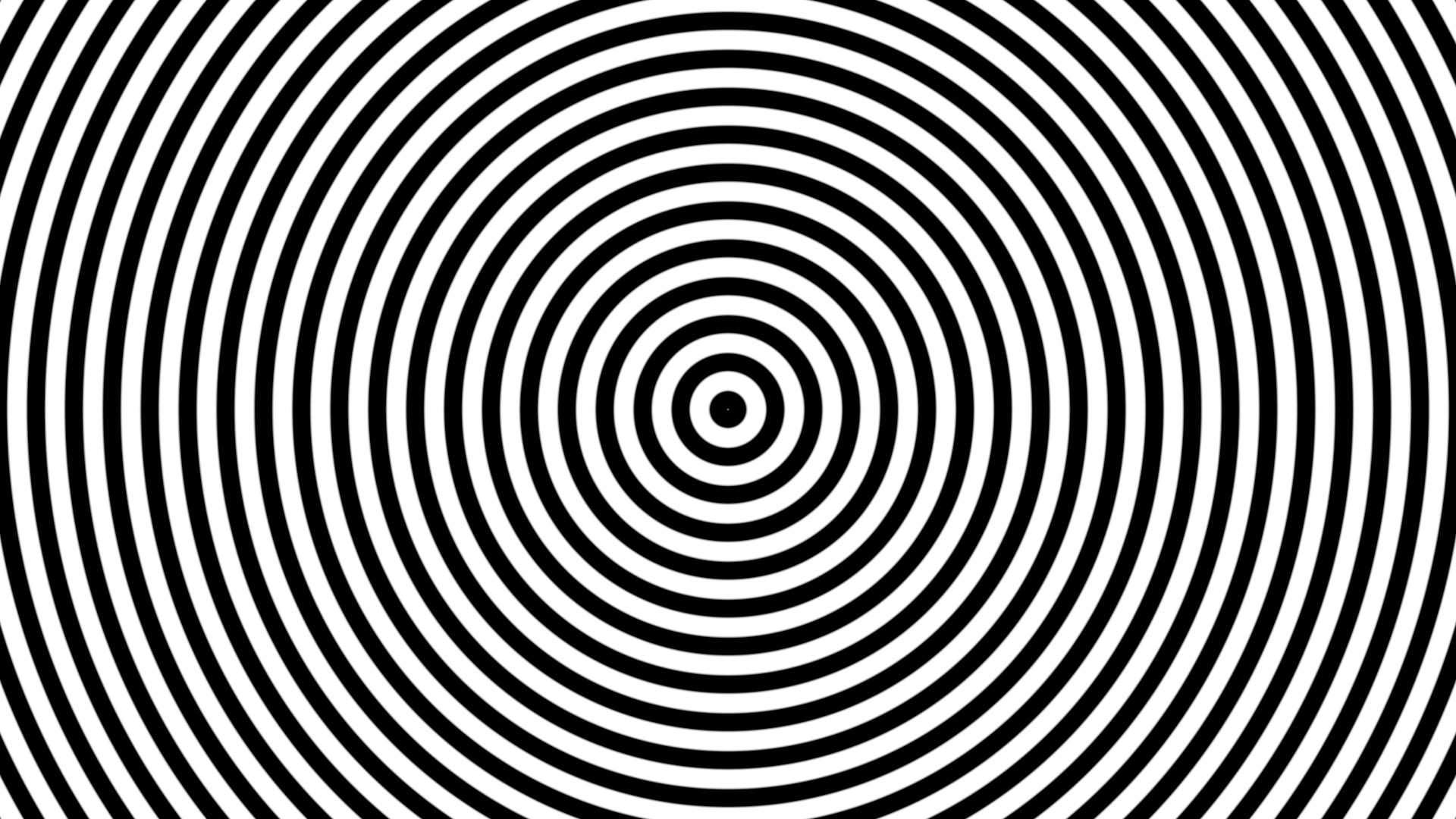

Turning this into your animation takes a couple of tricks.


Set the Width parameter to about 120 (to start - you can definitely fine tune this later).

Set the Contrast down to about 0.35 (again... playable).


Right click on the Phase and Add Parameter Behavior > Rate (you can adjust this to create the speed of animation) Set the initial Rate to about 100 (adjustable).


Add a Filters > Color > Threshold filter.

Set the Threshold to 1 and the Smoothness to about 0.03 (you do not want any pixelation along the edges of the circles).


Add a Circle Mask (centered) and increase the feathering so that the ripples taper off at the end of your animation:
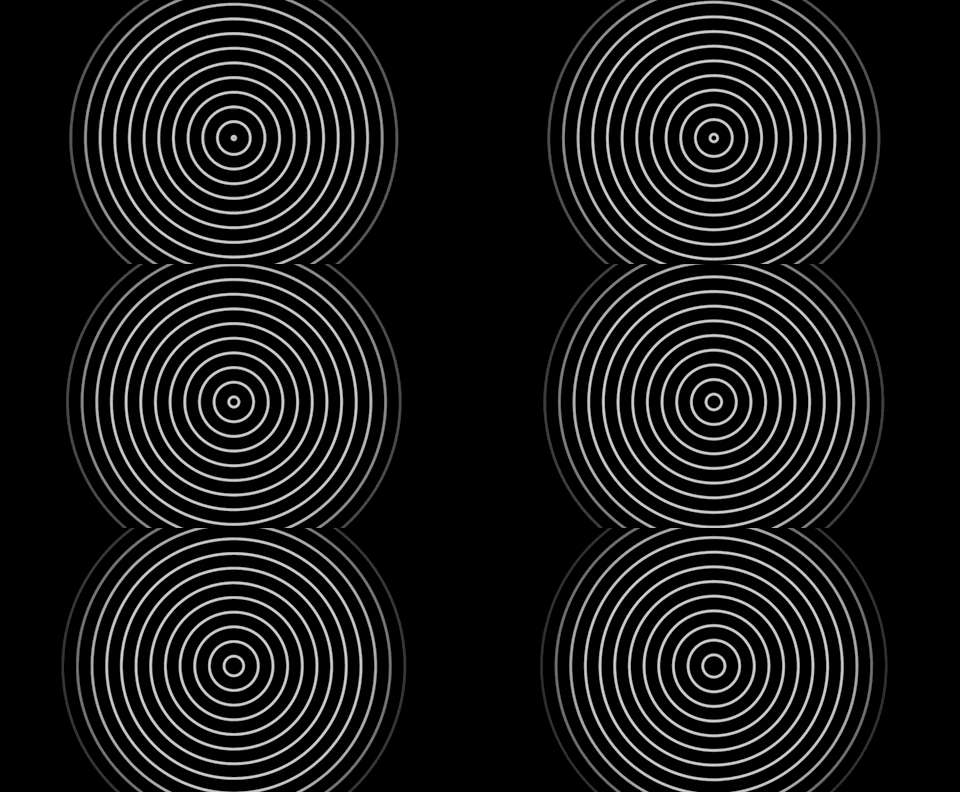


If you want the ripples to begin from a single point, then animate the circle mask to start off with 0 radius and expand it to full size.


This is only one method — there are others... less easy.


4 replies
Question marked as Top-ranking reply

Oct 5, 2020 3:27 PM in response to thirdedge

One of the easiest, quickest and "dirtiest cheats" is to use a Generator.


Go to Add Object > Generators > Generators > Concentric Shapes:


Turning this into your animation takes a couple of tricks.


Set the Width parameter to about 120 (to start - you can definitely fine tune this later).

Set the Contrast down to about 0.35 (again... playable).


Right click on the Phase and Add Parameter Behavior > Rate (you can adjust this to create the speed of animation) Set the initial Rate to about 100 (adjustable).


Add a Filters > Color > Threshold filter.

Set the Threshold to 1 and the Smoothness to about 0.03 (you do not want any pixelation along the edges of the circles).


Add a Circle Mask (centered) and increase the feathering so that the ripples taper off at the end of your animation:


If you want the ripples to begin from a single point, then animate the circle mask to start off with 0 radius and expand it to full size.


This is only one method — there are others... less easy.


This thread has been closed by the system or the community team. You may vote for any posts you find helpful, or search the Community for additional answers.

Animating a ripple

Welcome to Apple Support Community
A forum where Apple customers help each other with their products. Get started with your Apple Account.
