Rather than downloading a third party app like Pages Data Merge.app I've had better results just using native Apple technology.
You can personalize your newsletter using a short JavaScript for Applications (JAX) script that gets information from a Numbers table and inserts it in the relevant places in a Pages document.
You don't need to know much about scripts to use this one. Just copy-paste into Script Editor (in Applications > Utilities), change the dropdown upper left from the default AppleScript to JavaScript and make some small edits in the first few lines to change the name of the Pages template to match yours and to "map" the column letters to your specific Numbers table.
The Pages template will be your newsletter, where you've selected text in relevant places and Format > Advanced > Define as Placeholder Text, then File > Save as Template, give it a name in the Template Chooser, and in the script change the name to match the name you have given it the Template Chooser.
After that, it's basically open the Numbers document and click to run the script. (The first time, make sure Script Editor is listed and checked at System Preferences > Security & Privacy > Privacy > Accessibility -- or similar in Big Sur).
Here is an example for a letter. The process will be similar for a newsletter, but your Pages template will be a newsletter instead of a letter.
Working from this Numbers table:

And a saved template under My Templates in the Template Chooser at File > New that looks like this:
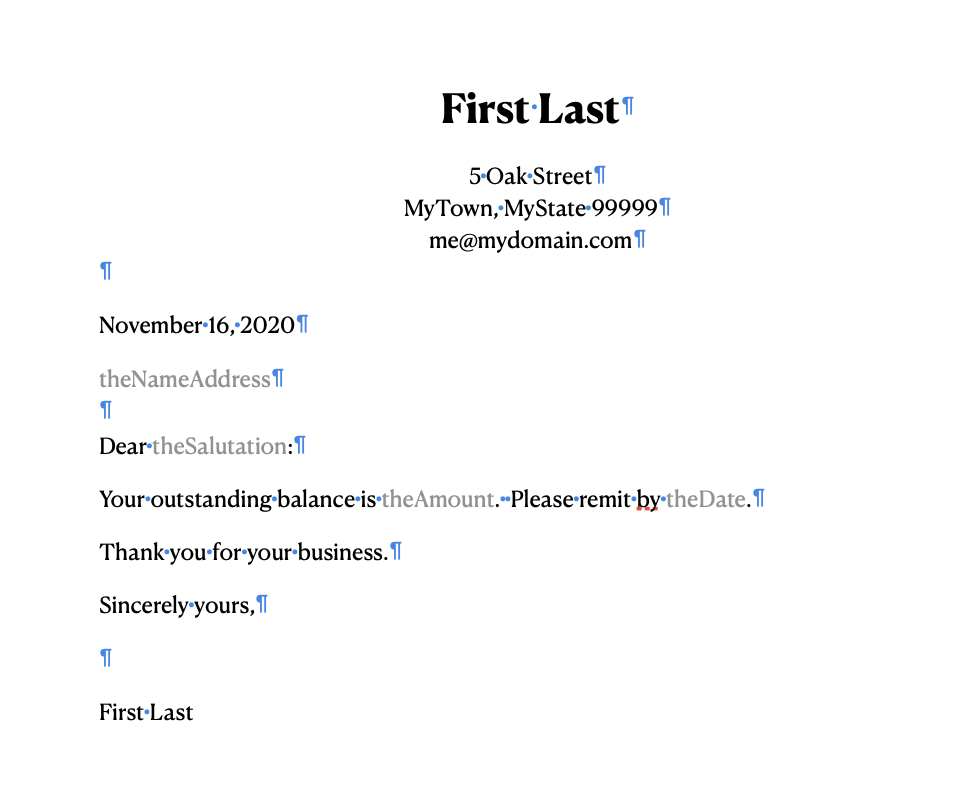
(The grey portions show where I selected text and chose Format > Advanced > Define as Placeholder Text. Normally they wouldn't be gray. The black parts are where text has been typed in, replacing any placeholders that were originally there. )
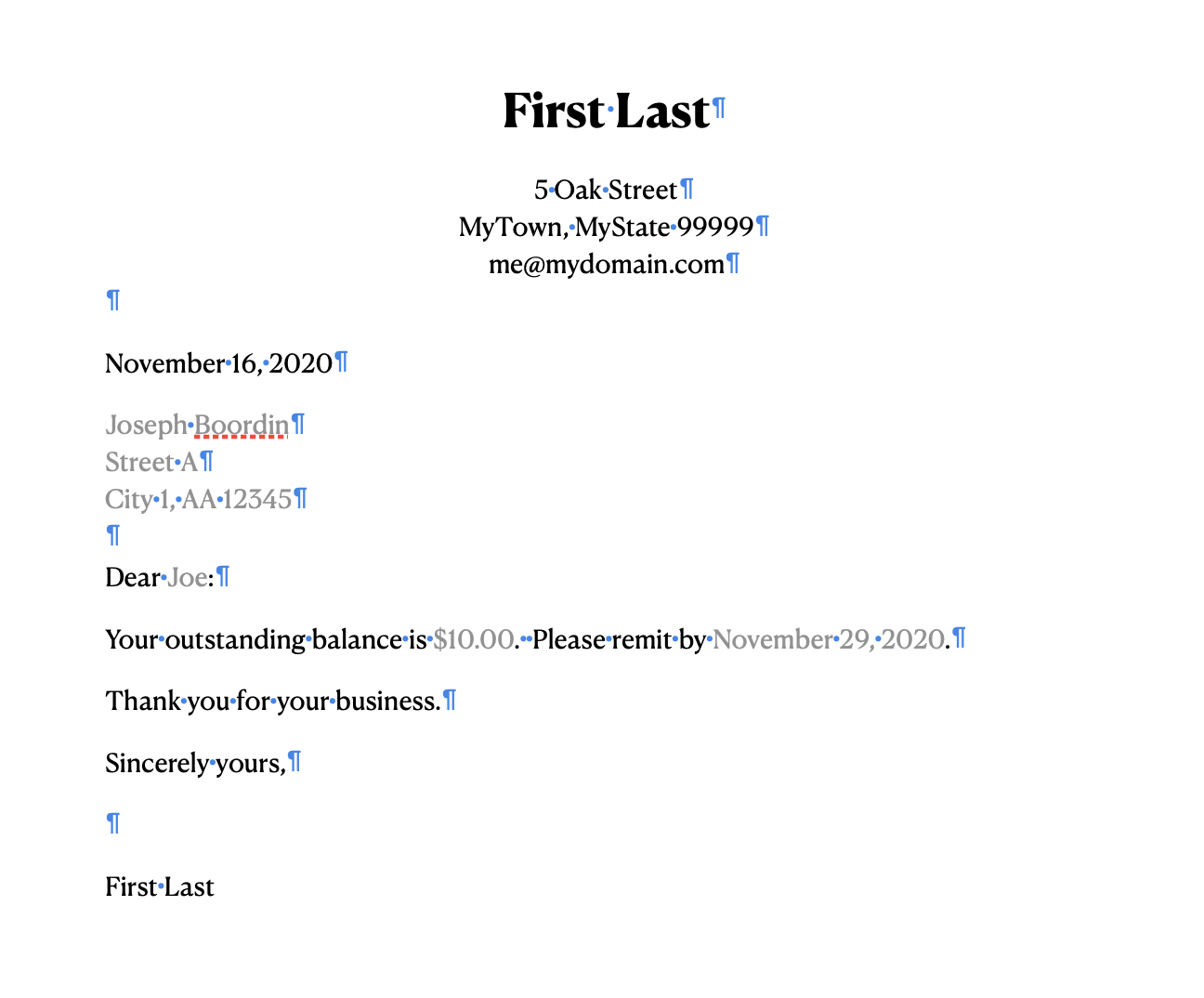
"Out of the box" (not much tinkering needed below the first line except to uncomment the print line when ready) this script will produce letters that look like this with a click:
Here is the script that you can copy-paste into Script Editor:
Or instead to get a quick feel for how this works I suggest downloading demo files and scripts here (Dropbox download). The relevant files are 'My Pages Template.pages' (which needs to be Save as Template into the Template chooser, 'Numbers to Pages letter mail merge.scpt', and 'Letter mail merge data.numbers'. Trying them out should take only a few minutes.
Then post a description of your Numbers data table, what information you want to insert into your newsletter, and any problems you are seeing. The script can easily be modified to suit.
The script assumes you want to print the (news)letter but if instead you want pdfs then that can be done also.
SG



