The green and the orange display that the camera is active and the microphone is active, respectively, and not that there is recording happening. There might be. Or there might not.
When you make a telephone call, you listen to the speaker, and you speak into the microphone. The orange indicator will be displayed, as the microphone is active/hot/listening/in-use. Whether that telephone call is or is not being recorded is a completely different matter. Rephrased, r]the phone app inherently uses the microphone, and that means the orange indicator will be displayed. That doesn’t mean you’re being recorded. Or not being recorded. The other party in a call csn record the call, discussions of the legality or ethics of recording telephone calls aside.
The orange indicator is sometimes shows as red, depending on the contrast between the orange color and the current screen background.
Official info: Status icons and symbols on your iPhone - Apple Support
I’d suggest finding better sources or information, too. Or do please share your source of information here, so that we might check for more comedy.



 means the microphone is being used by an app on your iPhone.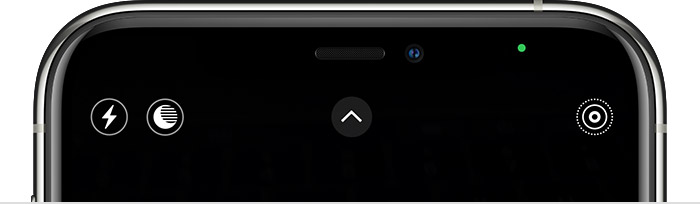
 means either the camera or the camera and the microphone are being used by an app on your iPhone.



