I have a similar Dell monitor and use an Apple HDMI adaptor and a certified HDMI cable. HDMI is sensitive so you need to use highest quality connectors and cables with HDMI.
You can also try other types of connections to see if this is specific only to your HDMI connection or if it occurs regardless of how the monitor is connected.
I have never seen that model of hub/dock you are using. Is it configurable somehow to avoid putting devices to sleep?
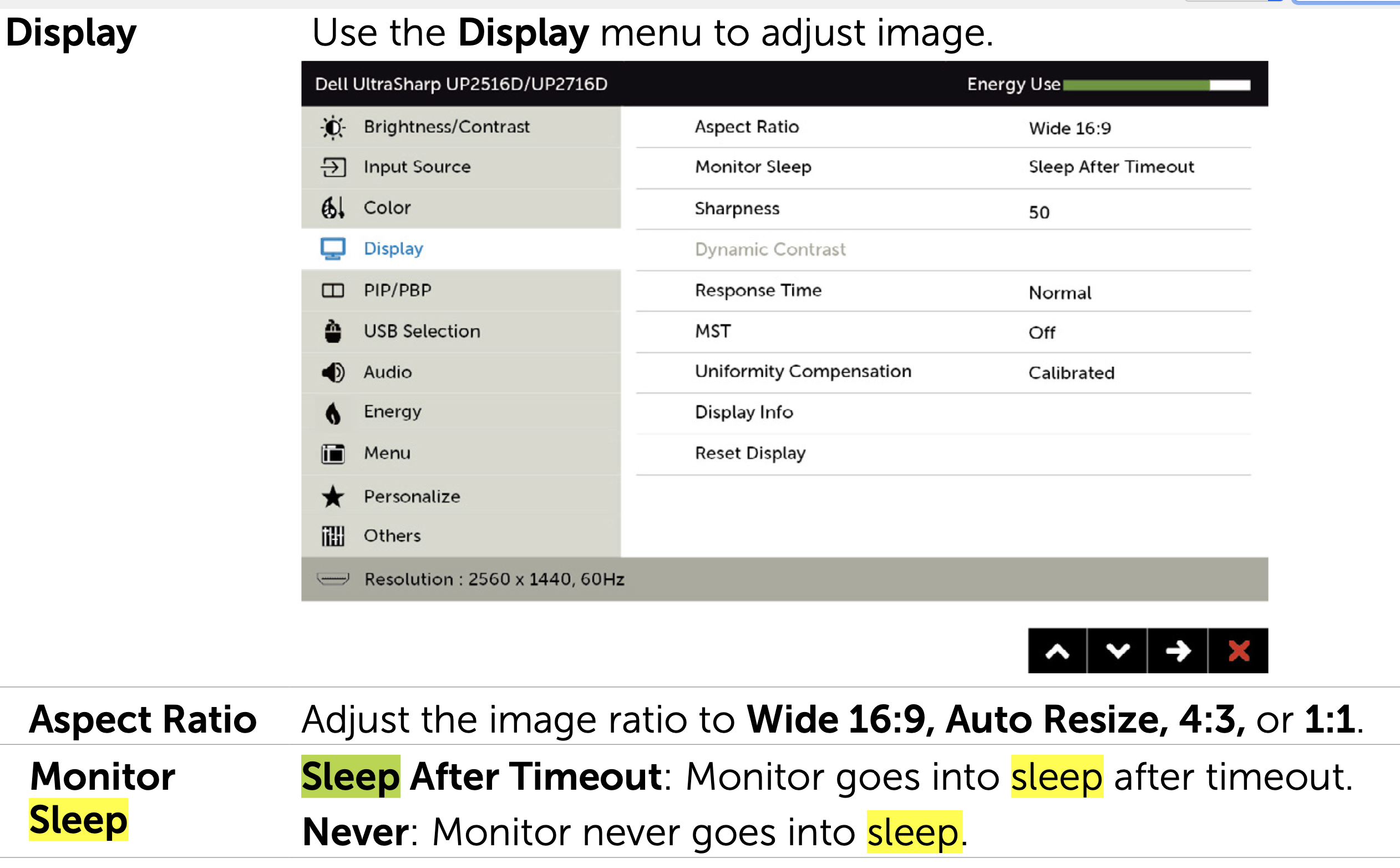
One suggestion: check the monitor sleep setting, try changing it to "never."
You might also check other monitor settings to see if any might be causing it to go blank.