You can flatten image layers in the appropriate tool (e.g. Photoshop, GIMP, etc.), but not PDF. The process of creating a PDF uses up to five different compression techniques (depending on the content) to make the PDF smaller, but without setting a password on the ability to copy text, images, etc. there is no protection from selecting and copying images from the PDF.
I went back and performed a Print… PDF > Save as PDF from Pages on macOS High Sierra and Mojave. Even Pages '09 v4.3. Those PDF contained multiple images and when opened in Preview, LibreOffice v7.2, and Affinity Designer, in every instance, I could select, copy, and paste the image through the clipboard and into Preview.
In macOS Big Sur, using Pages v11.2, I also created new text and image content. Again, I did the Print… PDF > Save as PDF, and without choosing any security precautions, I got the same result as the second paragraph.
However, on the Save as PDF panel, there is a Security Option… button that takes you to this panel:
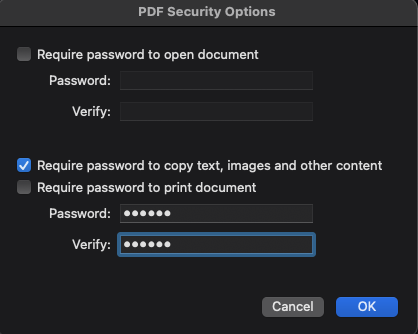
That should be self-explanatory and if the originating application provides that Print… PDF sub-menu it can be done there, or in Preview's PDF sub-menu. Once the now protected PDF is opened in Preview, one can open the Inspector (⌘i) and see that there is now a copy restriction on that PDF:
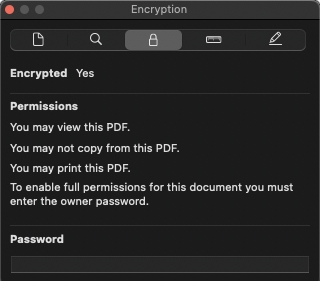
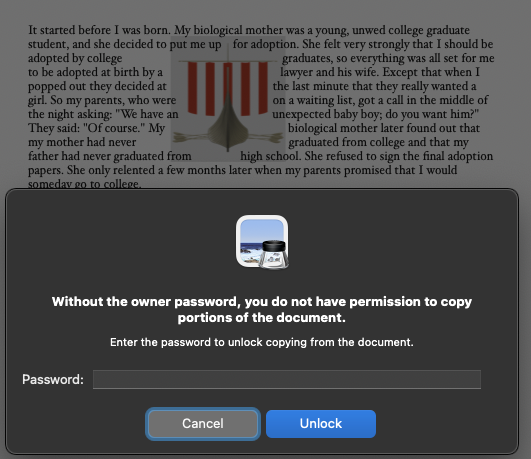
and in practice, when I select an image and attempt to copy it to the Clipboard with a ⌘C, the password prevention kicks in:





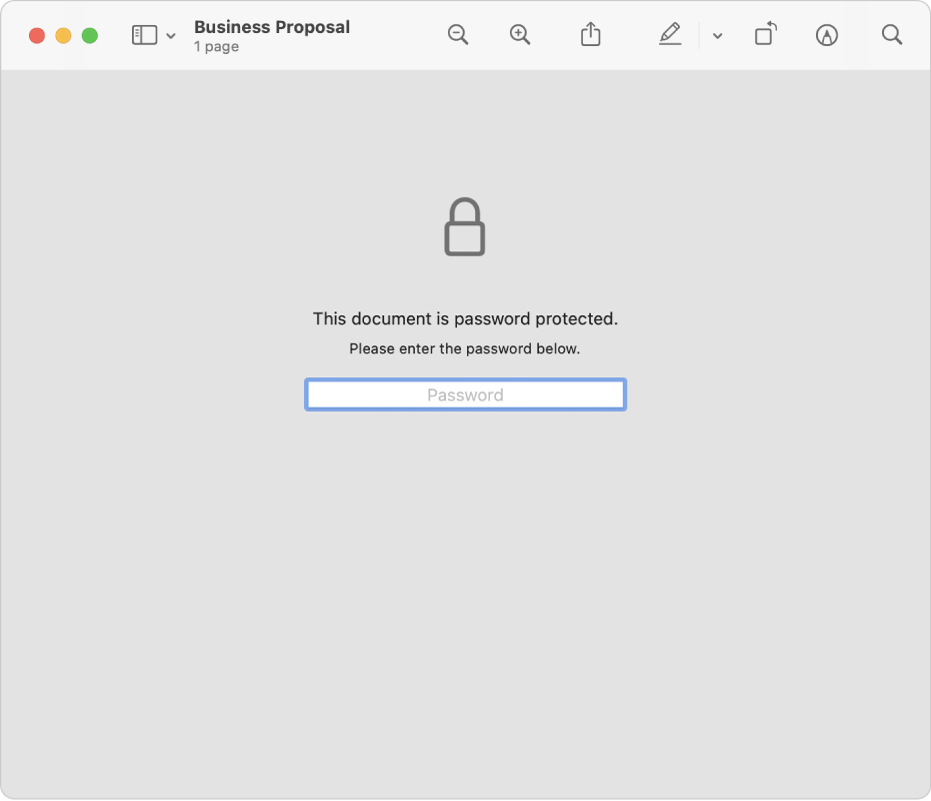
 on your Mac,


