icloud storage

i recently transferred phones, the new phone has 128 gigabyte and my other only had 5. The gigabytes for some reason are not changing and it still says i only have 5 when the new phone is supposed to have 128. I don’t know what to do anymore but here are some pictures.

iPhone SE, iOS 15

Posted on Jan 24, 2022 11:24 PM

Reply
Question marked as Top-ranking reply

Posted on Jan 24, 2022 11:29 PM

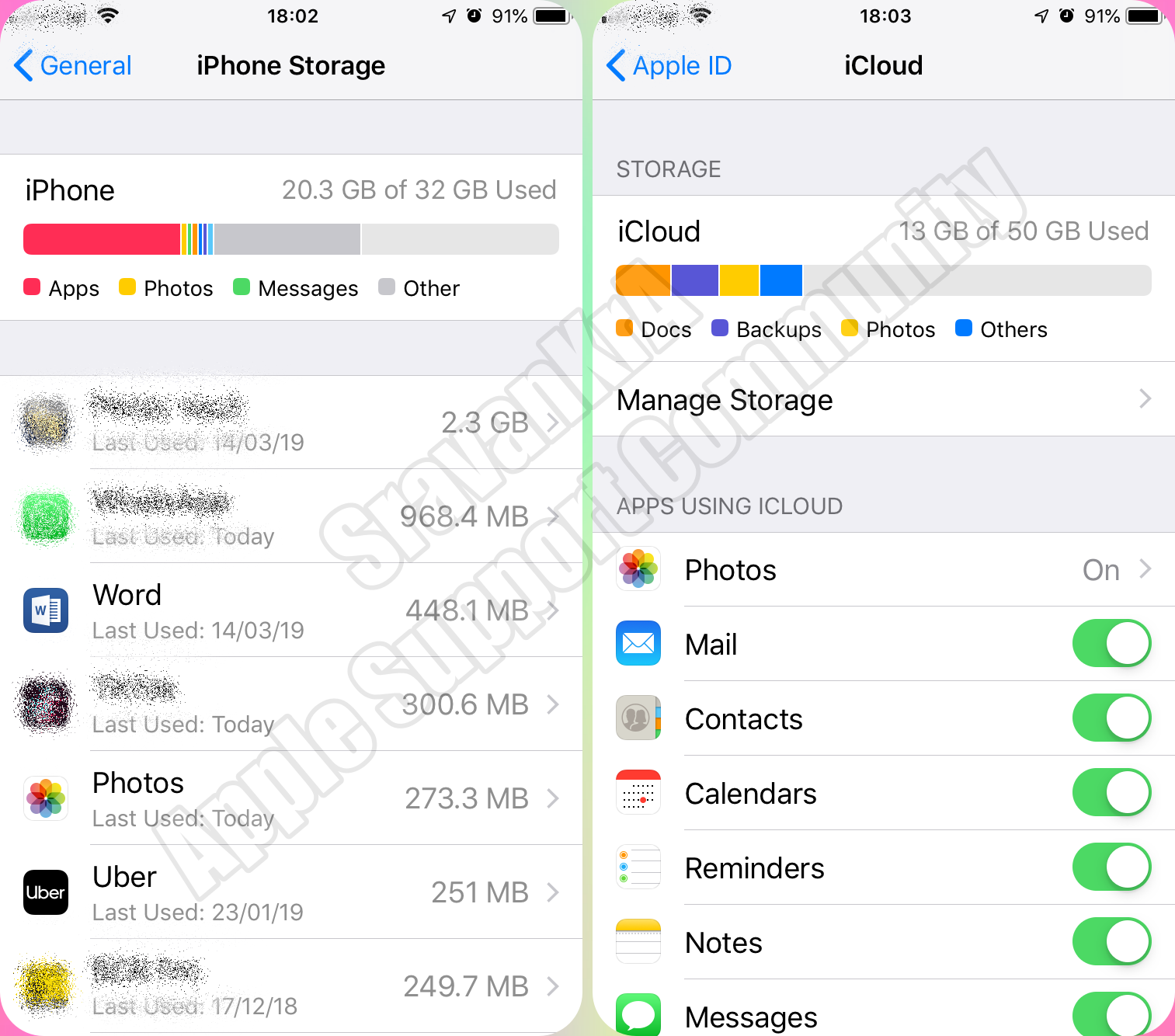
You are looking at iCloud Storage and not iPhone Storage. By default, every Apple ID has 5GB of iCloud Space over and above the iPhone Storage.


Look closely storage of iPhones and iCloud.


iCloud storage is primarily for keeping a copy of your iPhone data safely on the cloud. If you delete data on iPhone, data on iCloud is gone too.


Turn iCloud features on or off

  1. On your iPhone, iPad or iPod touch, go to Settings > [your name] > iCloud.
  2. Turn iCloud features on or off.


Turn iCloud features on or off - Apple Support


iPhone Storage (Setting > General > iPhone Storage)

  1. Total storage remains the same throughout the life span of the iPhone
  2. Storage can not be enhanced
  3. You may take back up on Mac or PC using iTunes without iCloud


iCloud Storage (Settings > [Tap your name] > iCloud)

  1. By default, every user gets 5GB of free storage space
  2. You can buy more storage based on your requirement of 50, 200GB, 2TB with a monthly subscription
  3. Based on your storage capacity you can back up iPhone or iPad
  4. Space can be shared between your family members for a storage plan beyond 200GB


2 replies
Question marked as Top-ranking reply

Jan 24, 2022 11:29 PM in response to trezure161

You are looking at iCloud Storage and not iPhone Storage. By default, every Apple ID has 5GB of iCloud Space over and above the iPhone Storage.


Look closely storage of iPhones and iCloud.


iCloud storage is primarily for keeping a copy of your iPhone data safely on the cloud. If you delete data on iPhone, data on iCloud is gone too.


Turn iCloud features on or off

  1. On your iPhone, iPad or iPod touch, go to Settings > [your name] > iCloud.
  2. Turn iCloud features on or off.


Turn iCloud features on or off - Apple Support


iPhone Storage (Setting > General > iPhone Storage)

  1. Total storage remains the same throughout the life span of the iPhone
  2. Storage can not be enhanced
  3. You may take back up on Mac or PC using iTunes without iCloud


iCloud Storage (Settings > [Tap your name] > iCloud)

  1. By default, every user gets 5GB of free storage space
  2. You can buy more storage based on your requirement of 50, 200GB, 2TB with a monthly subscription
  3. Based on your storage capacity you can back up iPhone or iPad
  4. Space can be shared between your family members for a storage plan beyond 200GB


This thread has been closed by the system or the community team. You may vote for any posts you find helpful, or search the Community for additional answers.

icloud storage

Welcome to Apple Support Community
A forum where Apple customers help each other with their products. Get started with your Apple Account.

