Left AirPod keeps disconnecting

Left AirPod is working when i put it in my ears and in seconds no sound is coming from the left airpod. but it shows the charge is full 100%.

Posted on Feb 17, 2022 12:40 AM

Reply
Question marked as Top-ranking reply

Posted on Feb 18, 2022 6:30 AM

Hi Carthi91,


Thank you for posting in Apple Support Communities. It seems your left AirPod stops working after a few seconds.


Following If your left or right AirPod isn't working


"If there's no sound in one AirPod
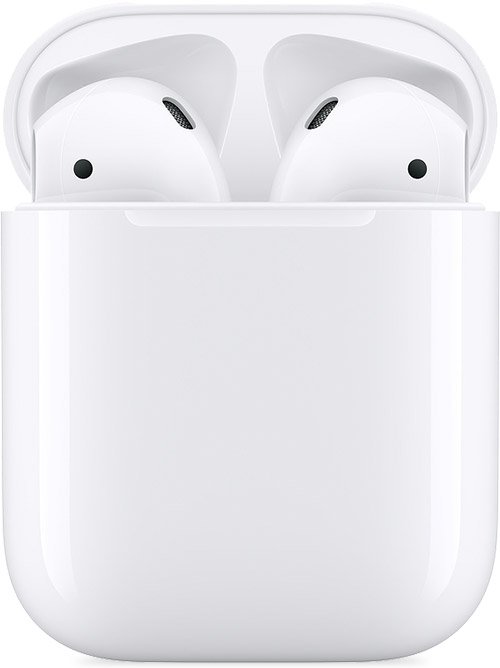

  1. Make sure that your charging case is fully charged.
  2. Place both AirPods in your charging case and let them charge for 30 seconds.
  3. Open the charging case near your iPhone or iPad.
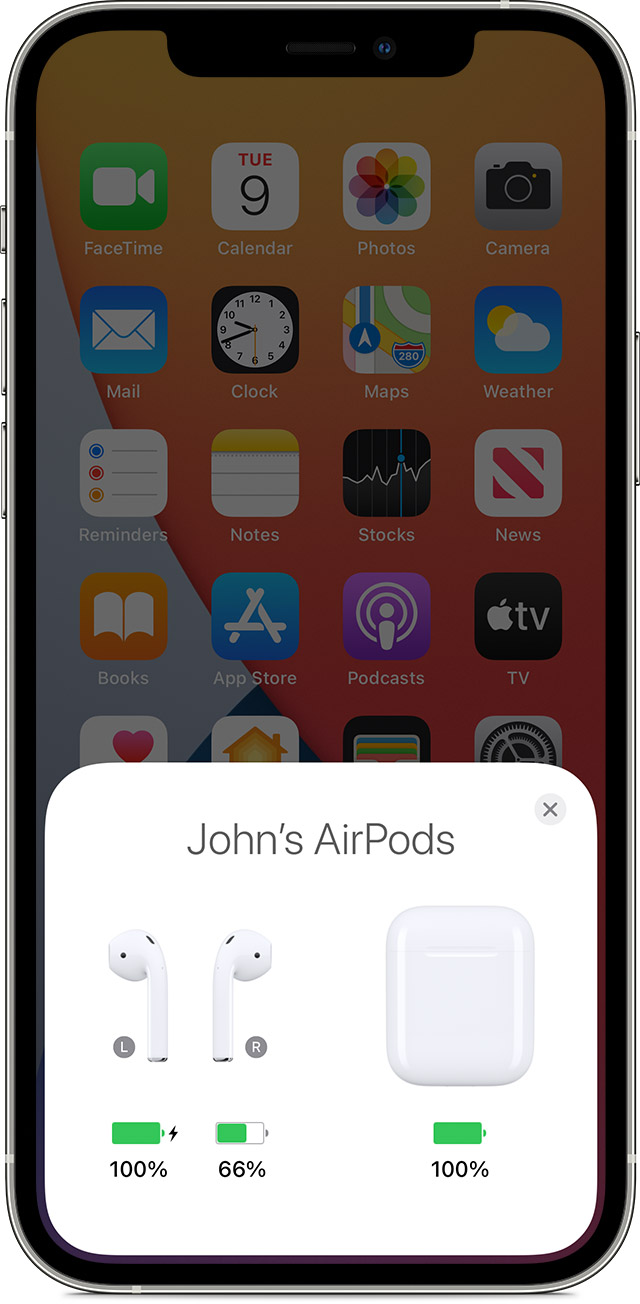
  4. Check the charge status on your iPhone or iPad to make sure that each AirPod is charging .
  5. Put both AirPods in your ears.
  6. Play audio to test both AirPods.
  7. If an AirPod still isn't working, reset your AirPods."


Cheers!

1 reply
Question marked as Top-ranking reply

Feb 18, 2022 6:30 AM in response to Carthi91

Hi Carthi91,


Thank you for posting in Apple Support Communities. It seems your left AirPod stops working after a few seconds.


Following If your left or right AirPod isn't working


"If there's no sound in one AirPod


  1. Make sure that your charging case is fully charged.
  2. Place both AirPods in your charging case and let them charge for 30 seconds.
  3. Open the charging case near your iPhone or iPad.
  4. Check the charge status on your iPhone or iPad to make sure that each AirPod is charging .
  5. Put both AirPods in your ears.
  6. Play audio to test both AirPods.
  7. If an AirPod still isn't working, reset your AirPods."


Cheers!

This thread has been closed by the system or the community team. You may vote for any posts you find helpful, or search the Community for additional answers.

Left AirPod keeps disconnecting

Welcome to Apple Support Community
A forum where Apple customers help each other with their products. Get started with your Apple Account.