Hi, Amro1992,
Thanks for visiting the Apple Support Communities!
You can listen to music on your Apple Watch while you have a set of Bluetooth headphones or speakers paired to the watch, according to the information below from Play music on Apple Watch - Apple Support:
Play music
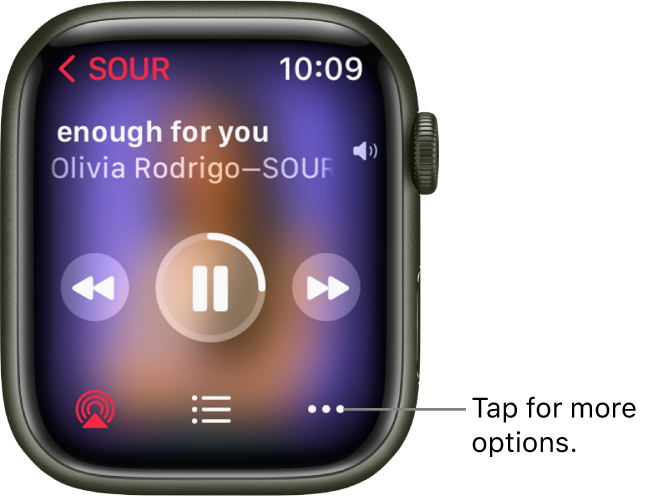
After you connect Apple Watch to Bluetooth headphones or speakers, open the Music app  on your Apple Watch, then do any of the following:
• Play music on your Apple Watch: Turn the Digital Crown to scroll through album artwork, then tap a playlist or album to play it.
Use the Apple Watch app on your iPhone to choose which songs to add to Apple Watch.
• Play music from iPhone (Bluetooth pairing not required): Scroll to the top of the screen, tap On iPhone, then tap a playlist, artist, album, or song to play it.
• Play music from your music library: Tap Library, then tap a playlist, artist, album, or song. To play music downloaded to your Apple Watch, tap Downloaded, then choose music.
• Request music from Apple Music (Apple Music subscription required): Raise your wrist, then request an artist, album, song, genre, or portion of a song lyric.
When you do not have a Bluetooth device paired to your Apple Watch, you can utilize the Music app on the watch to control playback on your iPhone. For more information on how this works, please review the Apple Support article Use Now Playing on Apple Watch - Apple Support.
Best!


