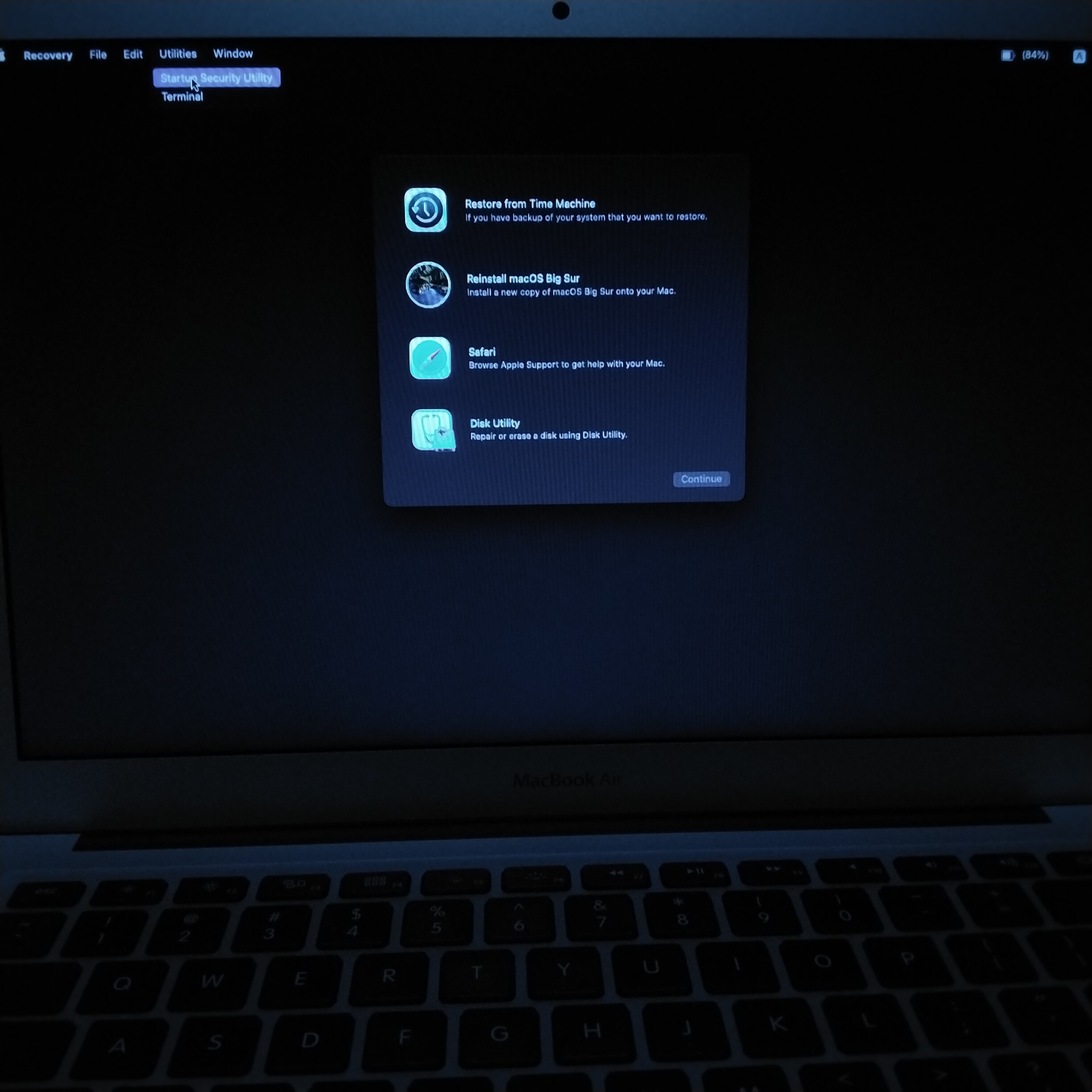
Previous issue with Keychain, TMB and launchctl, now bits and pieces of software glitch issues

My previous Discussion which was inactive for some time so I couldn't continue with it.

On my Mac Book Air, Found TMB as well as many Launch daemon and Agent with Keychain Which causes many unresolved issues.

Posted on Mar 26, 2022 5:36 AM

Reply
5 replies

Mar 26, 2022 5:48 AM in response to kbnikhil

As on 16 February I see no infection.


Show up the same earlier issue of ESET firewall Networking issues, I reached out to ESET team, and it was not resolved as below screenshot would provide more information.


In the ESET firewall settings I have given full access to Apple Store. But it's not working with the firewall settings. But internet was working okay as per required updates were shown, as per screenshot


But safari didn't work with internet


I will add more text after this post


Mar 26, 2022 6:07 AM in response to kbnikhil

I tried to uninstall ESET my self with ESET Technical Support Team which didn't make any changes


Some com.eset.endpoint program was running, so again called ESET Technical Support Team. They took remote access using TeamViewer and AnyDesk.


ESET Technical Support Team pulled out some business ESET app, which I have not purchased or used. But it's uninstall functionality didn't resolve or remove com.eset.endpoint. very big issue as noted on 17 March 2022.


There is more to add on 18 March 2022

Mar 26, 2022 6:42 AM in response to kbnikhil

I just decided to reinstall MacOS from scratch by erasing completely the Hard disk. I thought it would get resolved. But it didn't work that way.
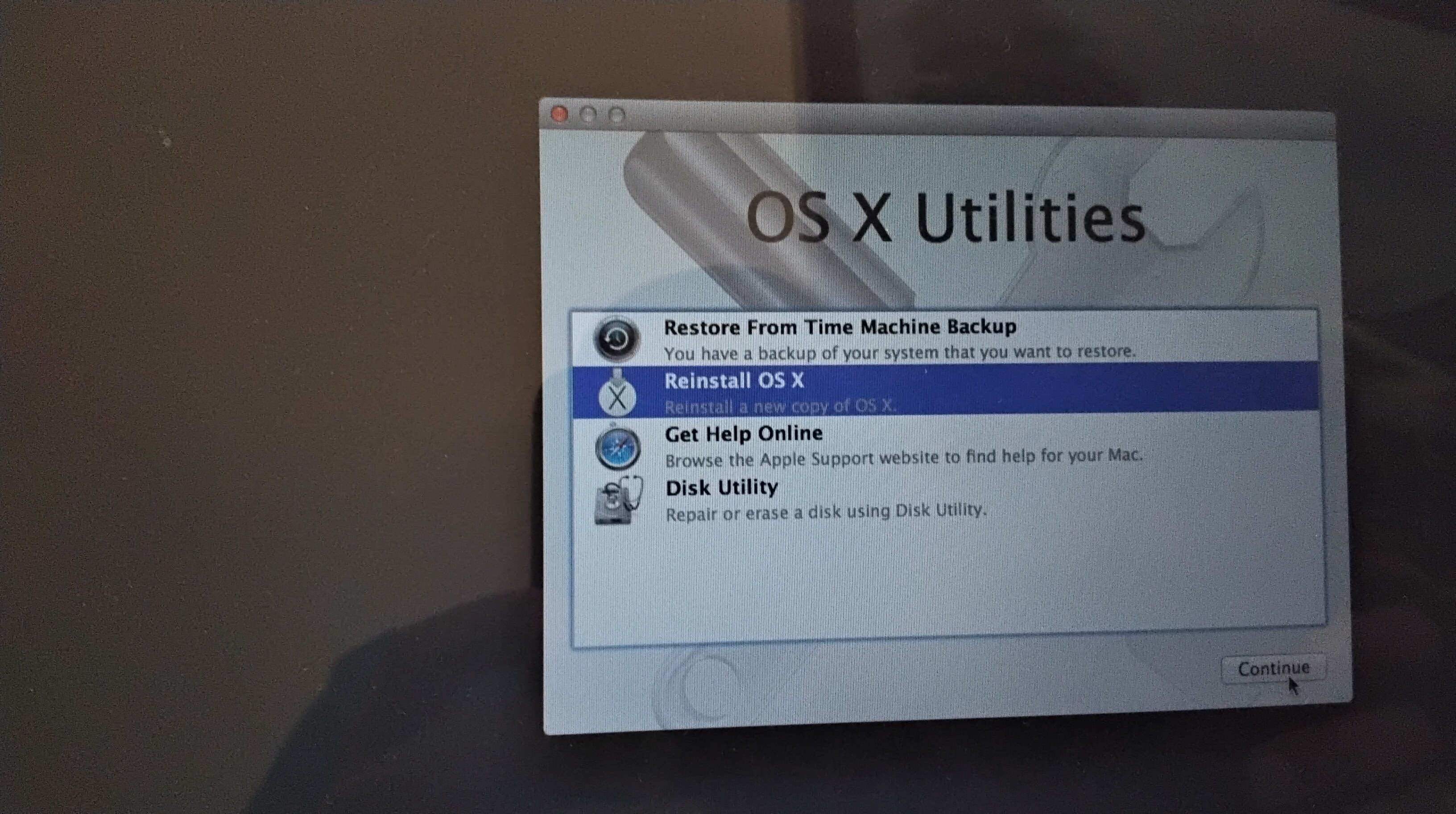

2nd step
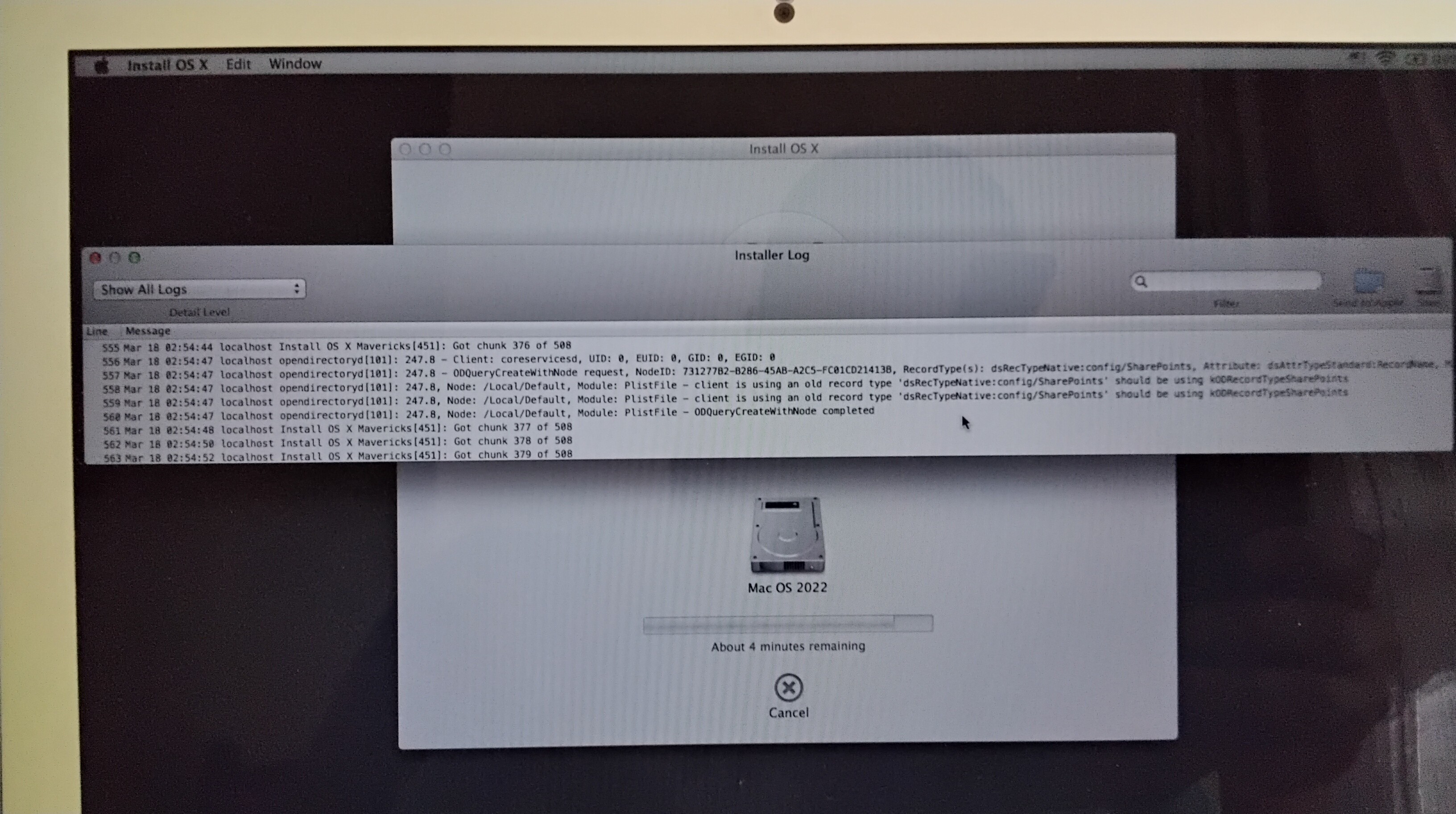


3rd step error


What is this why it's asking for update needed PASSWORD... ???


Repeated condition twice. So I reached out to Apple Support Team through Chat Good People

They told me to do it again, same error, so they asked for NVRAM Reset, which needed me to reset my firmware password.

On 18 March 2022 I remove firmware password and reset NVRAM, and tried the same 5th time or so, 4.9GB download each trial.


So tried out update Apple support team, and shutdown


Log files for same install MacOS Marvick as fallow


Went to see what was going on with Google, found it was a old issue as on OSXDaily 2011/08/24

Java package was missing. And there was another way to resolve this issue with 2 steps they were as follows

1, MacOS Utilities -> Menu -> Select Terminal

And type "resetpassword"

2, to run remove command and reboot it would get resolved the command was as fallow

"rm /var/db/.applesetupdone


So I restarted as on 21 March 2022 to see the fallowing internet recovery did


9


I really don't know why MacOS BigSur was their, quite unusual it was supposed to be MacOS Mavericks. ??

So some more information I will put in next post

Mar 26, 2022 6:56 AM in response to kbnikhil


MacOS BigSur show a error for encryption Hard Drive. Great


Some "Untitled " link it's almost infinite repeated issue why?


Some above commands like "launchctl list", "netstat -a", ps -aux


Finally when I told good Apple Support Team what happened so far, they told it would be resolved by advanced tech support team.

I will keep you posted about what happens next.


I hope someone would reply or leave some comments.


Thank you all

Nikhil


This thread has been closed by the system or the community team. You may vote for any posts you find helpful, or search the Community for additional answers.

Previous issue with Keychain, TMB and launchctl, now bits and pieces of software glitch issues

Welcome to Apple Support Community
A forum where Apple customers help each other with their products. Get started with your Apple Account.