How to use studio display camera for google meet
How to use camera on studio display for google and zoom calls when connect to Mac book
Studio Display
How to use camera on studio display for google and zoom calls when connect to Mac book
Studio Display
Hey there donny.stevens,
Thanks for reaching out to Apple Support Communities. We're happy to provide some assistance.
We see that you may have already visited Set up and use Apple Studio Display which mentions the following:
Use the camera on Studio Display with your Mac
When you connect your Studio Display to your Mac, you can use the 12MP Ultra Wide camera with Center Stage with apps such as FaceTime. Learn how to use Center Stage with your Studio Display.
Not all apps will work with Center Stage. If you are curious if a third-party app is compatible, we recommend contacting the app developer for assistance:
How to contact an app developer
Contact the developer of a macOS app
Open the App Store on your Mac.
Click the sign-in buttonor your photo.
A list of apps appear. Click the app that you want. If you can't find the app, use the search bar.
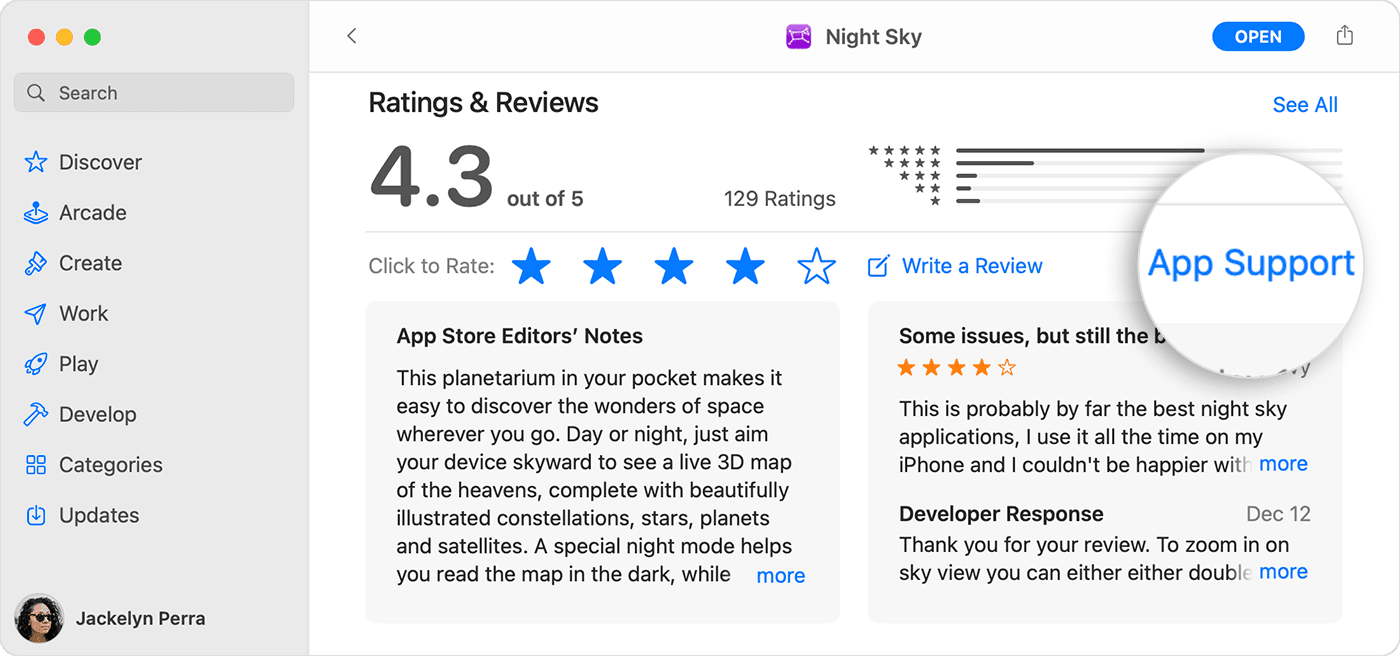
The app's product page appears. Scroll to the Ratings & Reviews section, then click App Support. If you don't see App Support, make sure that you're signed in with the correct Apple ID.
We hope this helps.
Have a great day!
How to use studio display camera for google meet