My AirPods have been stolen and I put them into lost mode can they still be used or reset?
My AirPods were stolen and the location has come up of where they are, I have put them into lost mode but can they still be used or reset?
My AirPods were stolen and the location has come up of where they are, I have put them into lost mode but can they still be used or reset?
Hi kk_rrose,
Welcome to Apple Support Communities!
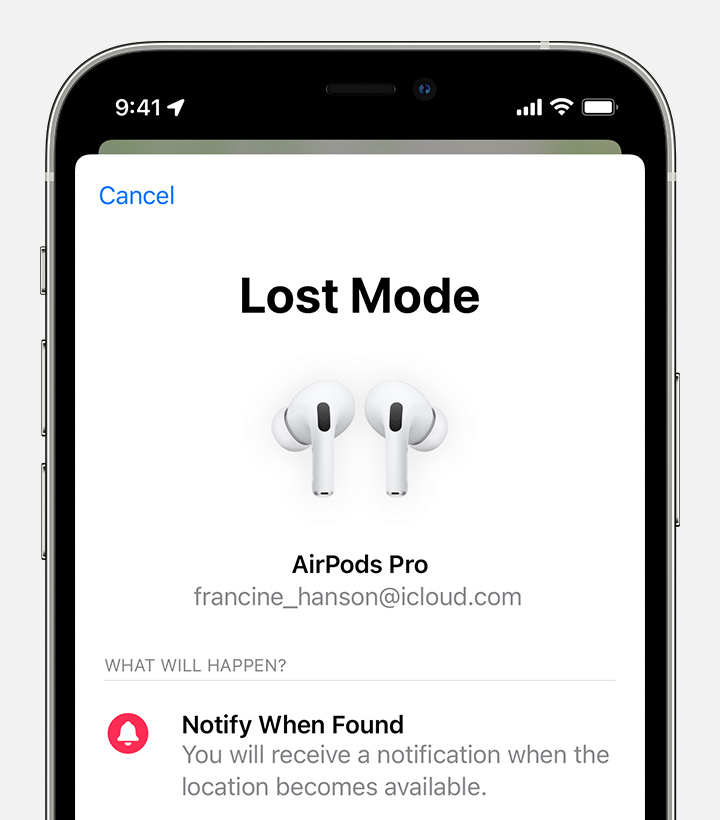
We're sorry to hear that your AirPods were stolen. You did the right thing by putting them in Lost Mode. When you enable Lost mode and someone attempts to pair your AirPods, they can see the message you've shared on their iPhone. You can learn more here: Find your lost AirPods - Apple Support
Turn on Lost Mode for your AirPods
When you turn on Lost Mode for your AirPods (3rd generation), AirPods Pro, or AirPods Max, you can share a message with your phone number or email address. If someone finds your AirPods, they can see the message on their iPhone.
Turn on Lost Mode:
1. On your iPhone, iPad, or iPod touch, open the Find My app.
2. Go to the Devices tab, and choose your AirPods.
3. Scroll down to Mark as Lost, and select Activate.
4. Follow the onscreen steps if you want your contact information to display for your missing AirPods.
5. Select Activate.
We hope this helps.
Take care!
My AirPods have been stolen and I put them into lost mode can they still be used or reset?