Hi Connieweinstein,
Thanks for posting in Apple Support Communities! If you're trying to add your phone number to how you can be reached in the iMessage or FaceTime sections, follow these steps:
- "Go to Settings > Messages and make sure that iMessage is on. You might need to wait a moment for it to activate.
- Tap Send & Receive. If you see “Use your Apple ID for iMessage,” tap it and sign in with the same Apple ID that you use on your Mac, iPad, and iPod touch.
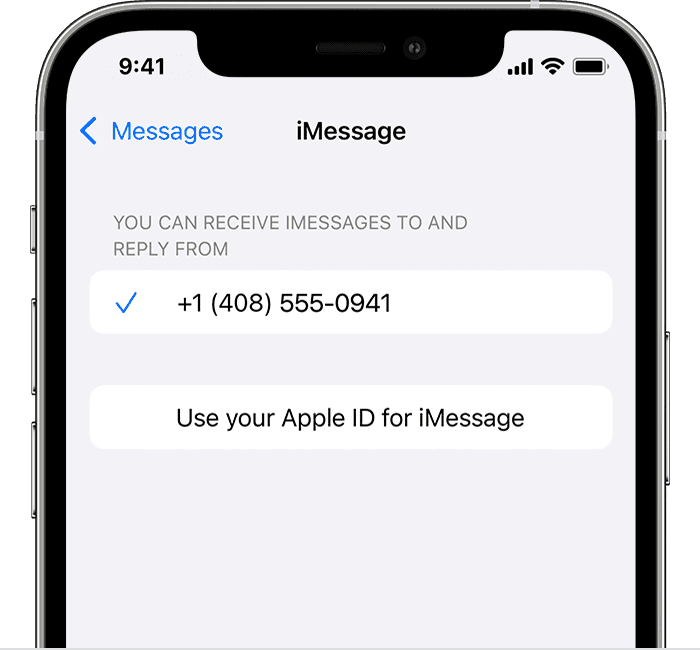
3. In the "You can receive iMessages to and Reply From" section, make sure that your phone number and Apple ID are selected.
4. Go to Settings > FaceTime and make sure that your phone number and Apple ID are selected in the "You can be reached by FaceTime at" section."
These steps and more details can be found here: Add or remove your phone number in Messages or FaceTime
If you're having issues getting a verification code so that you can sign in to your Apple ID with two-factor, we recommend following these steps instead: Get a verification code and sign in with two-factor authentication
Hope that helps!


