
Bluetooth keyboard and mouse - How to change the mouse wheel scroll direction
I just got a new Bluetooth keyboard and mouse for my iPad Pro 11 (latest iOS update) and love it with one exception. I can’t figure out how to change the mouse wheel’s scroll direction. I don’t know why they do this but it is reversed. When I move the wheel down the page goes up and vice versa which I hate.
How do I change this? I have seen other posts that direct you to Settings>General>Trackpad & Mouse>Natural Scrolling however this option does not exist in my settings. I do not have a trackpad, just a keyboard and mouse. I have searched through all the mouse settings and keyboard settings and there does not appear to be an option to change this.
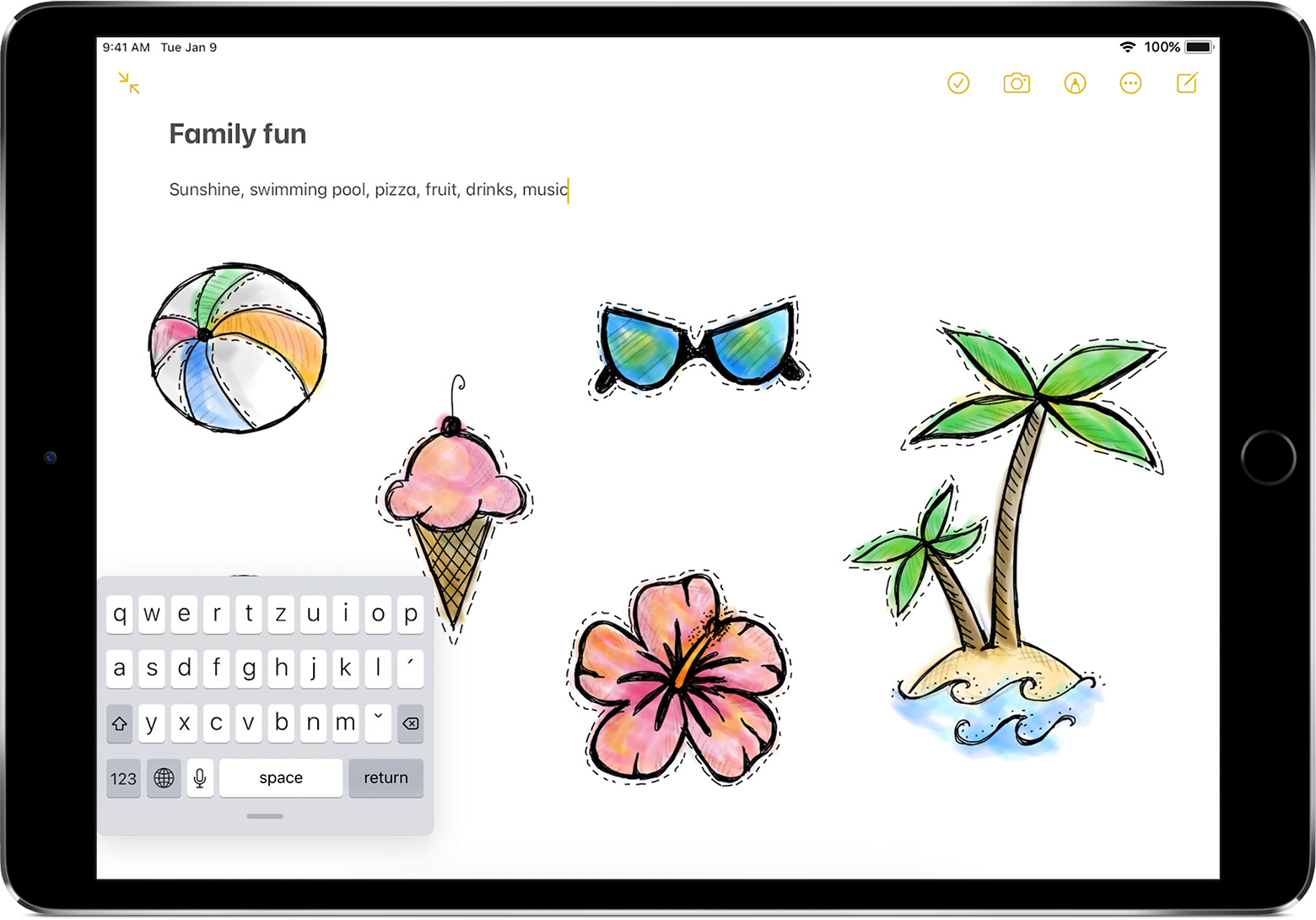
On another note, how do get rid of this mini keyboard that displays at the very bottom of my screen. I think it is the suggestive words showing as I type with a mini keyboard icon at the very left and mini microphone on the very right with up and down arrows. I find it very annoying and would like to be able to turn it off.
The keyboard is not an Apple Keyboard but works with iOS and my iPad Pro
Thank you for anyone who can help me.



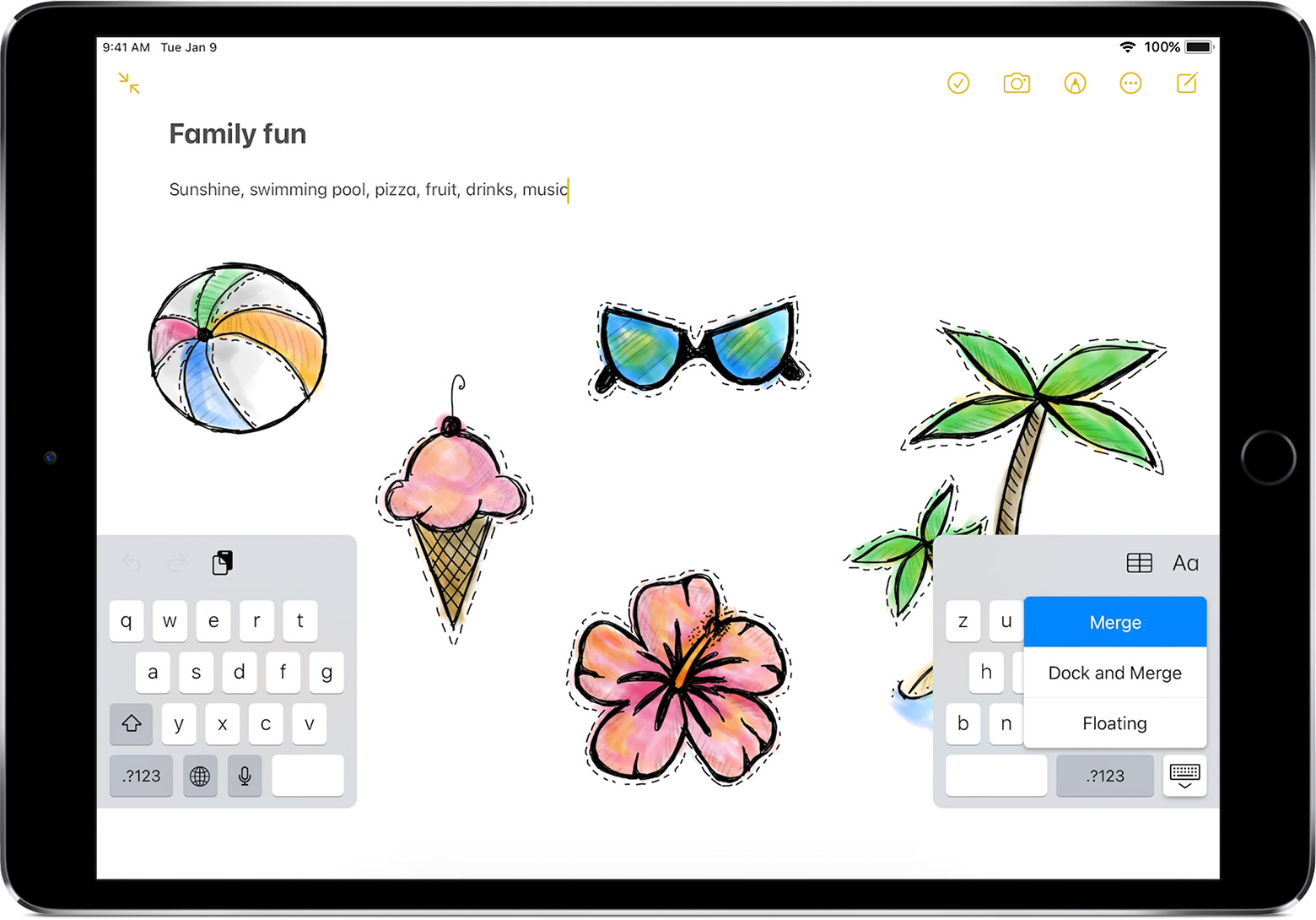
 in the lower-right corner of the keyboard.