Hi believeinlove,
Thanks for contacting Apple Support Communities!
We understand that you'd like to import your Notes from one Mac to another.
This is a great resource which will show you how to import your notes to your Mac: Import your notes and files to the Notes app - Apple Support
Import notes on your Mac
When you import text files or .enex files, you can add them to your iCloud notes account or your On My Mac account. If you store them in iCloud, all of your notes are available on any device where you’re signed in with your Apple ID.
1. Open your Notes app.
2. From the Notes sidebar, choose to store your notes in iCloud or On My Mac by clicking a folder in the account that you want to use.
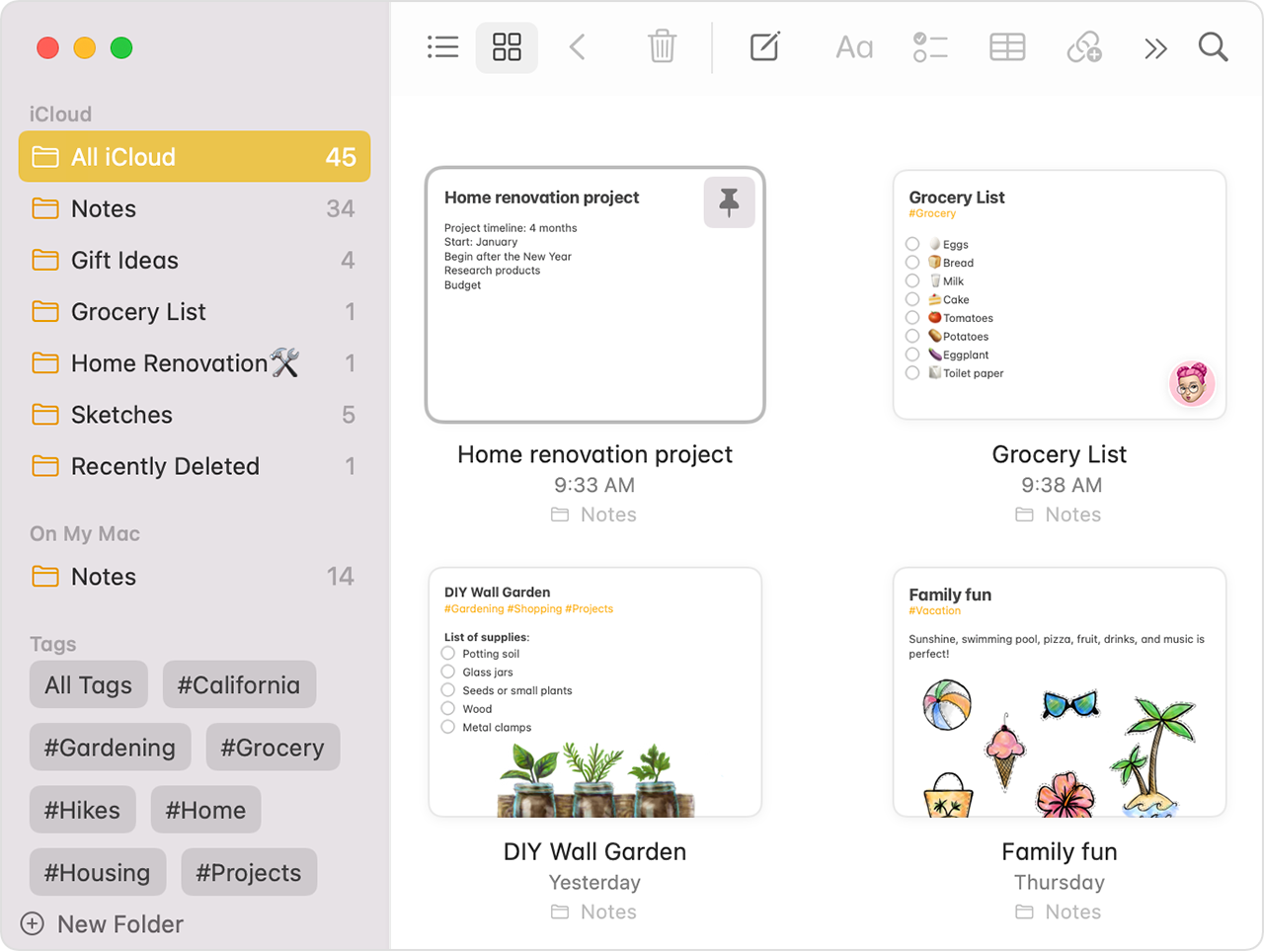
3. From the menu bar, choose File > Import to Notes.
4. Select the file or folder that you want to import. If the notes that you're importing are organized in folders, make sure that "Preserve folder structure on import" is selected. If you can't find this setting, click Options in the lower-left corner.
5. Click Import. When you get a confirmation message, click Import again.
After your files import, a new folder appears in the Notes app called Imported Notes. Then you can organize them into any Notes folder that you want.
We hope this helps.
Cheers!


