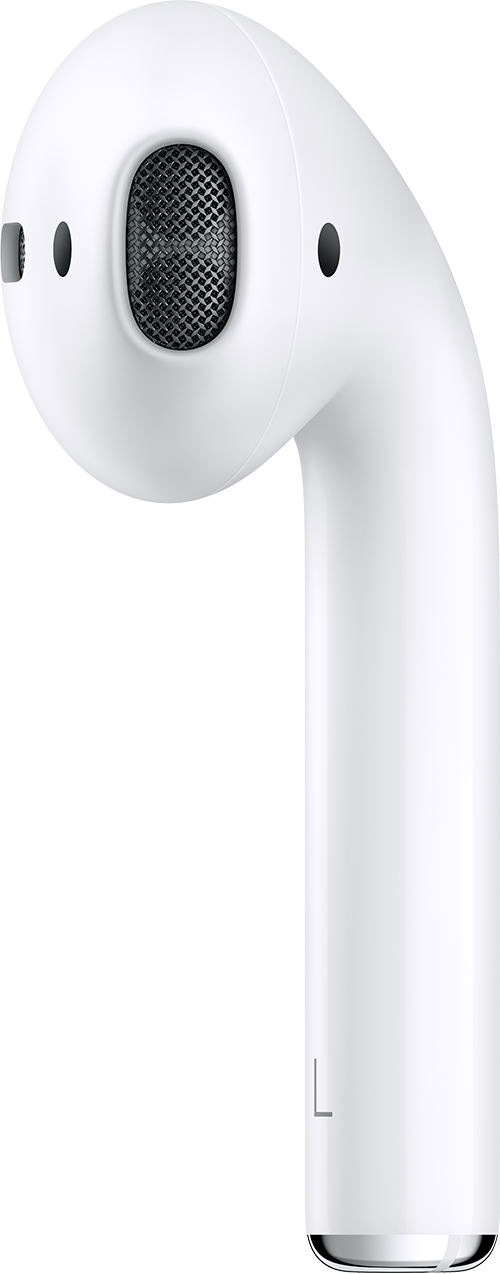
The right pod of my Airpods are not as loud as the left. both pods have been cleaned and the screens are clear. I have also checked the balance setting and disconnected them and reconnected them. Still not working properly .

The right pod of my Airpods are not as loud as the left. both pods have been cleaned and the screens are clear. I have also checked the balance setting and disconnected them and reconnected them. Still not working properly .


iPhone XR, iOS 15

Posted on Jun 20, 2022 9:27 AM

Reply
1 reply

Jun 21, 2022 9:50 AM in response to 87-101

Hi 87-101,


Be sure all steps in the article here are attempted: If your left or right AirPod isn't working

Specifically, the section quoted below.


"If there's low volume in one AirPod


If your left or right AirPod isn't playing any sound, or if the volume is too quiet, follow these steps:

  1. Check the microphone and speaker mesh on each AirPod. 
  2. microphone and speaker on an AirPod
  3. If you see any debris, clean your AirPods using the guidelines in this article, and see if that fixes the issue.
  4. Go to Settings > Accessibility > Audio/Visual > Balance, and make sure that the balance is set in the middle."


If the issue continues, reach out to Apple Support directly for your service options.


Contact - Official Apple Support


Contact Apple for support and service - Apple Support


AirPods Replacement, Service, and Repair


Cheers!


This thread has been closed by the system or the community team. You may vote for any posts you find helpful, or search the Community for additional answers.

The right pod of my Airpods are not as loud as the left. both pods have been cleaned and the screens are clear. I have also checked the balance setting and disconnected them and reconnected them. Still not working properly .

Welcome to Apple Support Community
A forum where Apple customers help each other with their products. Get started with your Apple Account.