
Links in twitter not opening again
Looks like that problem from before returned where you can’t open links in twitter. Came right after the most recent update too. Is anyone else having this issue or know of a solution?
iPhone 12 Pro Max
Looks like that problem from before returned where you can’t open links in twitter. Came right after the most recent update too. Is anyone else having this issue or know of a solution?
iPhone 12 Pro Max
Hi, tollis144.
If you're having issues in the Twitter app, we'd recommend making sure it's fully updated:
"How to manually update apps on your iPhone or iPad
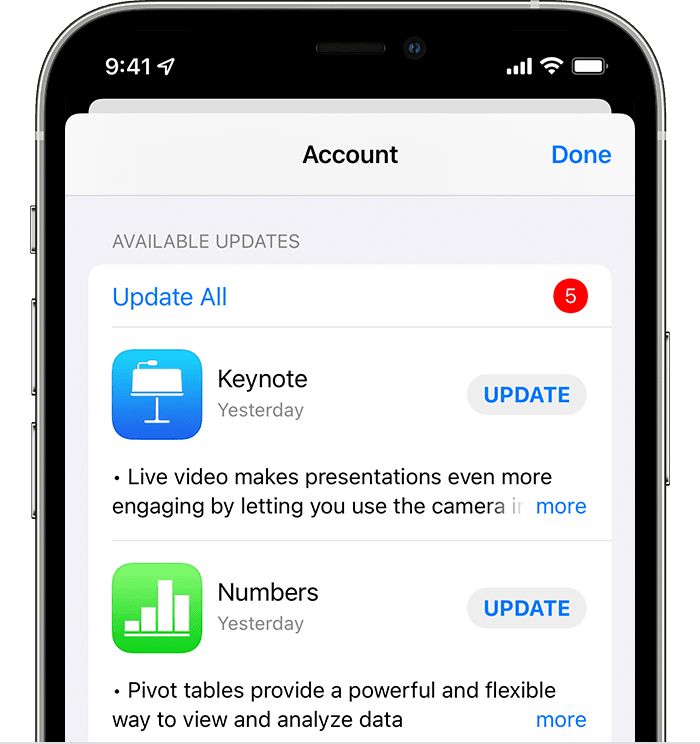
Learn what to do if you can't update an app on your iPhone or iPad."
How to manually update apps on your Apple device - Apple Support
If you're fully updated, and still have issues, you'll want to reach out to Twitter for further support: How to contact an app developer - Apple Support
"Contact the developer of an iOS, iPadOS, or watchOS app
 or your photo at the top of the screen, tap Purchased, tap "Not on this [device]," then tap the app.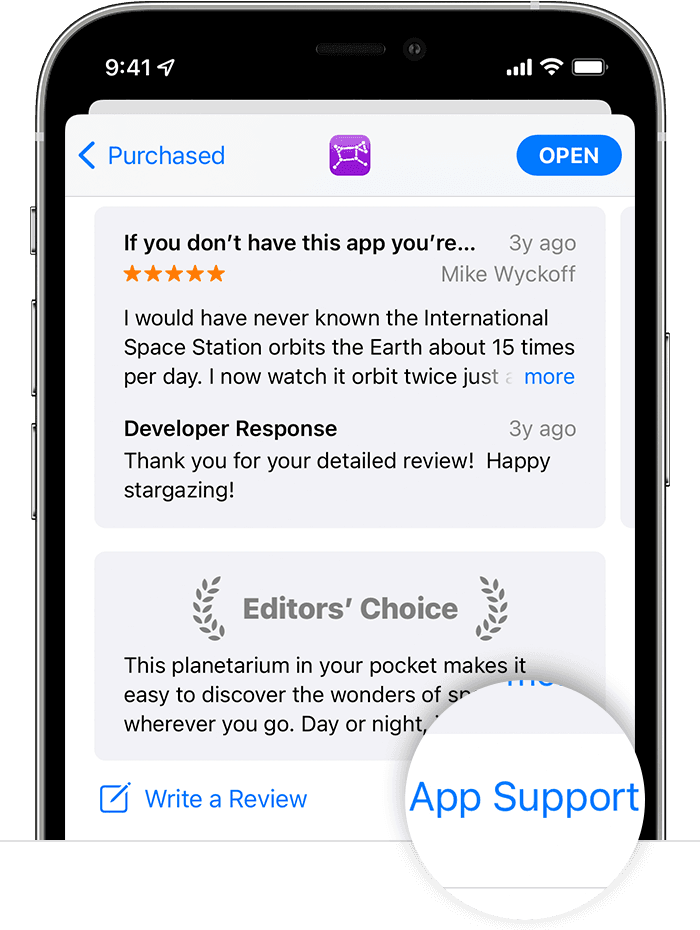
"
Cheers.
Links in twitter not opening again

