See the article Delete files and folders on Mac - Apple Support
If you change your mind before emptying the Trash
- On your Mac, click the Trash icon in the Dock.
- Drag the item out of the Trash, or select the item, then choose File > Put Back.
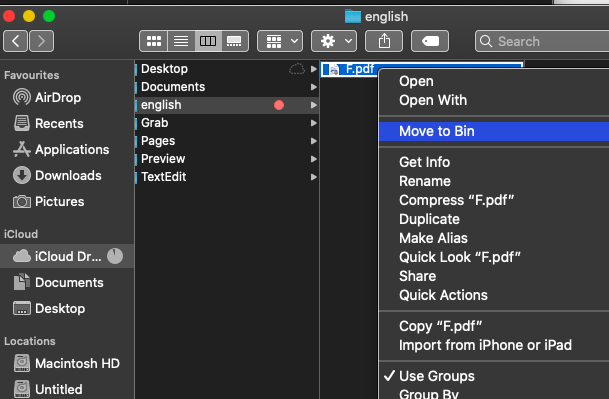
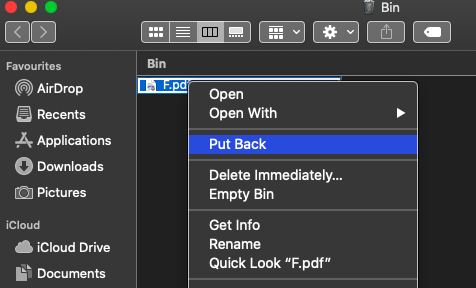
Note : as iCloud Drive is turned on , the files deleted from finder > location > iCloud Drive will move in Mac bin , in your other two Macs , you delete files from iCloud.com so they will move in recently deleted and not in Mac bin Delete files in iCloud Drive on iCloud.com - Apple Support
Also in two Macs iCloud Drive is not turned on or all three Macs might not be signed in with same Apple ID and password on the same network .

