AmberMai23 wrote:
Hi everyone, I have a MacBook Pro and it needs to get a battery fix. I have bought a MacMini desktop and I want to sync the two devices so that I can work with my laptop on the go but use the desktop as a primary device. Can you recommend steps to take to make the two devices as similar as possible to each other whenever I switch? Is there a how to somewhere for this? I have searched for days and no luck.
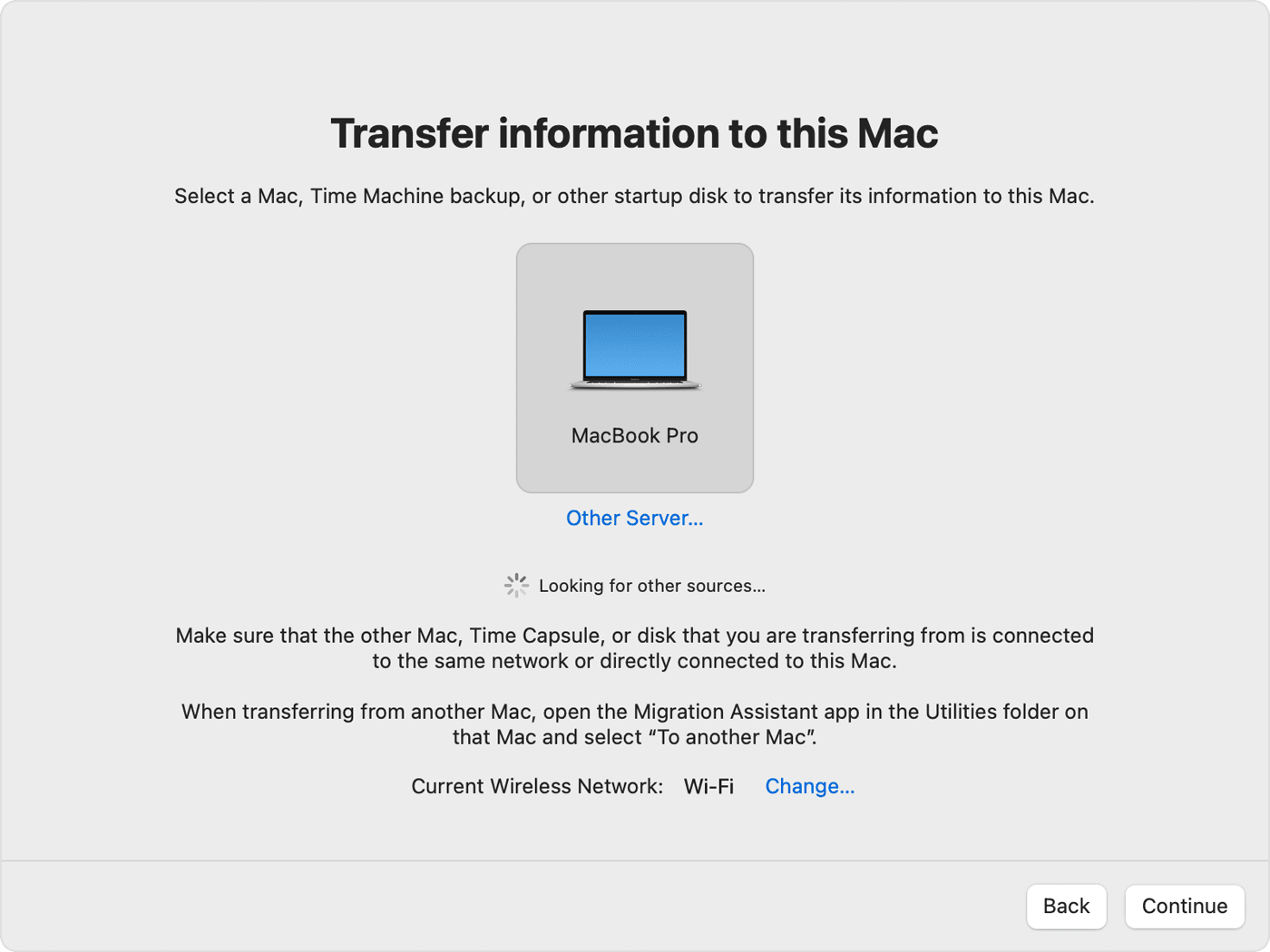
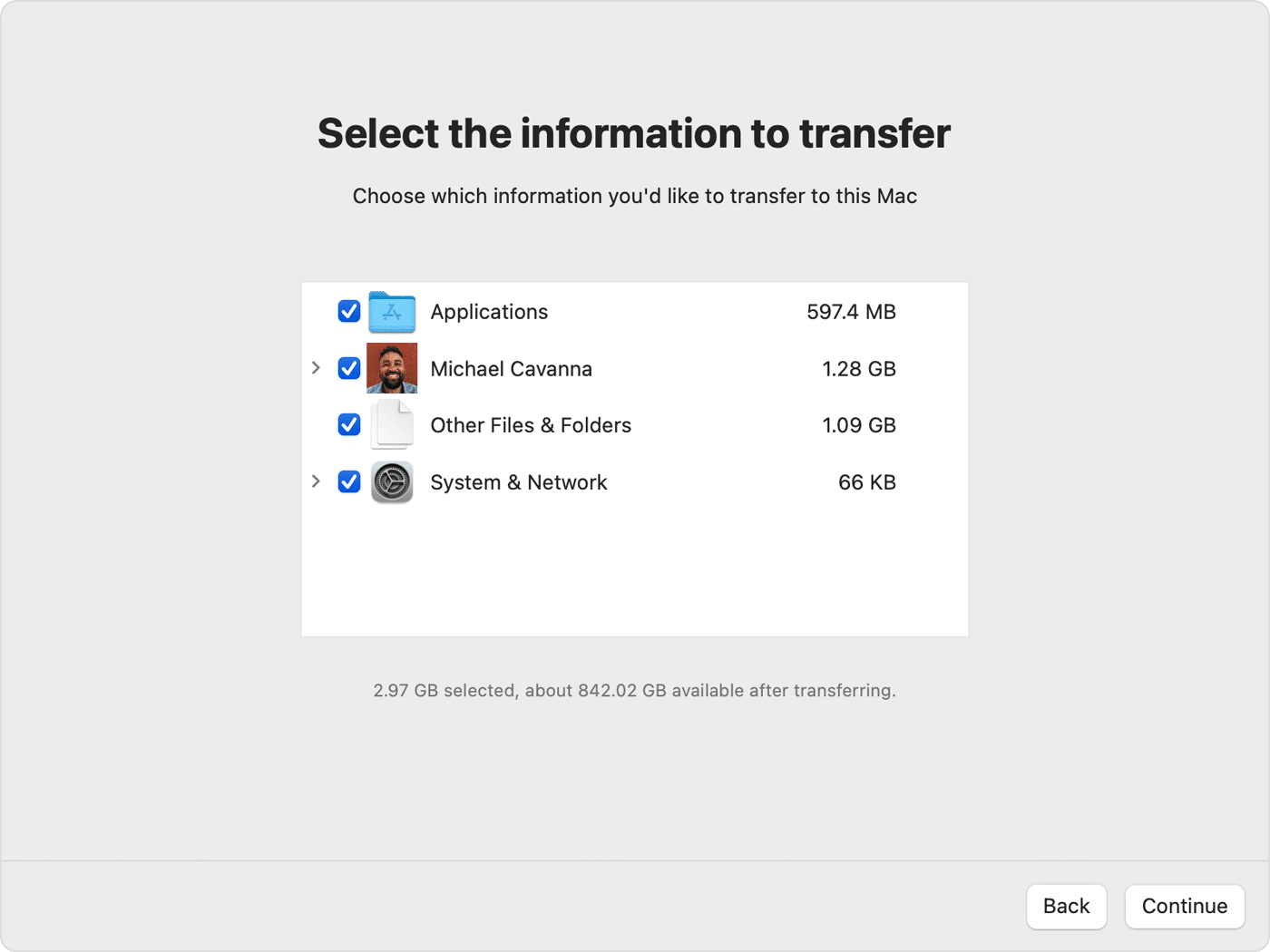
Using Migration Assistant as explained in another reply is a good way to INITIALLY synchronize everything on the two computers. Note that Migration Assistant tends to go faster and more smoothly if you perform a Time Machine backup of one machine and then migrate from that Time Machine backup to the machine you want to be close to identical. Also, things tend to go more smoothly if you migrate only users and files, and reinstall applications separately again on the other Mac. But if the two computers are running the same MacOS, migrating everything may be fine. I always do just accounts and files, then reinstall or redownload applications and software.
Once you have both machines "synchronized," keeping them that way can be challenging. One approach is to use iCloud, which can synchronize everything in your Desktop and Documents folders, which may be all you need. It can also keep Mail synchronized.
What is iCloud? - Apple Support
You can also use Dropbox or similar services like Microsoft OneDrive or Google to keep specific files or folders synchronized.


 turned on. If either one is using OS X El Capitan or earlier, make sure that both are on the same network.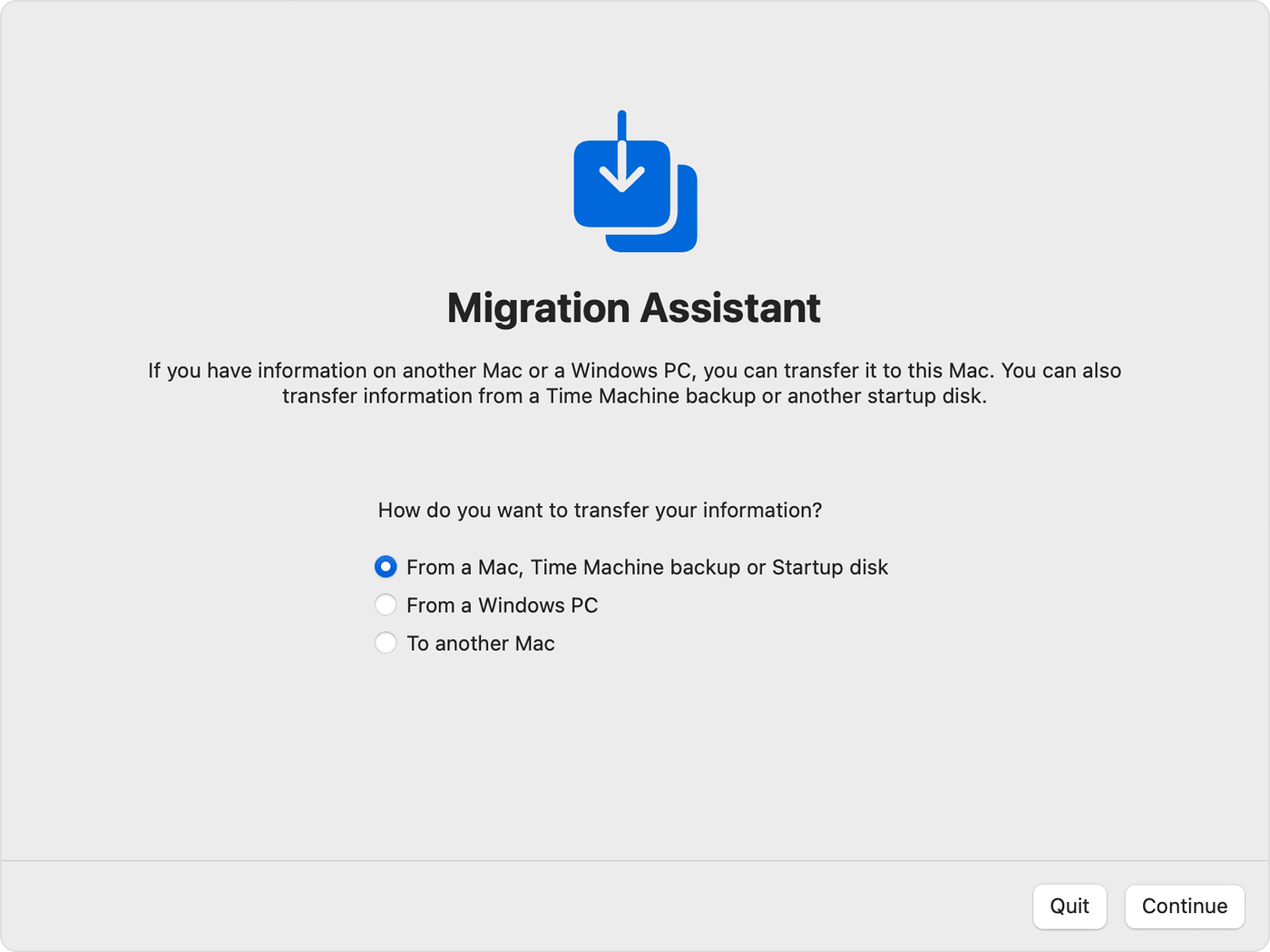


 for the app.