I cant hear anything from the right airpod

I have the 3rd generation AirPods which are new and worked when i got them, also when it shows my AirPods battery life on my iPhone or iPad it shows the right AirPods battery percentage for a second or two then disappears. The right Airpod button won't make a sound as if it's off or something. I tried restarting my iPhone and the Airpods but nothing works.

Posted on Oct 27, 2022 4:08 PM

Reply
Question marked as Top-ranking reply

Posted on Oct 30, 2022 9:44 AM

Hello FruitLoops1000,


Just to clarify, when this happens, does your right AirPod seem to disconnect from your device? That information will help us get a better understanding of the situation.


If your right AirPod isn't working, please check out the suggestions in the following link, which may help with that issue: If your left or right AirPod isn't working


If there's no sound in one AirPod

1. Make sure that your charging case is fully charged.
2. Place both AirPods in your charging case and let them charge for 30 seconds.
3. Open the charging case near your iPhone or iPad.
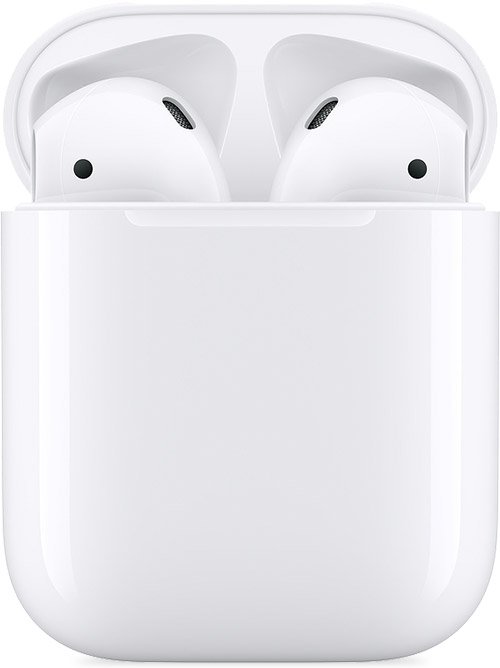
AirPods and charging case

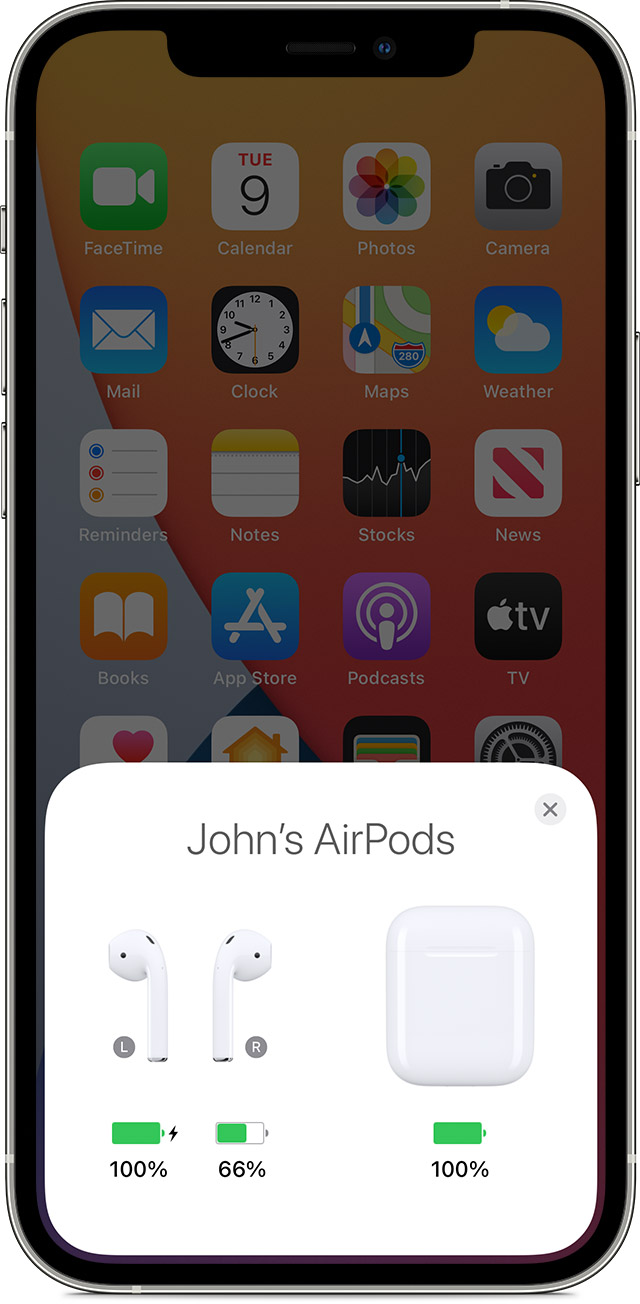
4. Check the charge status on your iPhone or iPad to make sure that each AirPod is charging .

AirPods charging status on your iPhone screen

5. Put both AirPods in your ears.
6. Play audio to test both AirPods.
7. If an AirPod still isn't working, reset your AirPods or contact Apple Support.


Take care!

1 reply
Question marked as Top-ranking reply

Oct 30, 2022 9:44 AM in response to FruitLoops1000

Hello FruitLoops1000,


Just to clarify, when this happens, does your right AirPod seem to disconnect from your device? That information will help us get a better understanding of the situation.


If your right AirPod isn't working, please check out the suggestions in the following link, which may help with that issue: If your left or right AirPod isn't working


If there's no sound in one AirPod

1. Make sure that your charging case is fully charged.
2. Place both AirPods in your charging case and let them charge for 30 seconds.
3. Open the charging case near your iPhone or iPad.

AirPods and charging case

4. Check the charge status on your iPhone or iPad to make sure that each AirPod is charging .

AirPods charging status on your iPhone screen

5. Put both AirPods in your ears.
6. Play audio to test both AirPods.
7. If an AirPod still isn't working, reset your AirPods or contact Apple Support.


Take care!

This thread has been closed by the system or the community team. You may vote for any posts you find helpful, or search the Community for additional answers.

I cant hear anything from the right airpod

Welcome to Apple Support Community
A forum where Apple customers help each other with their products. Get started with your Apple Account.