
beats studio wont charge
Beats studio3 wireless will not charge...blinking red light. Tried resetting and different cables/power outlets
Beats studio3 wireless will not charge...blinking red light. Tried resetting and different cables/power outlets
Hello JaMorg22,
Thank you for reaching out to Apple Support Communities.
Are these the steps you followed to reset your Beats:
"Reset Studio or Studio Wireless
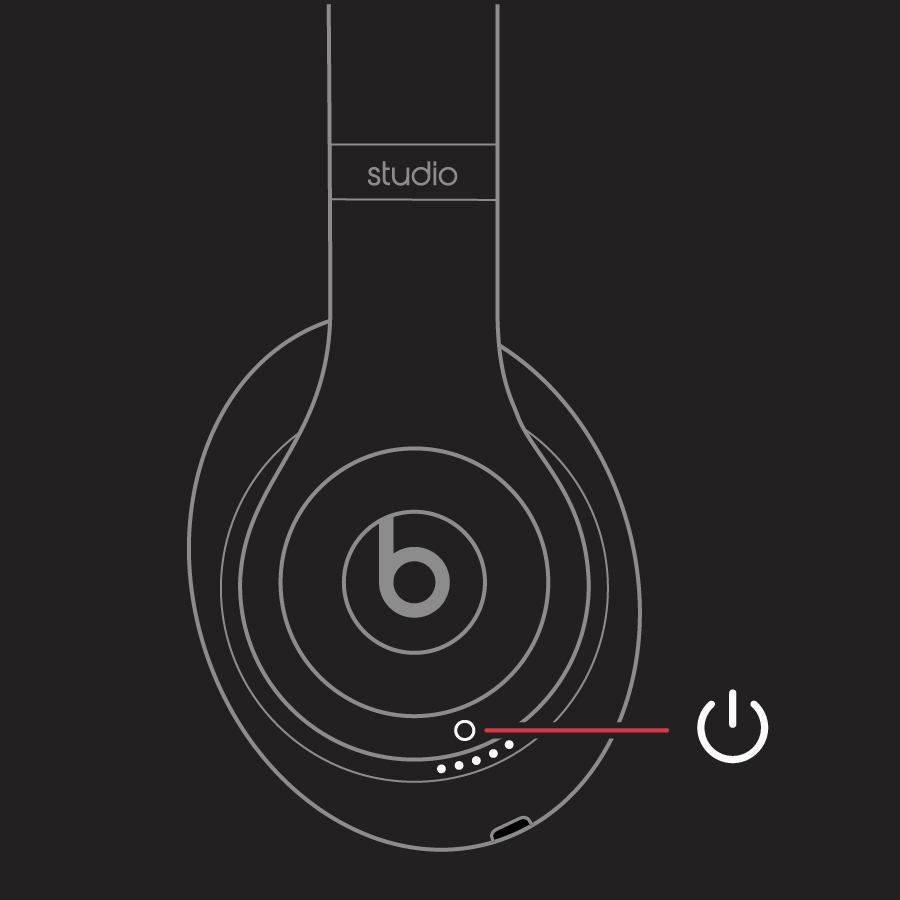
Your Studios will automatically power on after a successful reset."
More details can be found here: Reset your Beats on-ear or over-ear headphones
If so, and the issue persists, it may be best to reach out to Apple directly.
You can contact them by going to Get Support
Good Luck!
beats studio wont charge

