Hello DuBistHeiB,
Thanks for reaching out to Apple Support Communities. We see you have some questions about lines on your iPhone screen, and we'd like to help. Have you tried restarting your device, as this can sometimes help with issues that are intermediate: Restart your iPhone
How to restart your iPhone 6, 7, 8, or SE (2nd or 3rd generation)
1) Press and hold the side button until the power-off slider appears.
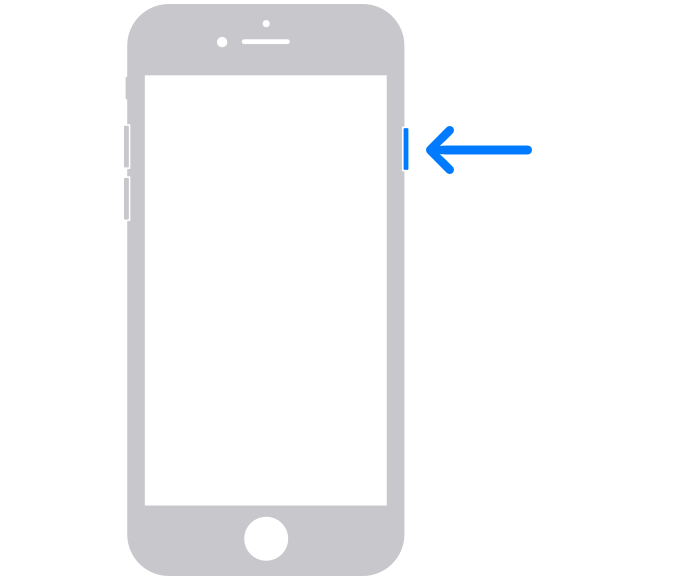
2) Drag the slider, then wait 30 seconds for your device to turn off. If your device is frozen or unresponsive, force restart your device.
3) To turn your device back on, press and hold the side button until you see the Apple logo.
If this doesn't help, please reach out to Apple Support to look into this with you: Contact Apple Support
Regards.


