Not receiving purchase receipt emails?

How do I reinstate emails containing purchase receipts?

Posted on Jan 2, 2023 5:43 PM

Reply
1 reply

Jan 3, 2023 6:26 PM in response to Cousinitt

Hi Cousinitt,


Thanks for posting in Apple Support Communities! To Manage emails that you receive from Apple, follow these steps:
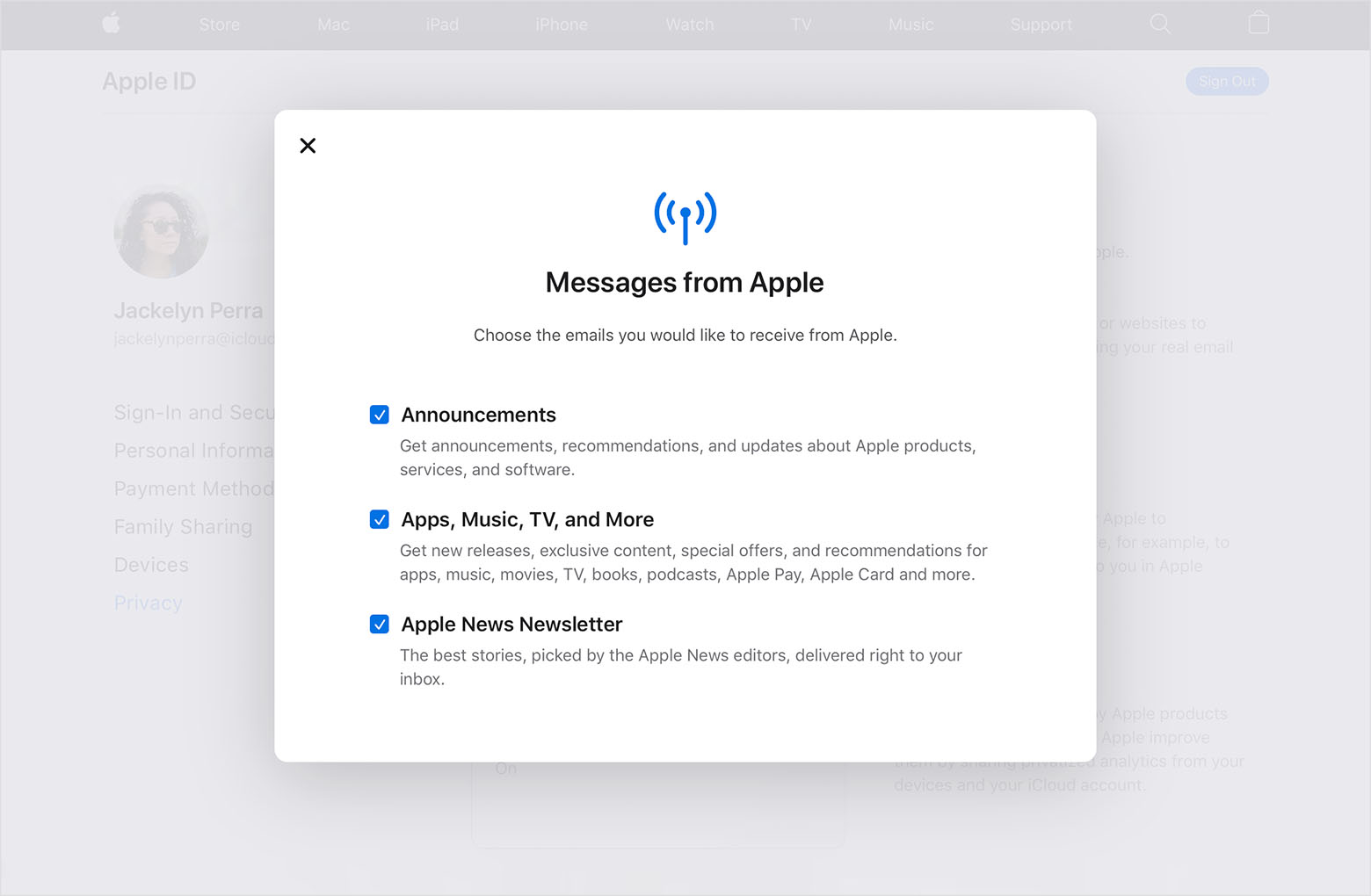

  1. "Sign in to appleid.apple.com.
  2. Go to Privacy, then select Messages from Apple.
  3. Check the corresponding boxes if you want to receive emails about Apple announcements, apps, music, movies, and more. Uncheck the box if you don't want that type of email."


We also suggest checking your spam or junk folders to ensure emails from us are not sent there.


Cheers!

This thread has been closed by the system or the community team. You may vote for any posts you find helpful, or search the Community for additional answers.

Not receiving purchase receipt emails?

Welcome to Apple Support Community
A forum where Apple customers help each other with their products. Get started with your Apple Account.