
iMessage activation error
I removed my SIM card for a few days and now I cannot reactivate iMessage with my phone number. I don’t want to have to use my email for iMessage. Is there any way to fix this?
I removed my SIM card for a few days and now I cannot reactivate iMessage with my phone number. I don’t want to have to use my email for iMessage. Is there any way to fix this?
Hello linei16,
Thank you for reaching out to Apple Support Communities, and we'll be happy to help in any way we can. We understand you're having issues with using your phone number for iMessage and FaceTime. Try the steps in this article to see if they resolve the issue: Add or remove your phone number in Messages or FaceTime
"Set up your phone number
On your iPhone:
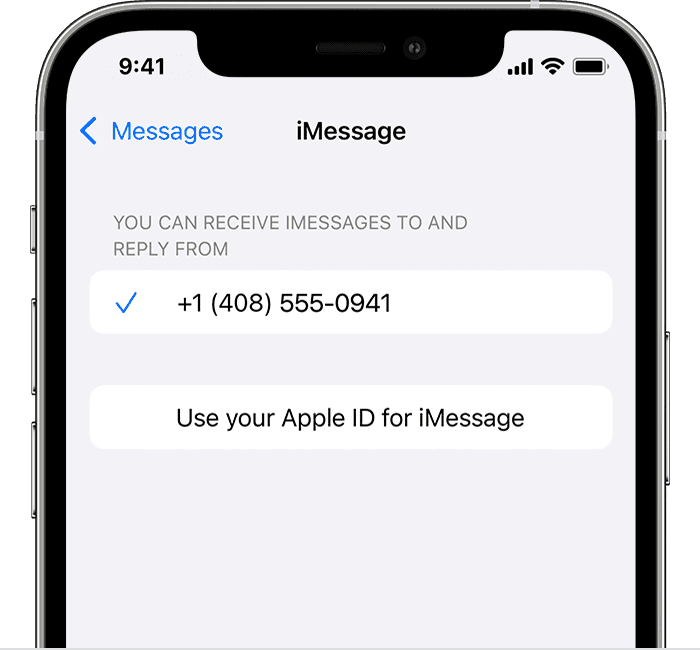
On your other devices, you can now turn on the phone number that you just set up:
If you use this feature and share your Apple ID with someone, you can't prevent them from seeing your conversations. Instead of using the same Apple ID as someone else, set up Family Sharing.
Remove your phone number
If you don't want calls or messages for your iPhone on your iPad, iPod touch, or Mac, you can remove your phone number. There are two ways to do this:
If you have questions, contact Apple Support.

Turn your phone number on or off for your Mac
After you set up your phone number, you can turn it on or off for Messages and FaceTime on your Mac.
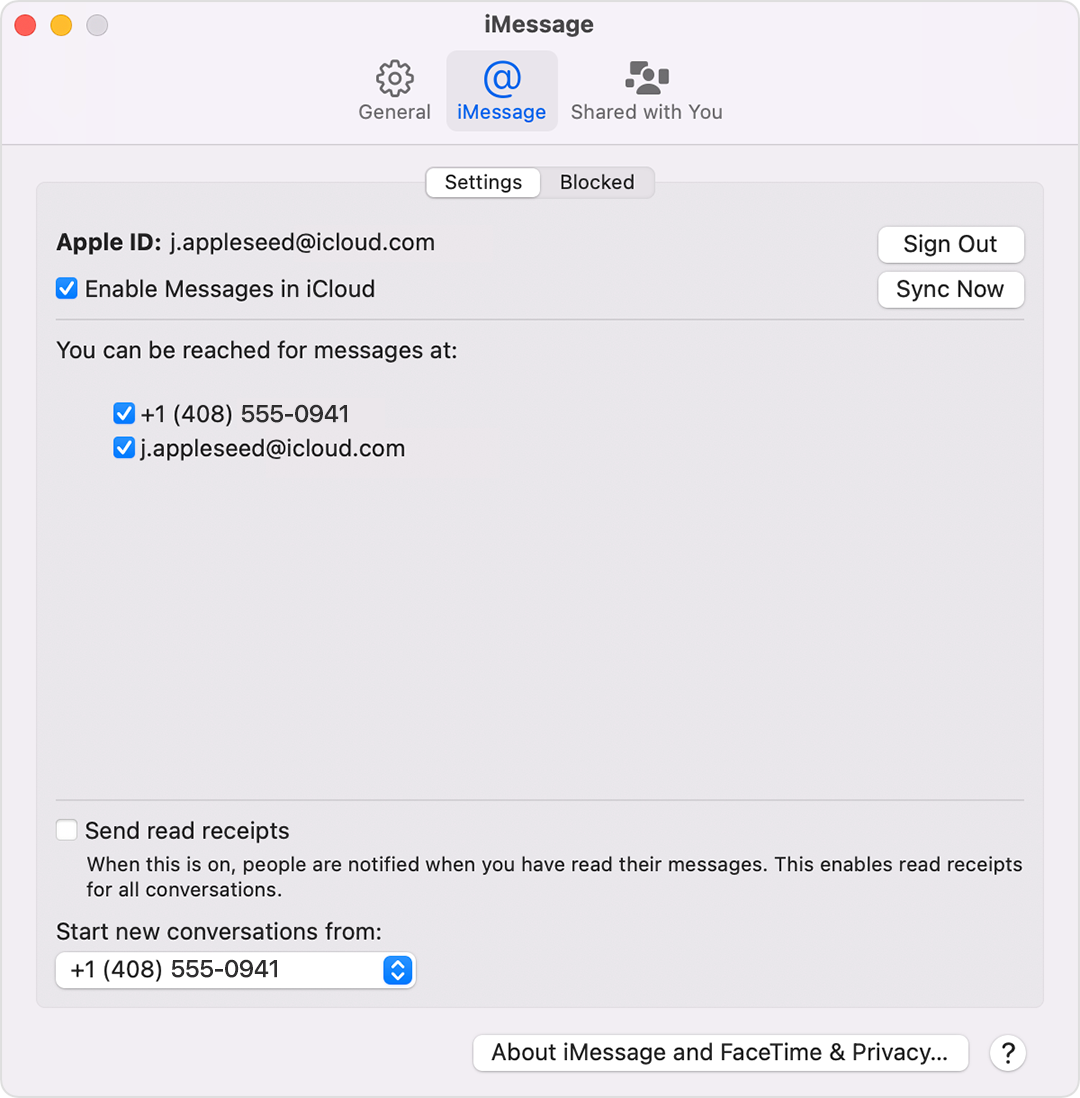
Learn how to make messages that you send and receive on your iPhone appear on your Mac, iPad, and iPod touch.
Turn your phone number on or off for your iPad or iPod touch
After you set up your phone number, you can turn it on or off for Messages and FaceTime on your iPad or iPod touch.
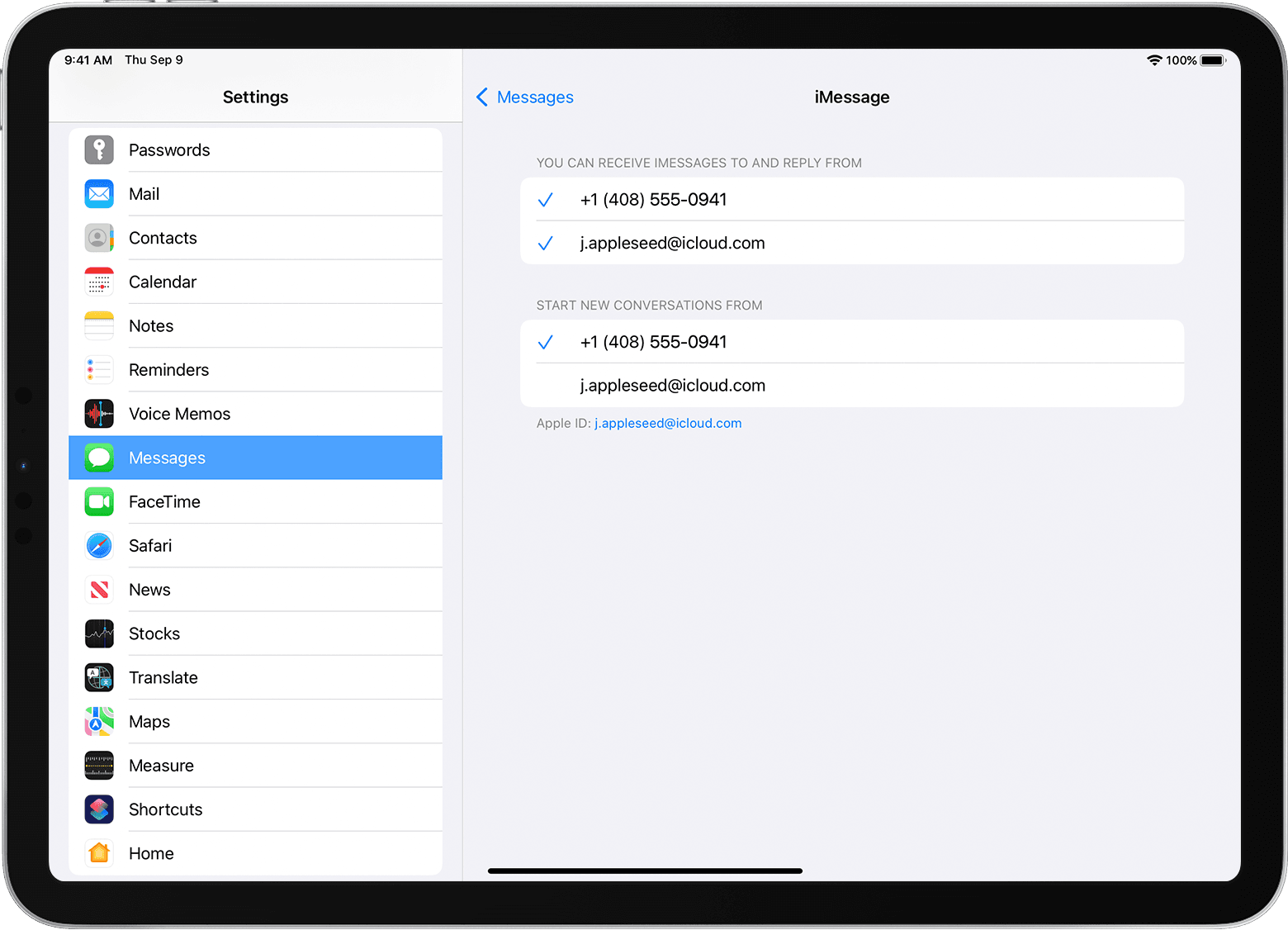
Learn how to make messages that you send and receive on your iPhone also appear on your Mac, iPad, and iPod touch.
If you can't see or select your number in Messages or FaceTime
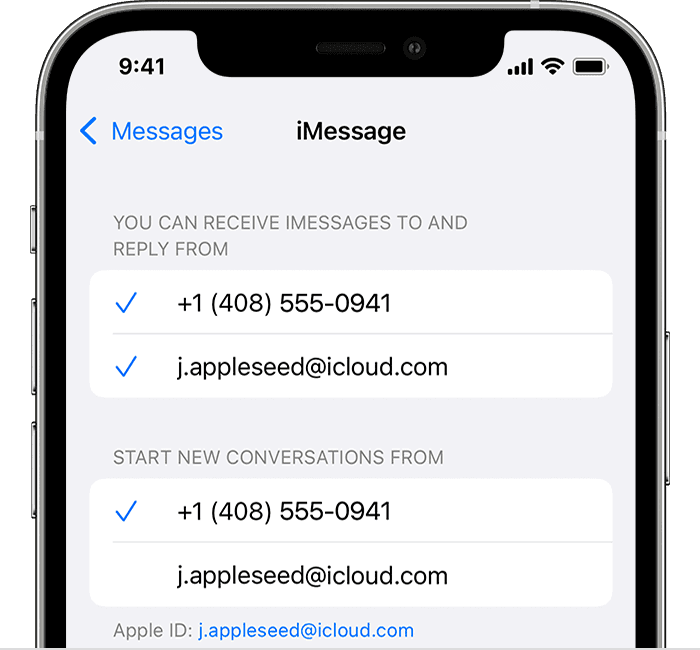
If your phone number is unchecked and you can't select it, or you have some other issue, follow these steps:
If you still need help, change your Apple ID password and repeat the setup steps. If that doesn't work, contact Apple Support."
We hope this helps.
Cheers!
Hello linei16,
Thank you for reaching out to Apple Support Communities, and we'll be happy to help in any way we can. We understand you're having issues with using your phone number for iMessage and FaceTime. Try the steps in this article to see if they resolve the issue: Add or remove your phone number in Messages or FaceTime
"Set up your phone number
On your iPhone:
On your other devices, you can now turn on the phone number that you just set up:
If you use this feature and share your Apple ID with someone, you can't prevent them from seeing your conversations. Instead of using the same Apple ID as someone else, set up Family Sharing.
Remove your phone number
If you don't want calls or messages for your iPhone on your iPad, iPod touch, or Mac, you can remove your phone number. There are two ways to do this:
If you have questions, contact Apple Support.
Turn your phone number on or off for your Mac
After you set up your phone number, you can turn it on or off for Messages and FaceTime on your Mac.
Learn how to make messages that you send and receive on your iPhone appear on your Mac, iPad, and iPod touch.
Turn your phone number on or off for your iPad or iPod touch
After you set up your phone number, you can turn it on or off for Messages and FaceTime on your iPad or iPod touch.
Learn how to make messages that you send and receive on your iPhone also appear on your Mac, iPad, and iPod touch.
If you can't see or select your number in Messages or FaceTime
If your phone number is unchecked and you can't select it, or you have some other issue, follow these steps:
If you still need help, change your Apple ID password and repeat the setup steps. If that doesn't work, contact Apple Support."
We hope this helps.
Cheers!
iMessage activation error

