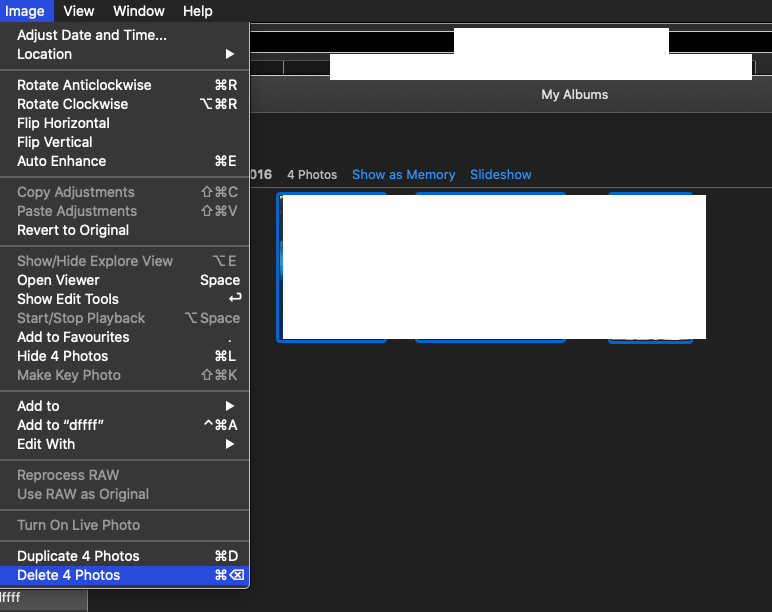
The photos in the album should not be clubbed in a folder that is created under the album , select the photos move three fingers from left to right on trackpad or use command and A keys , and delete .
Create and work with albums in Photos on Mac - Apple Support
Remove photos from an album: Select the photos, then press Delete, or choose Image > Remove [number] Photos from Album.
The photos are removed only from this album, not from other albums in your photo library.
Note: You can’t delete photos from a Smart Album or from the albums created for you, such as Videos or Bursts. The photos are added to these albums automatically based on the search criteria of the album. You can delete selected photos from your entire library and iCloud Photos by pressing Command-Delete.





 , then click Delete.
 on your Mac, select the items you want to delete.