Hi Vegasmel,
For help with checking your subtitle settings, test the steps below found in the article here: Change subtitles or languages for videos in the Apple TV app or iTunes Store - Apple Support
"Audio languages on Apple TV, smart TV, or streaming device
- On a Siri Remote or Apple TV Remote, press the Play/Pause button while watching a video to bring up the playback controls. Or on a remote for a smart TV, streaming device, or game console, press the button that brings up the video timeline.
- Use your Siri Remote or Apple TV Remote to swipe up and select the Audio button
 . Or use your smart TV, streaming device, or game console remote to navigate to the Audio button .
 - Choose the audio language that you want.
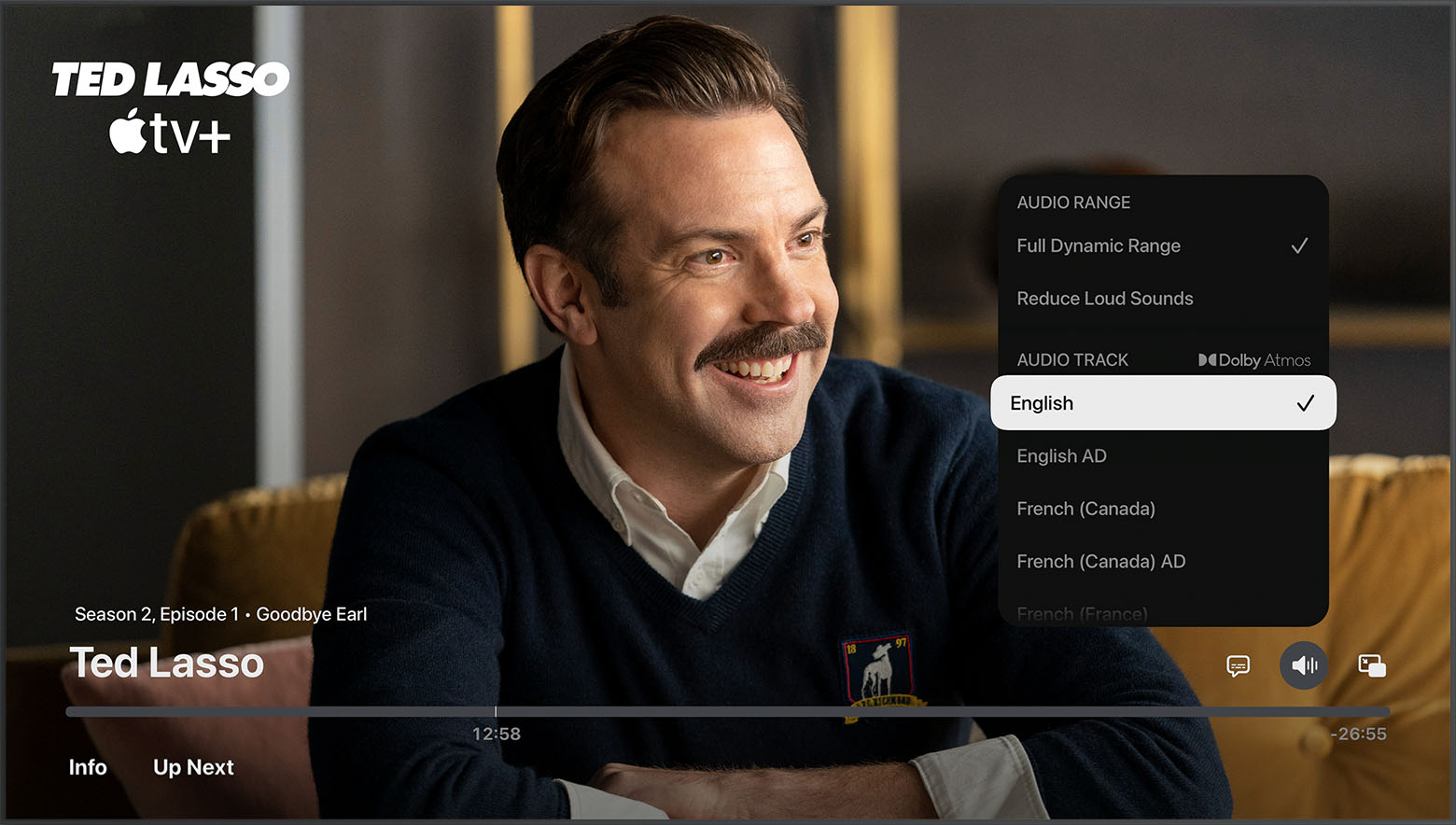
To change the default audio language in Settings, go to Settings > Video and Audio > Audio > Audio Language, then choose the language that you want."
If the settings are correct, and this is the only app or content this issue occurs with connect with Netflix to further assist.
How to change the language on Netflix
Netflix Help Center - Contact Us
Cheers.


