
can't see call history after updating ios 16.2
What can I do to get my call history back after it disappeared when I updated my iPhone with the latest update iOS 16.2?
iPhone 8
What can I do to get my call history back after it disappeared when I updated my iPhone with the latest update iOS 16.2?
iPhone 8
Hello kihelland,
Thank you for reaching out to Apple Support Communities.
Do you have iCloud Drive enabled? As stated in the article you previously referenced, View and delete the call history on your iPhone, "To keep call history up to date across all devices, turn on iCloud Drive.". Please review the information below for additional help:
"View and delete the call history on your iPhone
With iOS 13 and later, you can view your call history and delete all your recent calls or just specific calls on your iPhone.
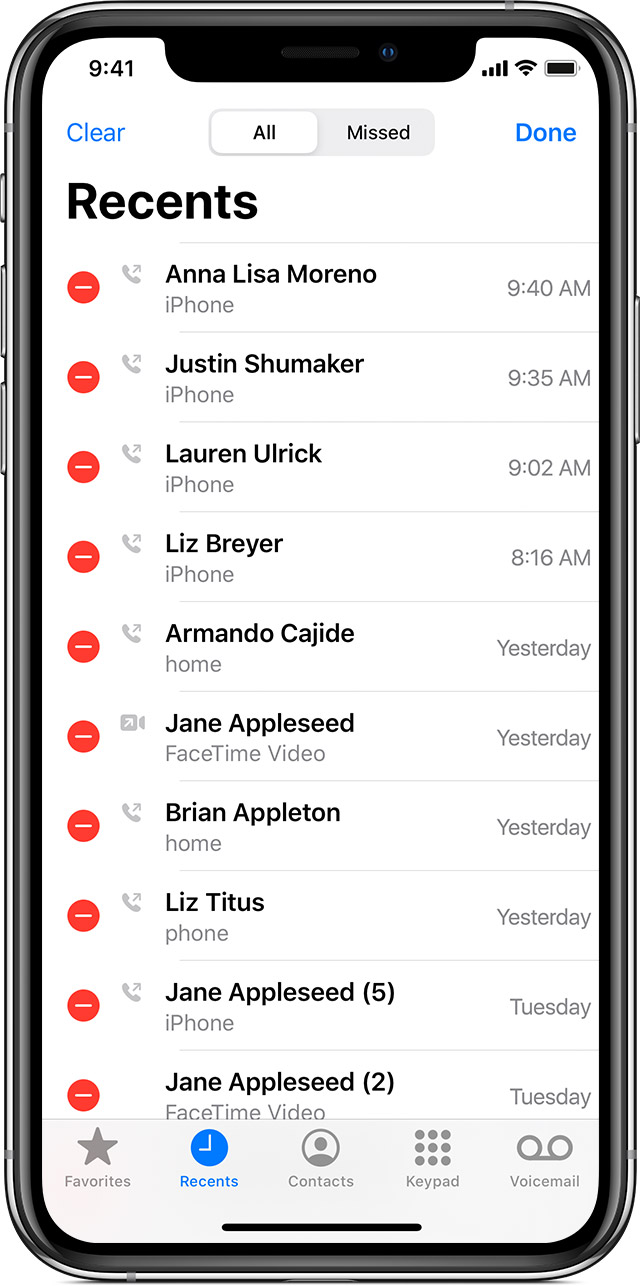
How to delete call history
 , then tap Delete.
You can also delete specific calls by swiping left on the call and tapping Delete."
If the issue persists, can you provide a few more details? Are you only missing a few calls or all of them? Does the issue persist if you back up and update to iOS 16.3? Also, how long ago did you previously update?
Cheers!
can't see call history after updating ios 16.2

