Hello claudiafrommiddletown,
We would like to see how we can help you with your printer not working as expected. Did you follow the steps in this link when removing it and adding it back: Update your printer software if your printer has a printing problem on Mac - Apple Support
- "On your Mac, choose Apple menu
 > System Settings, then click Printers & Scanners
  in the sidebar. (You may have to scroll down.)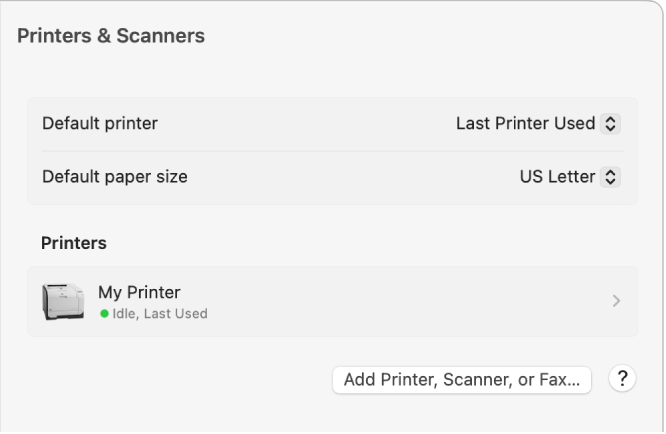
- Control-click the printer in the list on the right, choose Remove Printer, then click Remove Printer.
- Click the Add Printer, Scanner, or Fax button.
- A dialog appears listing any IP, shared, and Open Directory printers on your local network. It may take a minute or two for your printer to appear.
- Select your printer when it appears in the list, then do one of the following:
- Use AirPrint: If you connected an AirPrint-enabled printer using a USB cable, click the Use pop-up menu, then choose AirPrint.
- If AirPrint isn’t in the pop-up menu, your printer doesn’t support it.
- Use printer software installed on your Mac or downloaded from Apple: Click the Use pop-up menu, then choose Select Software.
- Use printer software from a file on your Mac: Click the Use pop-up menu, then choose Other. Select the file, then click Add."
Get back to us with these details, and we can go from there.
Cheers!

