
icloud settings keep apple watch notification
Hi clicking on this notification goes to the settings menu but not so where to click. The notification always comes back How to fix?
Apple Watch Series 6
Hi clicking on this notification goes to the settings menu but not so where to click. The notification always comes back How to fix?
Apple Watch Series 6
Hello pro102,
Thank you for reaching out to Apple Support Communities, and we'll be happy to help in any way we can. We understand you're having issues with a notification on your Apple Watch. Have you tried restarting your watch? This simple step resolves a multitude of issues: Restart your Apple Watch - Apple Support
"How to restart your Apple Watch if you have watchOS 9
 in the upper-right corner of the display.
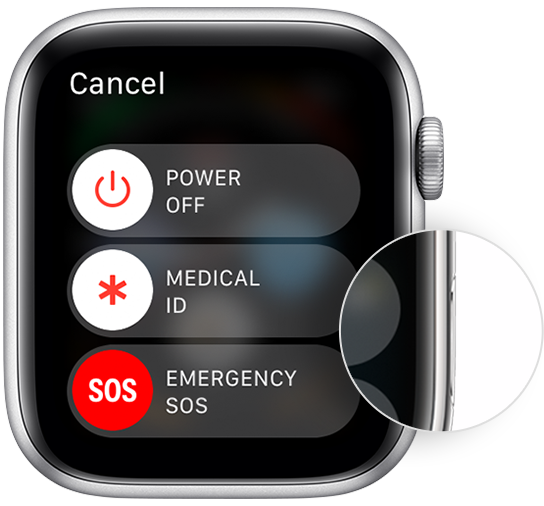
How to restart your Apple Watch if you have watchOS 8 or earlier
If that doesn't resolve the issue, does your watch need updating? If so, update your watchOS as outlined here: Update your Apple Watch - Apple Support
We hope this helps.
Cheers!
icloud settings keep apple watch notification

