Disable Tab Sharing without Turning off Handoff

I use handoff to go between my 16" M1 Macbook Pro running Ventura and a 27" iMac running Monterey. I have to run two different machines for design multitasking, and, originally, handoff was absolutely incredible.


Recently I've started running into an issue where anytime the mouse is on my MacBook screen, it force jumps back to the iMac (where it is originally connected to) regardless of the location.


I tried rearranging the screens, restarts, etc. and nothing fixed the issue. What I did notice is that the jump starts as soon as the tab sharing icon appears (regardless of browser attempting to do so) on the dock.


How can I disable tab sharing without disabling handoff?

MacBook Pro 16″, macOS 13.1

Posted on Mar 9, 2023 6:25 AM

Reply
Question marked as Top-ranking reply

Posted on Mar 10, 2023 9:05 AM

Hi nikkiandchaos,


We would like to get a better understanding of your issue. Handoff is generally used to pick up where you left off on a particular app and shouldn't impact which device your mouse is connected to. It sounds like you might be referring to the Universal Control feature when you can learn how to disable here: Universal Control: Use a single keyboard and mouse between Mac and iPad - Apple Support


If we misunderstood your issue just let us know more about what's going on. We look forward to hearing back from you.


Take care.

Similar questions

3 replies
Question marked as Top-ranking reply

Mar 10, 2023 9:05 AM in response to nikkiandchaos

Hi nikkiandchaos,


We would like to get a better understanding of your issue. Handoff is generally used to pick up where you left off on a particular app and shouldn't impact which device your mouse is connected to. It sounds like you might be referring to the Universal Control feature when you can learn how to disable here: Universal Control: Use a single keyboard and mouse between Mac and iPad - Apple Support


If we misunderstood your issue just let us know more about what's going on. We look forward to hearing back from you.


Take care.

Mar 10, 2023 5:18 PM in response to nikkiandchaos

Hello Nikkiandchaos,


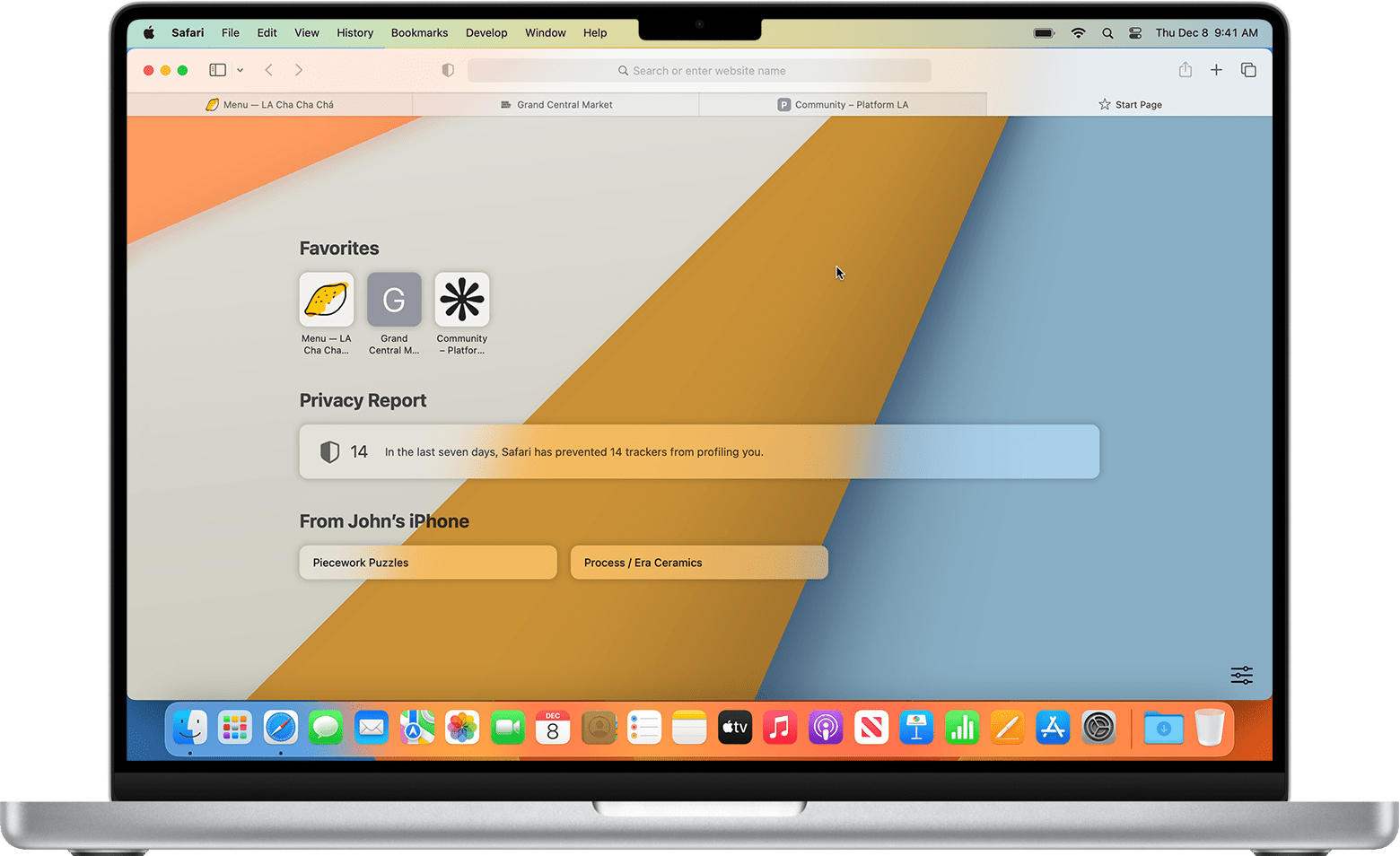
We'd like to ensure that we're on the same page. To clarify, do you have iCloud Tabs enabled as shown here:

"On your Mac

  1. Open Safari.
  2. From the Bookmarks menu in the menu bar, choose Show Start Page.
  3. By default the Start Page includes a section showing the tabs that are open on your other devices.
  4. Tap the one that you want to open. 
  5. To close a tab on another Apple device, Control-click the tab, then choose Close Tab."An image of a MacBook screen. Below "Favorites" and "Privacy Report" is a "From John's iPhone" section with two open tabs.


If so, these steps can assist you with turning off this feature:

On your Mac

  1. Choose Apple menu  > System Settings. In macOS Monterey or earlier, choose Apple menu  > System Preferences. 
  2. Click Apple ID, then click iCloud. 
  3. Click to turn off Safari.


More details here: Set up and use iCloud Tabs


If you're experiencing another issue, can you take a screenshot on your Mac? Having this information will give the community a better understanding of the behavior that is occurring.


We look forward to your reply.

Best wishes.


Mar 10, 2023 1:15 PM in response to Lee_ms

Hi Lee,


Thank you for your response and for clarifying my incorrect use of handoff vs. universal control.


I have already been through that article with no solution to my problem, though.


I want to keep using universal control, not disable it. When all my displays/mouse + keyboard are connected my mouse keeps hopping back to the original device screen it is connected to, regardless of the location on the screen. It could be in the middle, the sides, the corners, etc, and it just disappears from the screen and reappears on the iMac.


I noticed this happens as soon as the tab sharing icon appears (regardless of browser attempting to do so) on the dock or the screen it is jumping from.


How do I fix this?

This thread has been closed by the system or the community team. You may vote for any posts you find helpful, or search the Community for additional answers.

Disable Tab Sharing without Turning off Handoff

Welcome to Apple Support Community
A forum where Apple customers help each other with their products. Get started with your Apple Account.