
Sync issue
Why cant i sync my ps5 to my apple music?
Why cant i sync my ps5 to my apple music?
Hello,
I can't find any articles about syncing to a gaming device, like a PlayStation, for offline listening but the below information may help to access your music for streaming from the PlayStation.
Listen to Apple Music on the web and in apps - Apple Support
"Listen to Apple Music on the web and in apps
If you subscribe to Apple Music, you can browse and play music from Apple Music and your music library on the web and in apps.
Listen to Apple Music on the web
After you sign in, you can:

Listen to Apple Music in apps
Apps might ask you for permission to access your Apple Music subscription. When an app prompts you for permission, tap OK to allow access to your music library, playlists, and personal recommendations.
If you're using a third-party website, open your account settings and look for an option to connect your subscription. You might have to sign in to the account that you use with the website.
Control which apps access Apple Music on your iPhone, iPad, or iPod touch
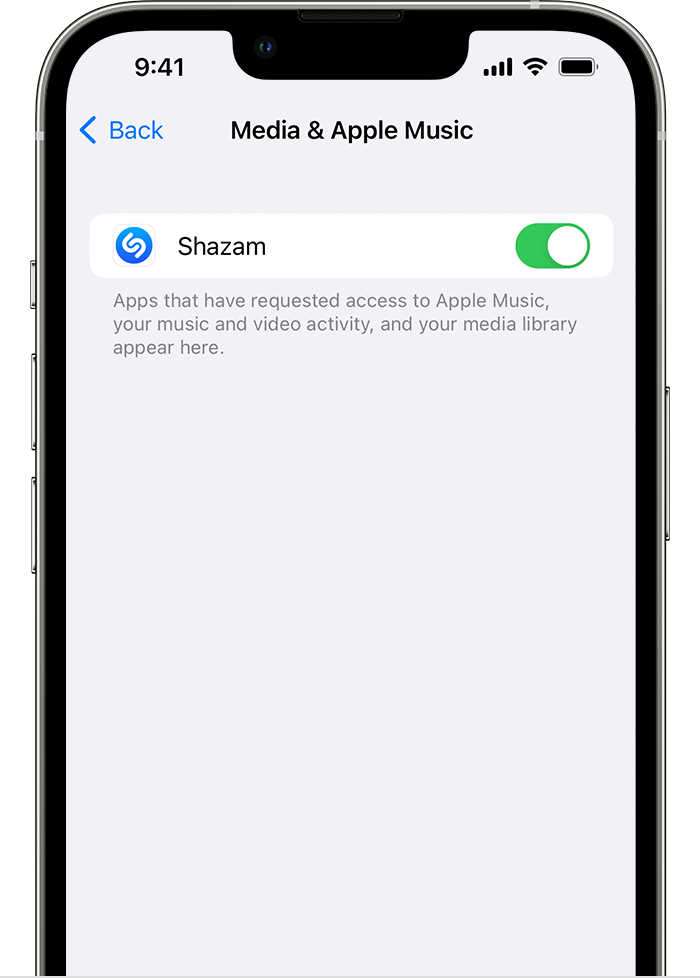
For some apps, you might have to use the Apple Music app to turn off access to Apple Music.
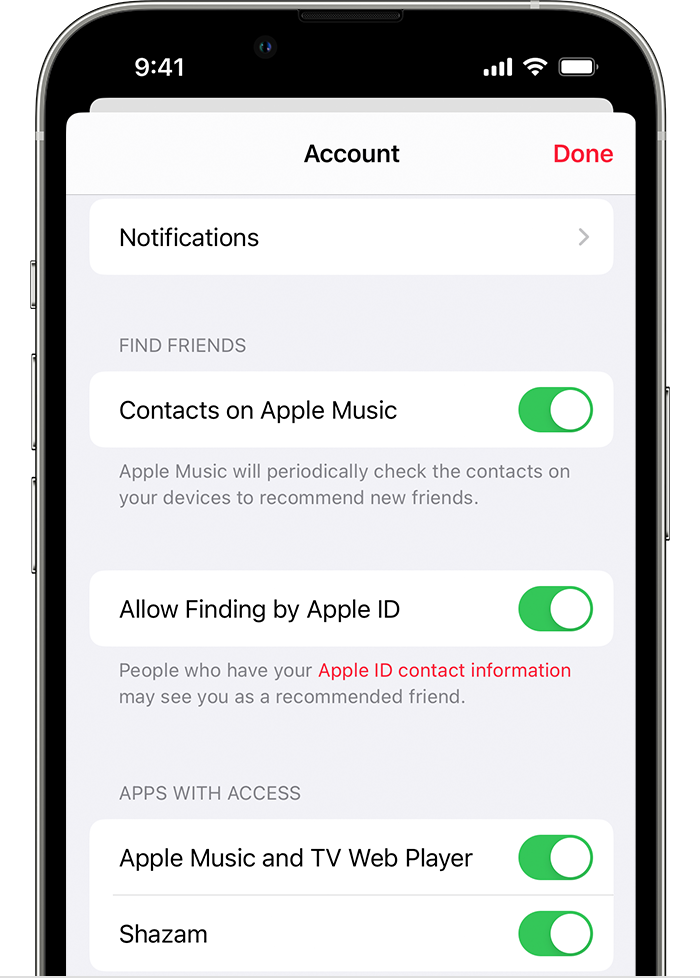
Control which apps access Apple Music on your Android device
 .
.I hope this helps.
Sync issue
