
I can't update my iOS it is always stuck on preparing update
i cant update my ios it always stuck on preparing update
[Re-Titled by Moderator]
iPhone XR, iOS 14
i cant update my ios it always stuck on preparing update
[Re-Titled by Moderator]
iPhone XR, iOS 14
Hey JMjayme,
We'd recommend reviewing this article as it provides steps to help resolve update issues: If your iPhone or iPad won't update - Apple Support
"If the download takes a long time
You need an internet connection to update your device. The time it takes to download the update varies according to the size of the update and your internet speed. You can use your device normally while downloading the update, and your device will notify you when you can install it. To improve the speed of the download, avoid downloading other content and use a Wi-Fi network.
If you can't reach the update server or can't verify the update
If you try to update your device, you might see one of these messages:
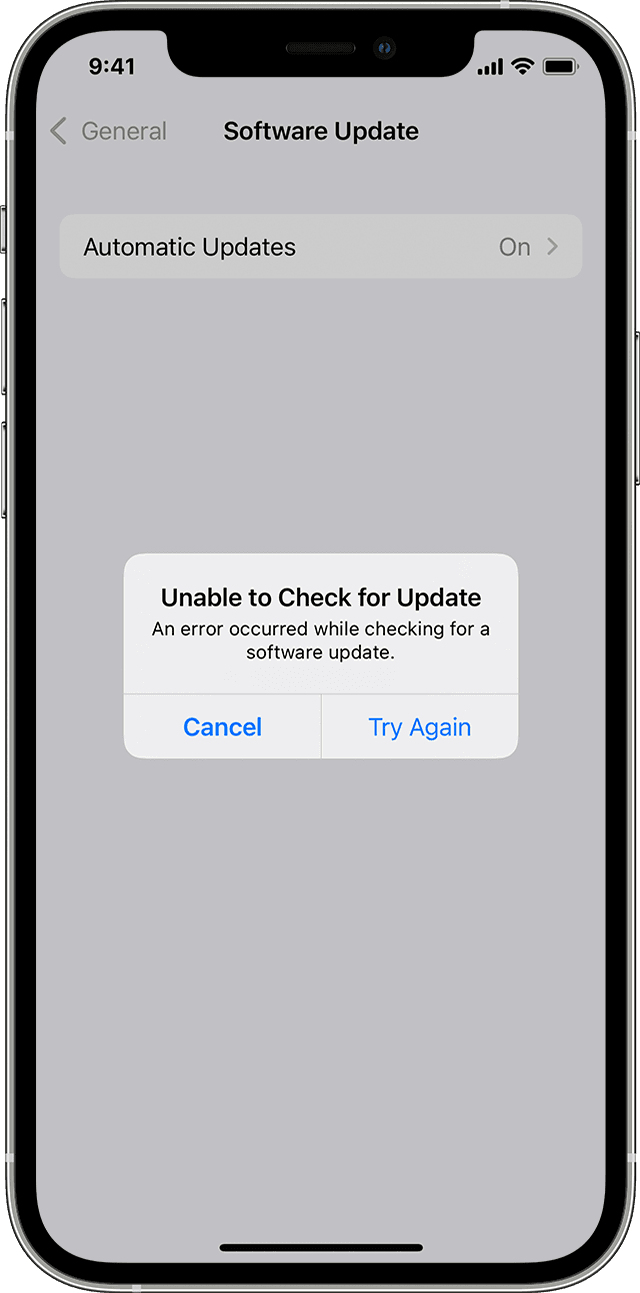
"Unable to Check for Update. An error occurred while checking for a software update."
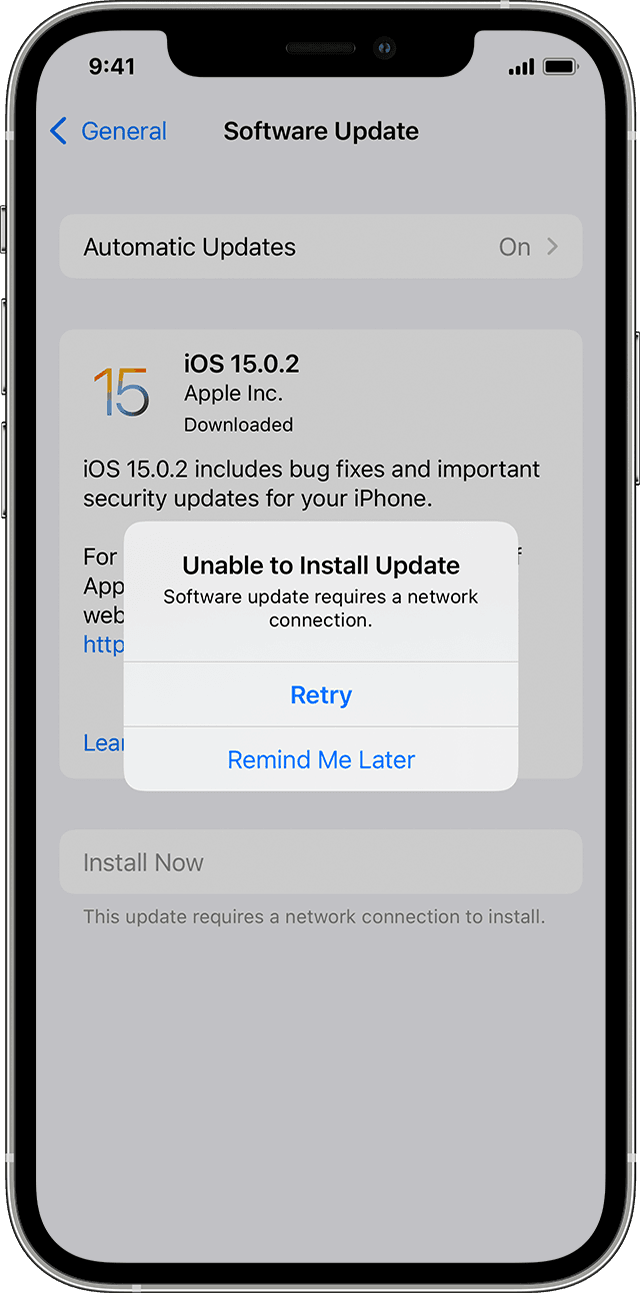
"Unable to Install Update. [Software] update requires a network connection."
Try updating your device again using the same network. If you still see one of these messages, try updating your device using another network or update your device with your computer:
If the issue happens again after trying to update with multiple networks, remove the update.
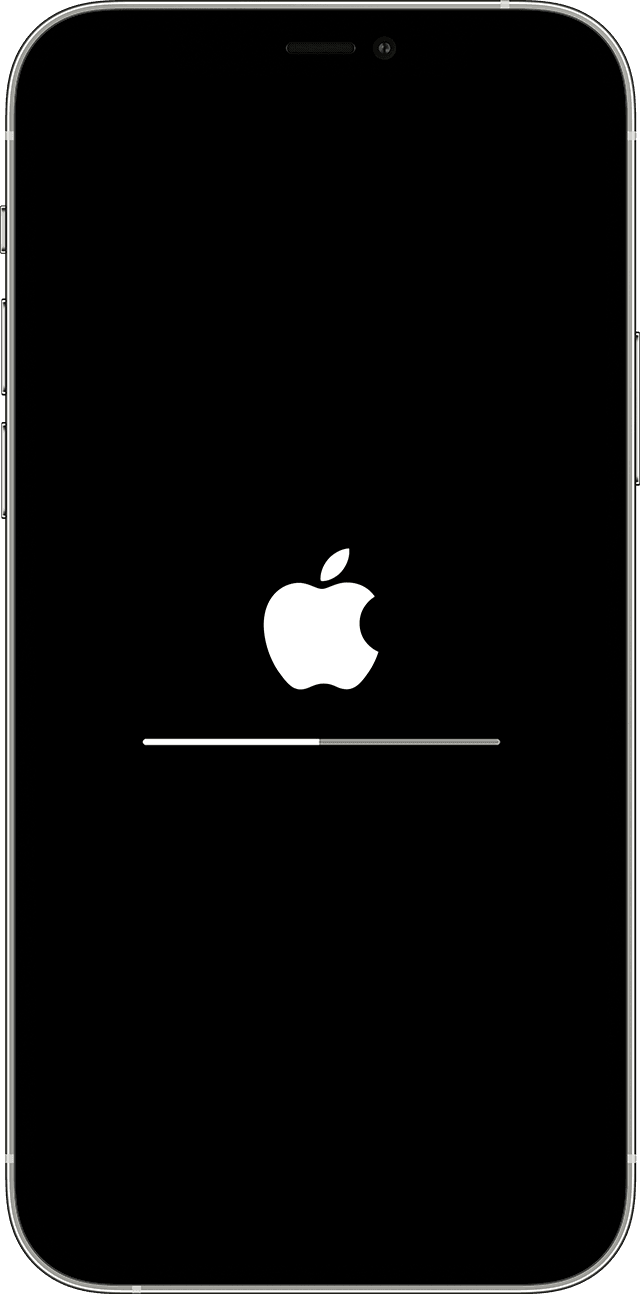
If the update doesn't complete
If you're installing the update, the progress bar might appear to move slowly. The time an update takes depends on the size of the update and the number of files on your device.
When you're updating over the air, keep your device connected to a power source. If your device runs out of power, connect it to a power source and turn on the device to let the update or restore complete.
Learn what to do if your iPhone or iPad appears frozen or won't start.

Remove and download the update again
If you still can't install the latest version of iOS or iPadOS, try downloading the update again:
If you don't see the update in the list of apps or if the issue happens again, you need to update your device with your computer:
Learn how to use recovery mode if your computer doesn't recognize your device or your screen is stuck on the Apple logo for several minutes without a progress bar."
Thanks!
Hey JMjayme,
We'd recommend reviewing this article as it provides steps to help resolve update issues: If your iPhone or iPad won't update - Apple Support
"If the download takes a long time
You need an internet connection to update your device. The time it takes to download the update varies according to the size of the update and your internet speed. You can use your device normally while downloading the update, and your device will notify you when you can install it. To improve the speed of the download, avoid downloading other content and use a Wi-Fi network.
If you can't reach the update server or can't verify the update
If you try to update your device, you might see one of these messages:
"Unable to Check for Update. An error occurred while checking for a software update."
"Unable to Install Update. [Software] update requires a network connection."
Try updating your device again using the same network. If you still see one of these messages, try updating your device using another network or update your device with your computer:
If the issue happens again after trying to update with multiple networks, remove the update.
If the update doesn't complete
If you're installing the update, the progress bar might appear to move slowly. The time an update takes depends on the size of the update and the number of files on your device.
When you're updating over the air, keep your device connected to a power source. If your device runs out of power, connect it to a power source and turn on the device to let the update or restore complete.
Learn what to do if your iPhone or iPad appears frozen or won't start.
Remove and download the update again
If you still can't install the latest version of iOS or iPadOS, try downloading the update again:
If you don't see the update in the list of apps or if the issue happens again, you need to update your device with your computer:
Learn how to use recovery mode if your computer doesn't recognize your device or your screen is stuck on the Apple logo for several minutes without a progress bar."
Thanks!
I can't update my iOS it is always stuck on preparing update

