
Workout Countdown Timer
How do turn the countdown timer for workouts back on for the Ultra? I know how to turn it off and did so but I missed it and can't get it back on.
Paul
How do turn the countdown timer for workouts back on for the Ultra? I know how to turn it off and did so but I missed it and can't get it back on.
Paul
Hello pmp350,
Thanks for choosing the Apple Support Communities. It sounds like you have precision start turned on when starting a workout on your Apple Watch Ultra. We have a few steps that will help you turn this off. Check those out below:
Use the Workout app on your Apple Watch - Apple Support
"Start a workout
 next to the workout that you want to do. You can also set or start a custom workout. To skip setting a goal, tap the workout.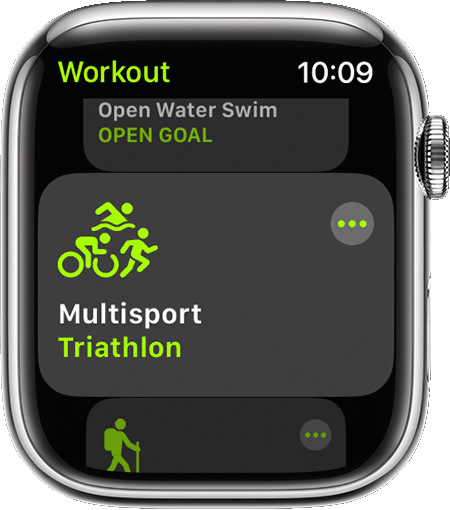
4. Wait for the three-second countdown. To skip the countdown, tap the screen.
5. Work out. To add another type of workout without ending your session, open the Workout app, swipe right, then tap the New button  .
.
Siri can also help you start a workout. Say something like "go for a five-mile walk."
If you have Apple Watch Ultra, you can set and start your workout with the Action button. Learn how to use the Action button on your Apple Watch Ultra.
Forget to start your workout? Your Apple Watch can automatically detect when you start working out."
According to this, the countdown should start automatically unless you choose to skip the countdown using the instructions above.
We hope this helps.
Cheers!
Workout Countdown Timer

