Hello bonny164,
Welcome to Apple Support Communities.
We understand that you don’t want to see a prompt for SharePlay when watching content on Apple TV. We are happy to help.
The prompt you are seeing is expected behavior. You can choose the option “Start Only for Me” in number 5 here: Use SharePlay to watch movies and TV shows together on your Apple TV - Apple Support
"Start a SharePlay session from your Apple TV
- On your iPhone or iPad, start a FaceTime call.
- On your Apple TV Remote, press and hold TV/Control Center
 to open Control Center on Apple TV.
 - At the top of Control Center, select your user. If you're using someone else's Apple TV or if you can't select your user for a different reason, use AirPlay to stream video to your Apple TV.
- Choose a movie or show, and press play.
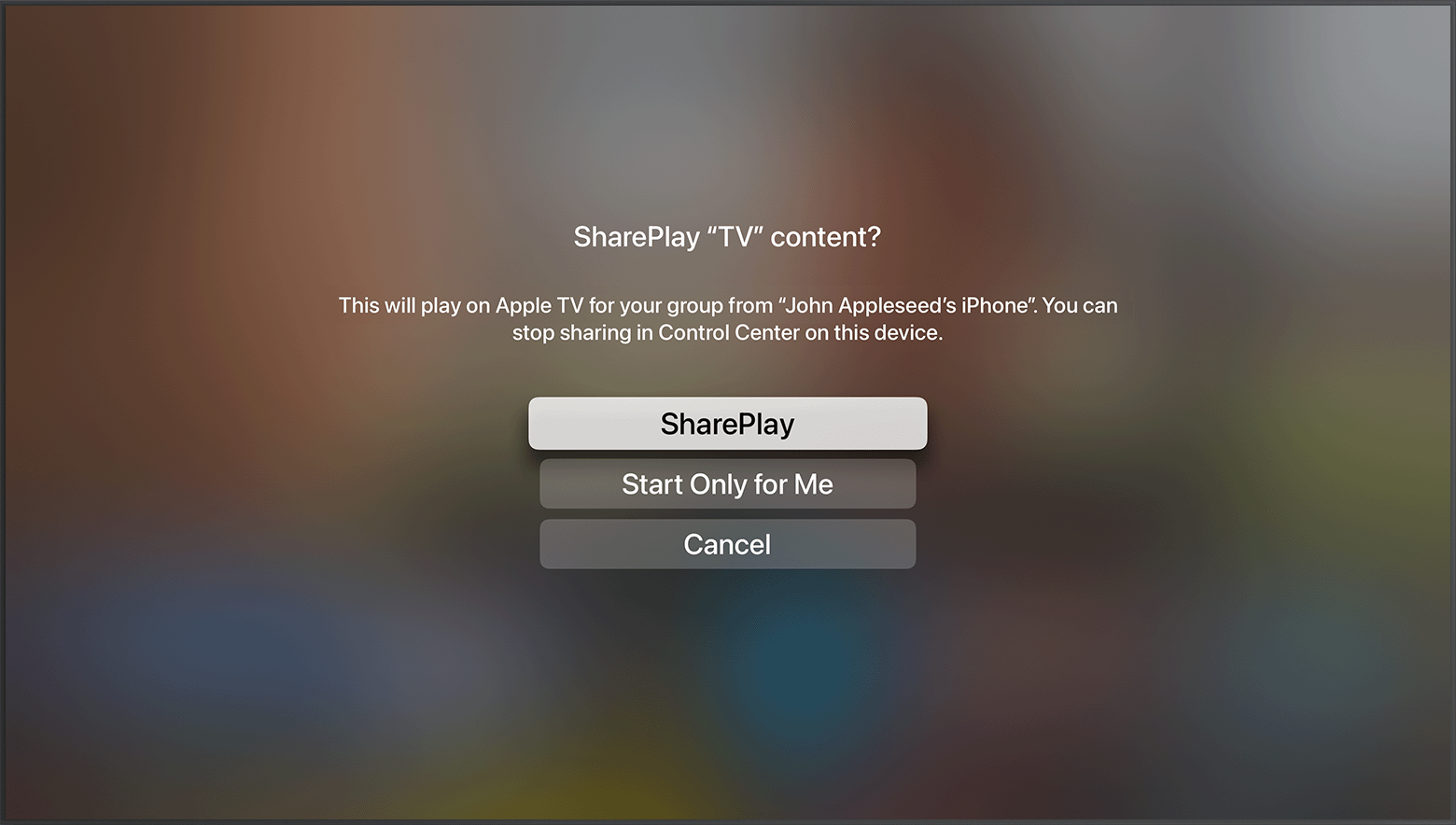
5. You'll get a notification on Apple TV asking if you want to SharePlay your content. Select SharePlay, then use your iPhone or iPad to confirm.
Playback controls are shared by everyone watching, so anyone can play, pause, rewind, or fast forward. Changing settings like closed captioning and volume affect only your device."
Let us know if you have further questions.
Take care.


