Update fails
My iphone downloads the ios 16.5 but when installing says no internet connection
My iphone downloads the ios 16.5 but when installing says no internet connection
Thanks for posting in the Apple Support Communities Battalionable01,
The following section offers specific guidance you can use to resolve the issue you're encountering, and complete the update on your device:
If you can't reach the update server or can't verify the update
If you try to update your device, you might see one of these messages:
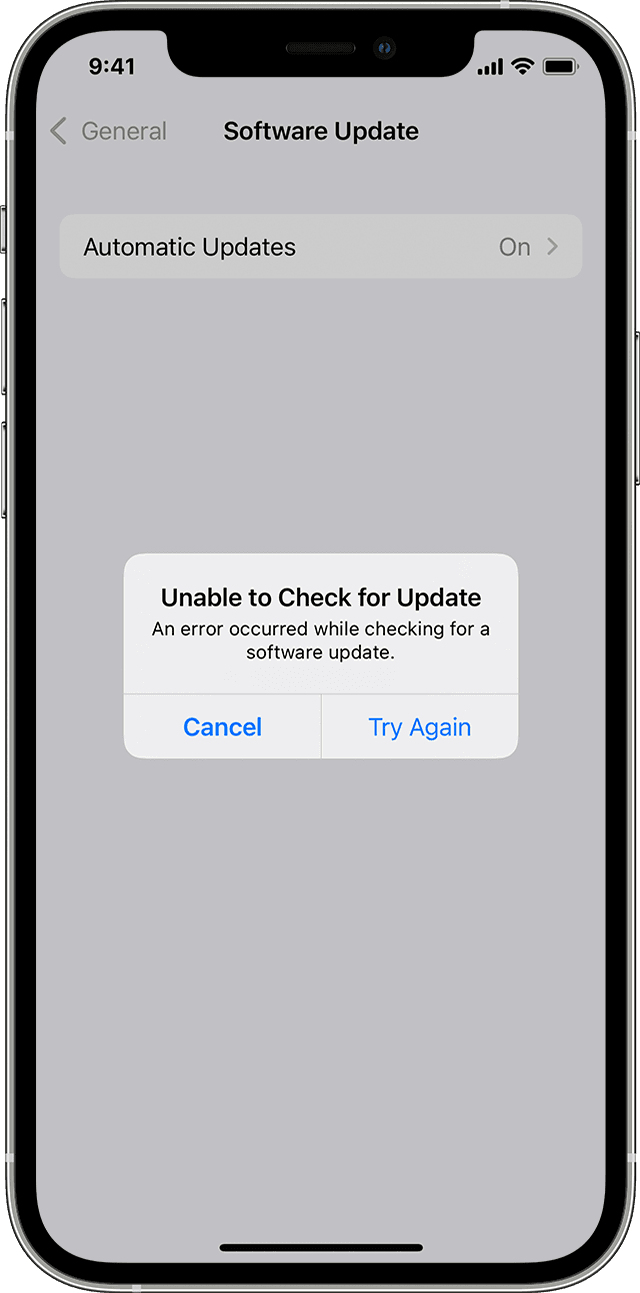
"Unable to Check for Update. An error occurred while checking for a software update."
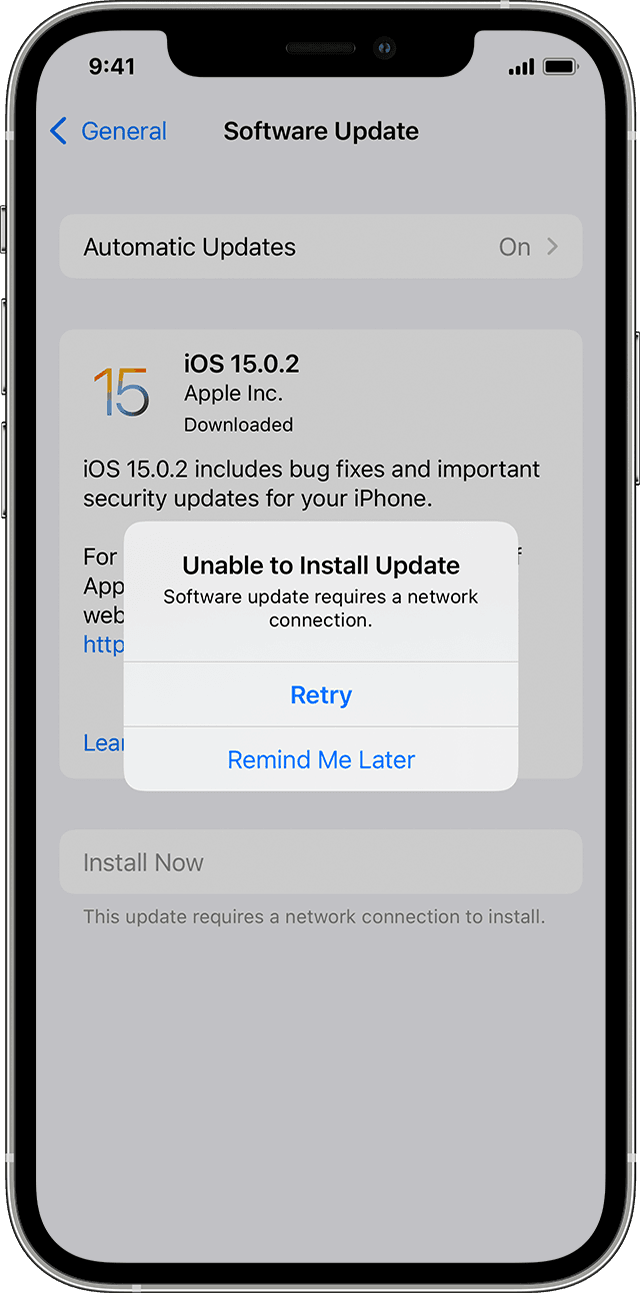
"Unable to Install Update. [Software] update requires a network connection."
Try updating your device again using the same network. If you still see one of these messages, try updating your device using another network or update your device with your computer:
* Update your device using a Mac with macOS Catalina or later
* Update your device using a Mac with macOS Mojave or earlier, or a Windows PC
If the issue happens again after trying to update with multiple networks, remove the update.
If your iPhone or iPad won't update
We hope this helps!
Thanks for posting in the Apple Support Communities Battalionable01,
The following section offers specific guidance you can use to resolve the issue you're encountering, and complete the update on your device:
If you can't reach the update server or can't verify the update
If you try to update your device, you might see one of these messages:
"Unable to Check for Update. An error occurred while checking for a software update."
"Unable to Install Update. [Software] update requires a network connection."
Try updating your device again using the same network. If you still see one of these messages, try updating your device using another network or update your device with your computer:
* Update your device using a Mac with macOS Catalina or later
* Update your device using a Mac with macOS Mojave or earlier, or a Windows PC
If the issue happens again after trying to update with multiple networks, remove the update.
If your iPhone or iPad won't update
We hope this helps!
Update fails