How to launch an application in the Apple App store?

How to launch a application in APPLE appstore. What are the steps involved in launching a app? If anyone knows or enlighten me, it would help me to launch my app which in turn would support community.


[Re-Titled by Moderator]

iPhone 12

Posted on Jun 13, 2023 11:39 PM

Reply
4 replies

Jun 14, 2023 2:23 PM in response to APPLE_Slice

APPLE_Slice wrote:

How to launch a application in APPLE appstore. What are the steps involved in launching a app? If anyone knows or enlighten me, it would help me to launch my app which in turn would support community.


Paid membership in the Apple Developer program, and following the guidelines to develop an app:


Apple Developer Program - Apple Developer


And then following the guidelines for and then submitting the app to the App Store:


Distribute - Apple Developer


Development can use Xcode or Playgrounds, and both of these allow developers to submit apps to the App Store.


Jun 14, 2023 11:20 AM in response to APPLE_Slice

You cannot launch apps in the App Store unless they have already been downloaded to your device.

To download an App, tap on the "GET" button (free apps) or the price (paid apps) to initiate the download / purchase.

click here ➜ Download apps and games on your iPhone or iPad - Apple Support
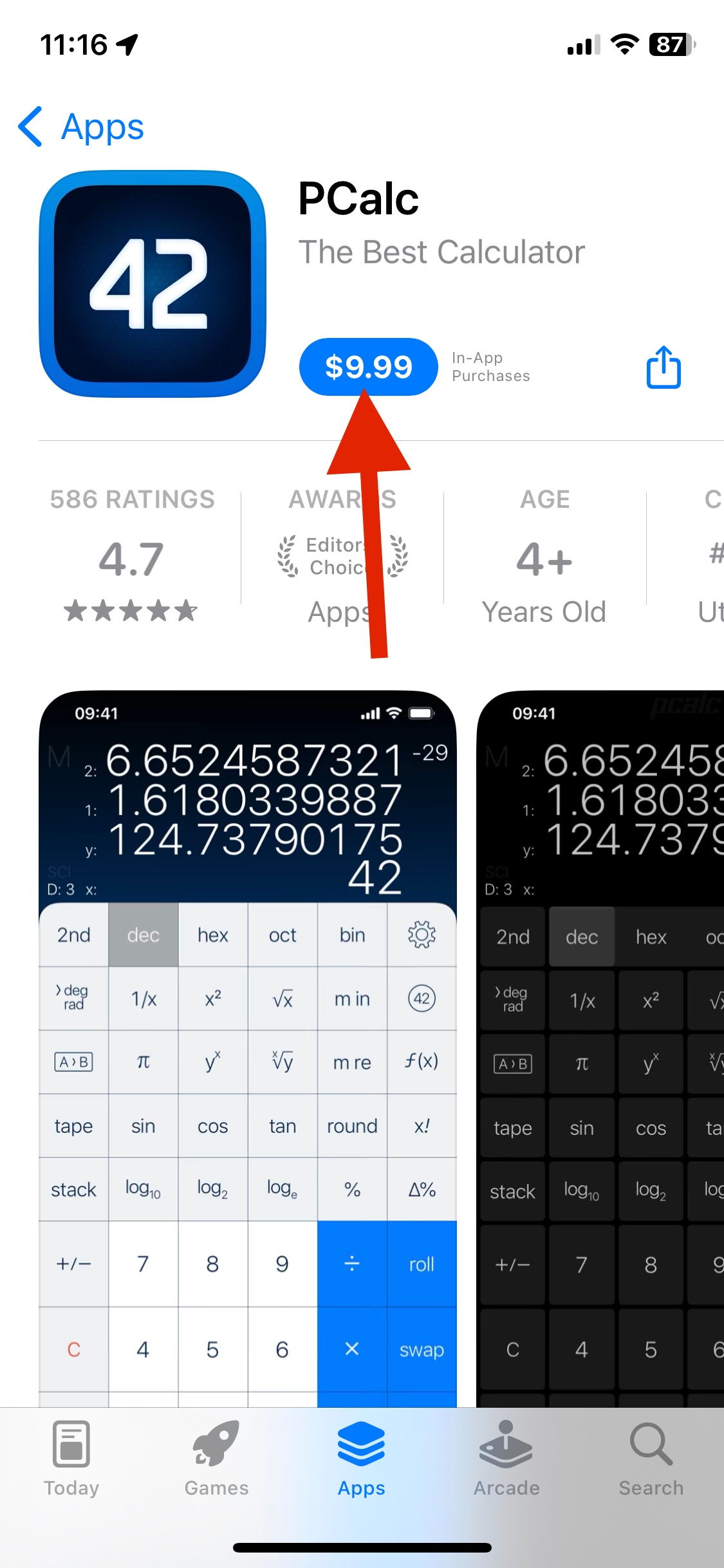

Once it's downloaded, the app should appear on one of your home screens or in the App Library. You can then just tap on its icon and it should open.

click here ➜ Open apps on iPhone - Apple Support


In the App Store, downloaded apps will have an "Open" button instead of "Get" or a price. You can tap the Open button to open the app.



This thread has been closed by the system or the community team. You may vote for any posts you find helpful, or search the Community for additional answers.

How to launch an application in the Apple App store?

Welcome to Apple Support Community
A forum where Apple customers help each other with their products. Get started with your Apple Account.
