
Visual lookup not working.
Visual lookup not working on iphone SE 3rd gen with IOS 16.5. Any special settings needed?
iPhone SE (3rd generation)
Visual lookup not working on iphone SE 3rd gen with IOS 16.5. Any special settings needed?
iPhone SE (3rd generation)
Hello patcam100,
We would like to see how we can help you with Visual Look Up. Are you living in a region where this feature is available? Check out this link and get back to us: Use Visual Look Up to identify objects in your photos on iPhone - Apple Support
 indicates Visual Look Up information is available for that photo..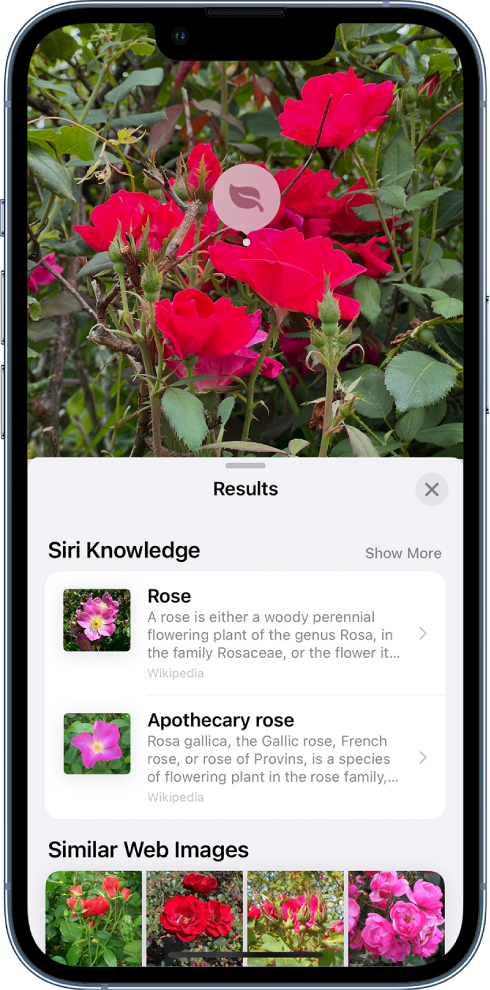
 , then tap the photo to close the Visual Look Up results."
Cheers!
Visual lookup not working.
