TeXStudio is not part of the 2023 MacTeX (texlive) installation, nor part of the optional MacTeXtras package. It is a separate development effort written in C++/Qt without an Apple Developer license and is available from GitHub at this location. The MacTeX 2023 distribution is a universal binary build for X86_64 and Apple Arm64.
TeXStudio is an X86_64 application, and on an Apple Silicon device, when you run it, you may receive a prompt to install Rosetta 2 to perform byte code translation to Arm64.
There is no installer as once the app .zip file is opened you are left with the application name with the .app extension hidden. It is up to you to drag and drop this TeXStudio.app into your /Applications or /Applications/TeX folder location providing the Administrator password. The vendor also makes this comment about getting around the unidentifed developer issue:
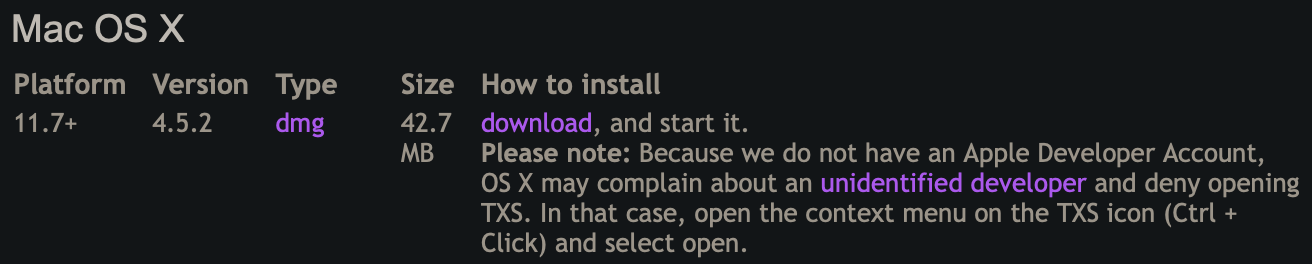
This means that for a given version of this application, you need to control-click on the application and choose open, and on the resultant dialog, click Open again. Then you can double-click the TeXStudio application and it will open normally.
Eject the texstudio disk icon on the Desktop and you are done.

