My watch is not charging I put in the charger and nothing happens
I put it in the charger and it’s not charging
I put it in the charger and it’s not charging
Hi there 1950Angie,
If your Apple Watch isn't charging, try working through the suggestions below to see if they resolve the issue for you:
Get help if your Apple Watch won't charge
If your Apple Watch won't charge, or a message on your watch says that charging with this accessory isn't supported, try these tips:
* Make sure that you're using the Apple Magnetic Charging Cable or USB-C Magnetic Fast Charging Cable that came with your Apple Watch.
* Make sure that you plug the Apple Magnetic Charging Cable or USB-C Magnetic Fast Charging Cable all the way into the USB Power Adapter, then make sure that you plug the adapter all the way into a power outlet.
* If you use a third-party charging stand, use the charging cable that shipped in the box with your Apple Watch.
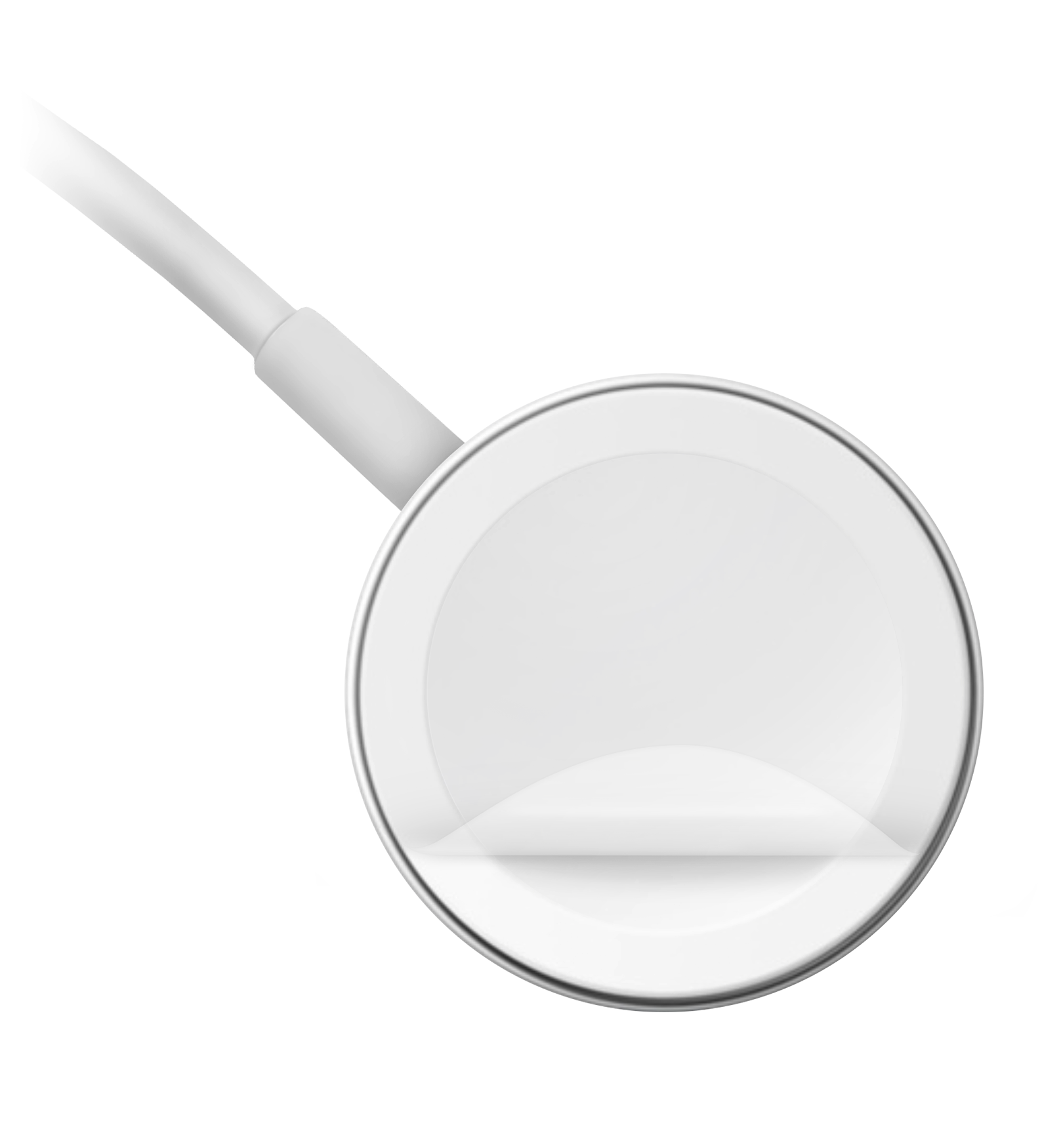
* Completely remove any plastic wrap from both sides of the charger.
* Make sure that the back of your Apple Watch and the magnetic charger are clean.
* Reposition the back of your Apple Watch on the charger. When the charger's magnets align correctly with your Apple Watch, a green or yellow lightning boltshould appear on the watch face.*
* Try a different Apple Watch Magnetic Charging Cable or USB-C Magnetic Fast Charging Cable, and a different USB Power Adapter. If your Apple Watch is out of power, you might need to wait a few minutes for the lightning bolt
* If your Apple Watch still won't charge, force it to restart. Press and hold both the side button and Digital Crown for at least 10 seconds, or until the Apple logo appears.
You'll find those steps here: If your Apple Watch won't charge or it won't turn on - Apple Support
If your Apple Watch still isn't charging after working through all the steps above, the next best step is to have it serviced. The links below will help you get started with that process:
Apple Watch Service & Repair - Apple Support
Take care!
Hi there 1950Angie,
If your Apple Watch isn't charging, try working through the suggestions below to see if they resolve the issue for you:
Get help if your Apple Watch won't charge
If your Apple Watch won't charge, or a message on your watch says that charging with this accessory isn't supported, try these tips:
* Make sure that you're using the Apple Magnetic Charging Cable or USB-C Magnetic Fast Charging Cable that came with your Apple Watch.
* Make sure that you plug the Apple Magnetic Charging Cable or USB-C Magnetic Fast Charging Cable all the way into the USB Power Adapter, then make sure that you plug the adapter all the way into a power outlet.
* If you use a third-party charging stand, use the charging cable that shipped in the box with your Apple Watch.
* Completely remove any plastic wrap from both sides of the charger.
* Make sure that the back of your Apple Watch and the magnetic charger are clean.
* Reposition the back of your Apple Watch on the charger. When the charger's magnets align correctly with your Apple Watch, a green or yellow lightning bolt
* Try a different Apple Watch Magnetic Charging Cable or USB-C Magnetic Fast Charging Cable, and a different USB Power Adapter. If your Apple Watch is out of power, you might need to wait a few minutes for the lightning bolt
* If your Apple Watch still won't charge, force it to restart. Press and hold both the side button and Digital Crown for at least 10 seconds, or until the Apple logo appears.
You'll find those steps here: If your Apple Watch won't charge or it won't turn on - Apple Support
If your Apple Watch still isn't charging after working through all the steps above, the next best step is to have it serviced. The links below will help you get started with that process:
Apple Watch Service & Repair - Apple Support
Take care!
My Apple Watch is not charging
My watch is not charging I put in the charger and nothing happens