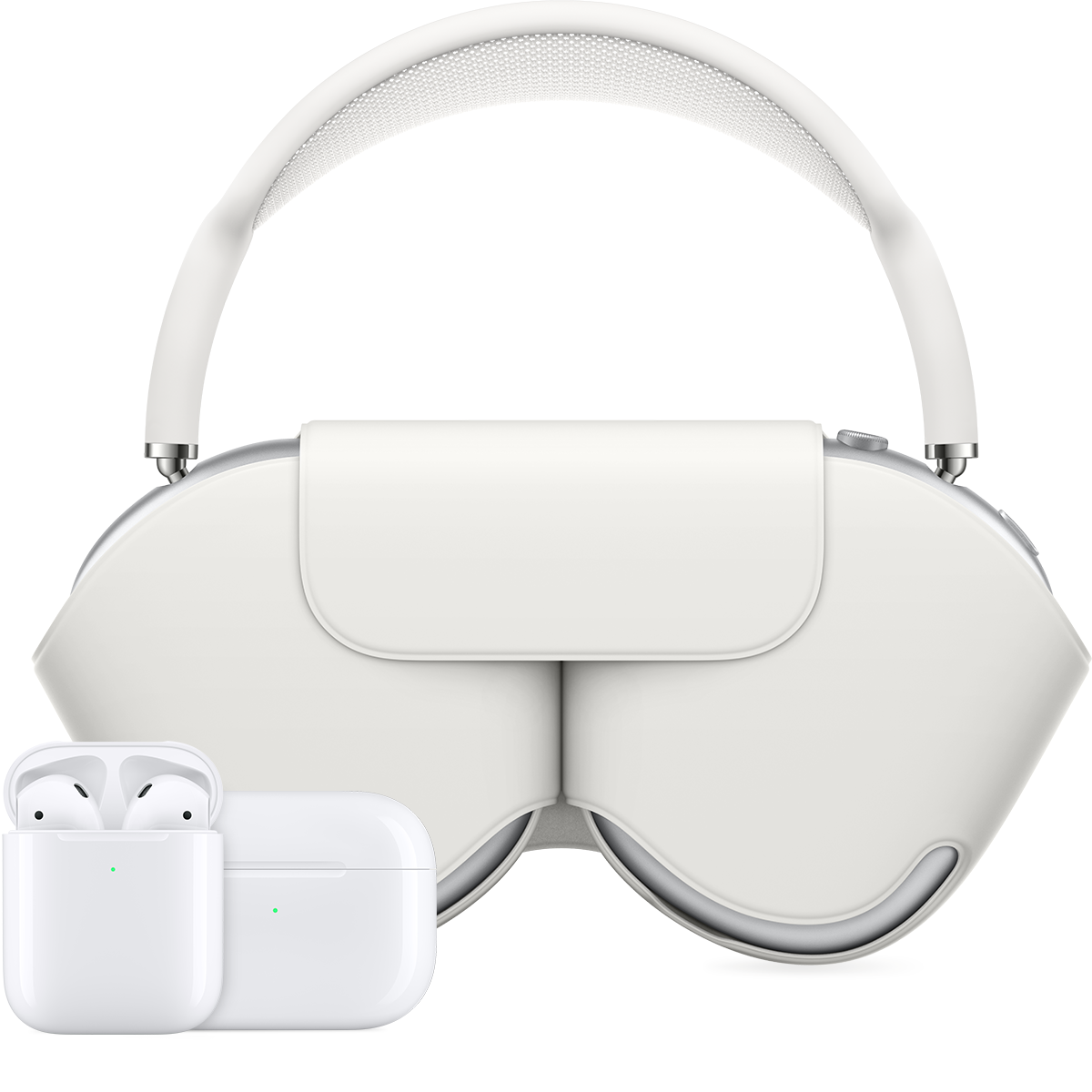
my airpods are not staying charged
My airpods 3 will not hold a charge..sometimes only the left charges. They were fine up until about three weeks ago. What amI doing wrong? I just bought themin November
My airpods 3 will not hold a charge..sometimes only the left charges. They were fine up until about three weeks ago. What amI doing wrong? I just bought themin November
Hey there MaryHD65,
Thanks for reaching out to Apple Support Communities. We're happy to provide some assistance.
The actions in this article can help you resolve AirPods charging issues:
If your AirPods won’t charge - Apple Support
If your AirPods won’t charge
If you can't charge your AirPods, learn what to do.
Check your connections
If you have AirPods or AirPods Pro, make sure that the Lightning to USB cable is firmly plugged into the charging case and USB power adapter. Then make sure that the power adapter is correctly plugged into a power outlet.
If you're using a Qi-compatible charger with your AirPods or AirPods Pro, make sure that the cable is firmly plugged into the charger and that the other end is correctly plugged into a power outlet.
If you have AirPods Max, make sure that the USB-C to Lightning cable is firmly plugged into the USB power adapter. Then make sure that the power adapter is correctly plugged into a power outlet.
Charge your AirPods
If you have AirPods or AirPods Pro, place your AirPods in the charging case and close the lid. Charge your AirPods and case for at least 15 minutes using the cable that came with your AirPods.
If you have AirPods Max, charge them for at least 5 minutes using the cable that came with them. When you're not using your AirPods Max, keep them in the Smart Case to put them into an ultra-low power mode to preserve battery charge.
If you have the Wireless Charging Case for your AirPods or AirPods Pro and you're using a Qi-compatible charger, place the case with the status light facing up. The status light should turn on for several seconds, then turn off while continuing to charge. If the light doesn't turn on, reposition the case. If your case still isn't charging, try charging with the cable that came with your case.
Check the charge status
If you have AirPods or AirPods Pro, open the case lid with your AirPods inside and hold your case close to your iOS device. If you have AirPods Max, open the Smart Case and hold your case close to your iOS device. You should see a charging icon next to the battery icon under your AirPods.
If you still can’t charge your AirPods, contact Apple Support.
Have a great day!
Hey there MaryHD65,
Thanks for reaching out to Apple Support Communities. We're happy to provide some assistance.
The actions in this article can help you resolve AirPods charging issues:
If your AirPods won’t charge - Apple Support
If your AirPods won’t charge
If you can't charge your AirPods, learn what to do.
Check your connections
If you have AirPods or AirPods Pro, make sure that the Lightning to USB cable is firmly plugged into the charging case and USB power adapter. Then make sure that the power adapter is correctly plugged into a power outlet.
If you're using a Qi-compatible charger with your AirPods or AirPods Pro, make sure that the cable is firmly plugged into the charger and that the other end is correctly plugged into a power outlet.
If you have AirPods Max, make sure that the USB-C to Lightning cable is firmly plugged into the USB power adapter. Then make sure that the power adapter is correctly plugged into a power outlet.
Charge your AirPods
If you have AirPods or AirPods Pro, place your AirPods in the charging case and close the lid. Charge your AirPods and case for at least 15 minutes using the cable that came with your AirPods.
If you have AirPods Max, charge them for at least 5 minutes using the cable that came with them. When you're not using your AirPods Max, keep them in the Smart Case to put them into an ultra-low power mode to preserve battery charge.
If you have the Wireless Charging Case for your AirPods or AirPods Pro and you're using a Qi-compatible charger, place the case with the status light facing up. The status light should turn on for several seconds, then turn off while continuing to charge. If the light doesn't turn on, reposition the case. If your case still isn't charging, try charging with the cable that came with your case.
Check the charge status
If you have AirPods or AirPods Pro, open the case lid with your AirPods inside and hold your case close to your iOS device. If you have AirPods Max, open the Smart Case and hold your case close to your iOS device. You should see a charging icon next to the battery icon under your AirPods.
If you still can’t charge your AirPods, contact Apple Support.
Have a great day!
my airpods are not staying charged