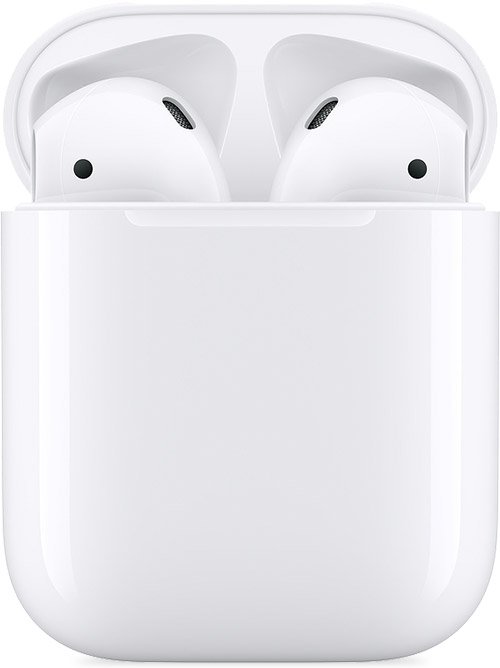
I don’t seem to be getting left bud to connect! No sound! What should I do?
Left ear bud not functioning! Was charged up! I think!
Left ear bud not functioning! Was charged up! I think!
Hello Er-,
Thank you for reaching out in Apple Support Communities. There are steps available that can help with the left AirPod not producing any sound. We recommend to perform these steps:
If there's no sound in one AirPod
1. Make sure that your charging case is fully charged.
2. Place both AirPods in your charging case and let them charge for 30 seconds.
3. Open the charging case near your iPhone or iPad.
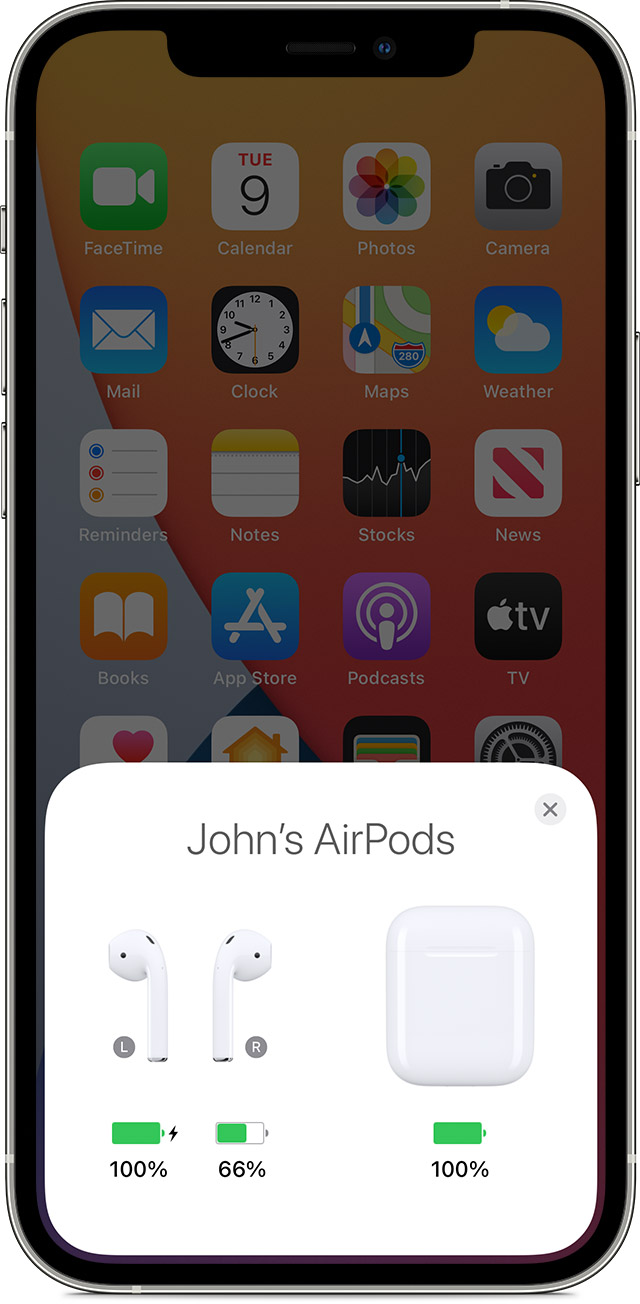
4. Check the charge status on your iPhone or iPad to make sure that each AirPod is charging.
5. Put both AirPods in your ears.
6. Play audio to test both AirPods.
7. If an AirPod still isn't working, reset your AirPods or contact Apple Support.
Following these steps can help and is outlined in this article: If your left or right AirPod isn't working - Apple Support
Kind regards.
Hello Er-,
Thank you for reaching out in Apple Support Communities. There are steps available that can help with the left AirPod not producing any sound. We recommend to perform these steps:
If there's no sound in one AirPod
1. Make sure that your charging case is fully charged.
2. Place both AirPods in your charging case and let them charge for 30 seconds.
3. Open the charging case near your iPhone or iPad.
4. Check the charge status on your iPhone or iPad to make sure that each AirPod is charging
5. Put both AirPods in your ears.
6. Play audio to test both AirPods.
7. If an AirPod still isn't working, reset your AirPods or contact Apple Support.
Following these steps can help and is outlined in this article: If your left or right AirPod isn't working - Apple Support
Kind regards.
I don’t seem to be getting left bud to connect! No sound! What should I do?