Hello nba226,
This page can assist with providing some helpful information regarding getting a verification code to sign in with two-factor authentication: Get a verification code and sign in with two-factor authentication - Apple Support
If you're in possession of a trusted device that the Apple ID is signed in on you may use Settings/System Settings on that device to generate a code. The steps below will be for iOS but the page will have it for macOS as well:
"If your device is online:
- Go to Settings > [your name].
- Tap Password & Security > Get Verification Code.
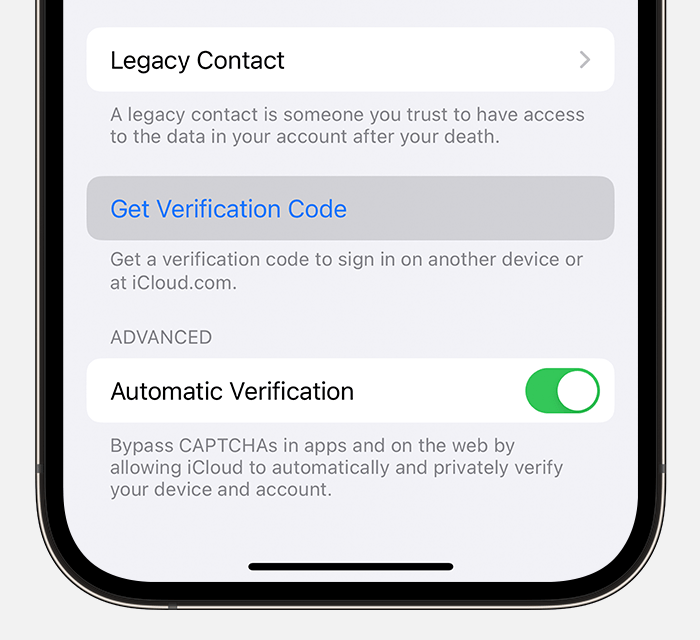
If your device is offline:
- Go to Settings > [your name].
- Tap Password & Security.
- A message says "Account Details Unavailable." Tap Get Verification Code."
This page will have a good deal of further information on two-factor authentication, including details on trusted numbers/devices: Two-factor authentication for Apple ID - Apple Support
Cheers.


