Using one computer with one itunes, on 2 separate ipads
I have one desktop computer with itunes installed. I have used it with various ipods and iPads over the years … all using my one Apple ID. My itunes music library is a combination of purchased music from itunes (most of which I converted to mp3’s using itunes so I could put them onto a USB drive to use in my car) and mp3’s taken from old CD’s. So basically I have a backup folder on my computer with converted purchased songs and songs ripped from my CD’s.
I am in charge of music for our dance class and I want to get another ipad mini to play our practice music from. I want to set up the 2nd ipad with a 2nd Apple ID just to keep things separate.
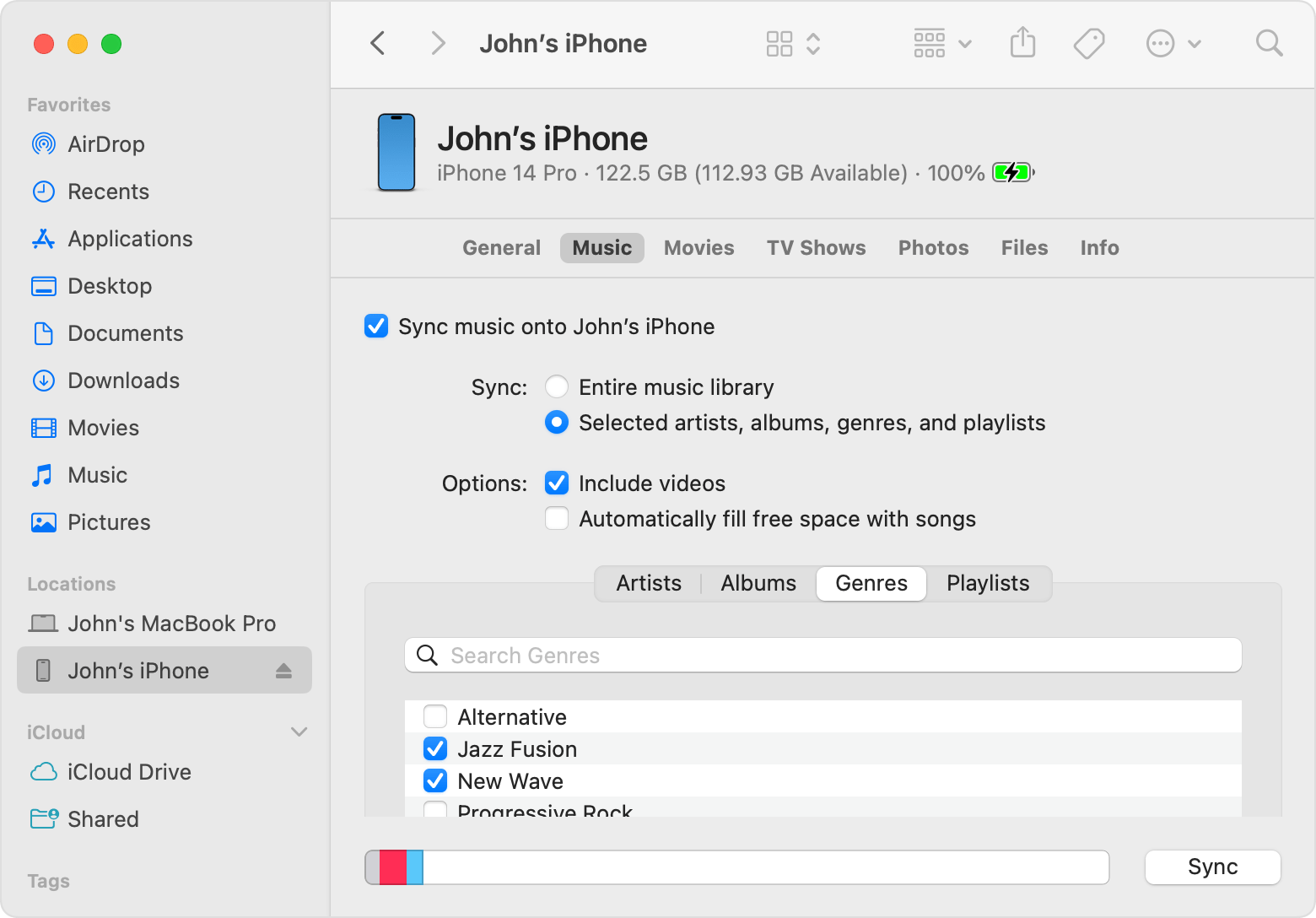
Can I use itunes to put my songs onto that 2nd ipad … since it will be under a different Apple ID than my original ID? Is itunes going to let me put my music on that 2nd ipad?
And do I use the same name to set up the 2nd ipad? Or something like My Name #2
I do not want the 2nd ipad to be a clone of my original ipad. I just want the 2nd ipad to be able to play selected songs that I have in my itunes library.
This all sounds confusing, but I hope to get an answer. Thanks in advance for any help.
iPad mini 5, iPadOS 16